




Administrative Resumes
9+ General Office Clerk Resume Examples & Tips for 2026
Customize any of these resumes in minutes using our free AI-powered resume builder.
“Rezi is super upfront and continues to improve over time. I've recommended Rezi to several of my friends and colleagues. I just love this product so much.”

Ricky M.
Software Engineer

“Rezi is super upfront and continues to improve over time. I've recommended Rezi to several of my friends and colleagues. I just love this product so much.”
Ricky M.
Software Engineer
Helping users land jobs at 1,000+ companies such as














Here's the thing most general office clerk resumes get wrong: they read like a laundry list of random tasks. "Answered phones. Filed documents. Made copies." That tells a hiring manager nothing about how well you actually kept an office running smoothly.
A strong general office clerk resume needs to show you're the person who keeps things organized, catches mistakes before they become problems, and makes sure the day-to-day operations don't fall apart. You're the backbone of the office — your resume should prove it.
And this is exactly what you'll learn from this article. Inside, you'll find:
- Examples of 9+ general office clerk resumes, covering different specializations and experience levels.
- Insider tips about what really matters to employers hiring for office clerk positions.
- A step-by-step guide for putting together a general office clerk resume that actually gets callbacks.
Sample General Office Clerk Resumes
Take a look at some top-notch sample resumes for general office clerks across different specializations and experience levels. Find one that matches your profile and use it as a reference point (or feel free to steal it, just make sure to adjust the wording to reflect your own experience).
Junior Office Clerk
A Junior Office Clerk resume should emphasize your eagerness to learn, basic computer proficiency, and any relevant coursework or internships. Highlight your organizational skills, attention to detail, and ability to follow instructions accurately. If you've held part-time jobs, volunteer roles, or school positions involving administrative tasks, feature those prominently. Show that you're reliable, punctual, and ready to grow into more responsibility.
Mid-Level Office Clerk
For a Mid-Level Office Clerk resume, showcase two to five years of hands-on clerical experience, demonstrating growing responsibilities. Highlight your proficiency with office software, your ability to handle multiple tasks simultaneously, and any process improvements you've contributed to. Quantify your work where possible — mention the volume of records managed, documents processed daily, or how you reduced filing errors. Show you can work independently with minimal supervision.
Senior Office Clerk
A Senior Office Clerk resume should demonstrate extensive experience managing complex office operations and mentoring junior staff. Emphasize your expertise in office procedures, your role in training new employees, and any supervisory responsibilities you've held. Highlight process improvements you've implemented, such as streamlining filing systems or improving data entry accuracy rates. Show your ability to handle sensitive information and coordinate across multiple departments.
Administrative Office Clerk
An Administrative Office Clerk resume should focus on your experience supporting management and handling administrative workflows. Highlight skills in scheduling, correspondence, report preparation, and office supply management. Show your proficiency with office suites and database software. Emphasize your ability to prioritize tasks, manage calendars, and coordinate meetings effectively. Any experience handling confidential documents or assisting with budgeting adds significant value.
Office Administrative Clerk
For an Office Administrative Clerk resume, emphasize your dual strengths in both general clerical duties and administrative support functions. Highlight experience with data entry, record keeping, and correspondence alongside tasks like travel arrangements, expense reporting, and vendor coordination. Show that you can seamlessly switch between routine clerical work and more complex administrative projects. Proficiency in multiple software platforms is a strong selling point here.
General Administrative Clerk
A General Administrative Clerk resume should showcase your versatility in handling a wide range of office tasks. Highlight your experience across filing, data management, customer inquiries, mail distribution, and basic bookkeeping. Emphasize your adaptability and willingness to take on whatever the office needs. Show strong organizational skills and your ability to maintain accurate records. Any experience working across departments or supporting multiple supervisors strengthens your profile considerably.
Office Support Clerk
For an Office Support Clerk resume, focus on your role in keeping office operations running without interruption. Highlight experience with equipment maintenance coordination, supply ordering, document reproduction, and internal communications. Show that you're the go-to person when something needs to get done quickly and correctly. Emphasize reliability, problem-solving in day-to-day situations, and your ability to support staff across various departments efficiently.
Front Office Clerk
A Front Office Clerk resume should highlight your customer-facing skills alongside your clerical abilities. Emphasize your experience greeting visitors, managing phone systems, handling incoming and outgoing mail, and maintaining a professional reception area. Strong communication skills and a friendly demeanor are essential to convey. Show your ability to multitask under pressure while maintaining a welcoming first impression for clients, vendors, and guests.
Office Services Clerk
An Office Services Clerk resume should emphasize your experience managing the physical and logistical needs of an office environment. Highlight skills in mailroom operations, document scanning and archiving, conference room coordination, and facility-related requests. Show your ability to manage inventory, coordinate with building management, and ensure office spaces are well-maintained and functional. Reliability and a strong service-oriented mindset are key qualities to feature.
How to Write a General Office Clerk Resume
Short answer:
Focus on your organizational skills, attention to detail, and the specific tools and systems you've used to keep offices running efficiently. Create a professional header with your name and contact details. Right below, write a 2–3 sentence resume summary outlining your strongest qualifications. Describe your work history in reverse-chronological order, focusing on the volume and variety of tasks handled and any measurable improvements you made. Then, cover your education, list key skills, and add extra sections such as certifications, volunteer work, or software proficiencies.
Include all the necessary sections in the correct order
Here's the correct order of sections for most general office clerk resumes:
- Header with contact information
- Resume summary or objective
- Work experience
- Education
- Skills
- Certifications (if applicable)
Depending on your current career situation, you can also throw in some additional sections. For instance:
- Volunteer experience (great if you're short on paid work history)
- Software proficiencies (especially if you know niche office systems)
- Languages (a real asset in diverse workplaces)
- Professional development or training
Include everything that shows you're capable of doing what the job requires. Make every section count. If it doesn't clearly highlight your skills, it doesn't belong on your resume.
If you have less than five years of relevant experience, keep your resume 1-page long. For more experienced office clerks, a two-page resume is acceptable — but only if every line adds value.
More details here: What Sections to Include on Your Resume?
Now, I'll give you a high-level overview of how to write each section, going from top to bottom. Well… almost. The only exception is the resume summary section. While it comes right after your contact info, it's actually easier to write it last. More on that in a sec.
Create a professional resume header
- Start with your name and contact information. Include the basics: your full name, phone number, professional email address, and location. A LinkedIn profile is optional but can help, especially if you have recommendations from previous supervisors.
- Right below your name, clearly state your professional title (e.g., General Office Clerk or Administrative Office Clerk). This immediately tells the recruiter what role you're targeting.
For more information, see: How to Create a Resume Header
Describe your work history
- Use reverse-chronological order. List your positions starting with the current or most recent one.
- In each entry, include your job title, company name, location, and dates of employment.
- Below each position, write 3–6 bullet points — the more recent the position, the more bullet points you should include. Describe your responsibilities and, more importantly, your accomplishments.
- Use action verbs and quantify your achievements (e.g., "Processed an average of 150 documents daily with a 99.5% accuracy rate" or "Reduced office supply costs by 20% by negotiating vendor contracts and tracking inventory").
- If you used specific office systems or software in your roles, weave these details into your descriptions. This will also help you pass ATS scans.
Learn more about the best practices of this section with our detailed guide on how to describe your work experience on a resume.
List your degrees and detail professional learning
- In the education section, list your highest degree first, including the degree type, major, and institution.
- If you have some relevant work experience, include only the name of your school and the degree you got. If you're an entry-level candidate, you can add more detail to your education section — list relevant coursework (e.g., business communications, office administration), extracurricular activities, and academic achievements.
- If you have office-related certifications (e.g., Microsoft Office Specialist, Certified Administrative Professional), either include them in an "Education and Certifications" section, or create a separate "Certifications" section and place it right below.
For an in-depth guide on how to describe your education on a resume, see: How to List Education on a Resume
List your most relevant skills in the skills section
- Include a mix of technical skills (e.g., office software, data entry, filing systems) and practical abilities (e.g., phone etiquette, mail handling) that you are proficient in.
- Add in some soft skills such as organization, attention to detail, and communication. These demonstrate your capacity to keep an office running smoothly day after day.
- You can use two separate subsections, one for hard skills, one for soft skills, or just list all the skills under one heading.
- Match your skills to the description of the job you're applying for. Don't just dump every skill you can think of — highlight the areas where your abilities genuinely overlap with what the employer is asking for.
Need some inspiration to get started? Here are some good skills to feature on your general office clerk resume.
Software and technical skills for office clerk resumes:
- Microsoft Word
- Microsoft Excel
- Microsoft Outlook
- Google Workspace (Docs, Sheets, Gmail)
- Data Entry
- QuickBooks or basic bookkeeping software
- Filing and records management systems
- Multi-line phone systems
- Copier/scanner/fax operation
- Database management (e.g., Access, CRM systems)
Administrative and clerical skills:
- Document preparation and formatting
- Mail sorting and distribution
- Scheduling and calendar management
- Inventory and supply management
- Record keeping and filing
- Travel arrangements
- Invoice processing
- Report generation
- Typing speed (mention WPM if strong)
- Basic accounting and bookkeeping
Key soft skills for office clerks:
- Attention to detail
- Organization
- Time management
- Communication (written and verbal)
- Multitasking
- Reliability and punctuality
- Adaptability
- Customer service orientation
- Discretion and confidentiality
- Teamwork
For a full-blown guide on listing skills on a resume, visit: How to Put Skills on a Resume
Use additional sections as further proof of your fit
Additional sections add depth to your resume and back up your claimed expertise. Good examples of extra sections to add to a general office clerk resume are:
- Certifications. Credentials like Microsoft Office Specialist (MOS), Certified Administrative Professional (CAP), or even a typing certification can set you apart from other candidates.
- Volunteer experience. If you've handled administrative tasks for a nonprofit, community group, or school, this is relevant experience worth highlighting — especially if your paid work history is thin.
- Languages. In many offices, bilingual or multilingual skills are a genuine asset. If you speak additional languages, list them along with your proficiency level.
- Professional development. Courses in office administration, customer service, or specific software tools show you're invested in improving your skills.
Highlight the most relevant information in a resume summary
Once you're done writing your office clerk resume, give it a full read. Pick the most relevant information and compile it into a summary paragraph. Place it right under the resume header.
- Be brief and to-the-point. In 2–3 sentences, sum up your experience level, core strengths, and what you bring to the table. Consider this your chance to answer, "Why should you hire me?" Tailor this section to match the employer's needs outlined in the job description.
- Use value-oriented language. Focus on how you can add value to the potential employer — mention your track record of accuracy, reliability, or the volume of work you're used to handling.
Once you've completed the core sections of your resume, you can use Rezi AI Resume Summary Generator to automatically create a powerful summary, tailored to the job you're applying for. All you need to do is add the position and skills you want to highlight. The AI writer will do the rest.
More information here: How to Write a Job-Winning Resume Summary (with Examples)
For finishing touches, make sure your resume looks professional
- Use a clean and tidy resume format. Ensure your office clerk resume is easily readable, with a professional font, consistent formatting, and clear section headings. Avoid overloading it with dense text or fancy design elements that could distract from the content and confuse resume screening software.
- Aim for a balance between detail and conciseness. For most general office clerk roles, a one-page resume is ideal. Only go to two pages if you have extensive, relevant experience that genuinely adds value.
Learn more about proper resume formatting here: How to Format a Resume & What Standard Resume Format to Use
What Makes General Office Clerk Resumes Different
In short: the emphasis on reliability, accuracy, and the sheer range of tasks you can handle.
Office clerk resumes are unique because hiring managers aren't looking for one standout accomplishment — they want proof you can consistently manage a dozen different responsibilities without dropping the ball. Here's how to make that case effectively.
Focus on volume and accuracy, not just duties
Anyone can say they "filed documents" or "entered data." What sets you apart is showing how much you handled and how well you did it. Office clerks process high volumes of repetitive work, and employers need to know you can keep up without sacrificing quality.
What it means for you:
- Quantify your work whenever possible. Instead of "Performed data entry," write "Entered 200+ records daily into the company database, maintaining a 99.7% accuracy rate." Numbers make your claims concrete.
- Mention error rates, turnaround times, or volume metrics. Even small numbers are better than no numbers at all.
Focus on versatility
Unlike specialized roles, general office clerks are expected to wear many hats. Your resume needs to show you're not a one-trick pony — you can answer phones, manage files, handle mail, greet visitors, and support multiple staff members, all in the same day.
What it means for you:
- Show breadth in your bullet points. Cover different types of tasks you performed rather than listing five variations of the same duty.
- If you've supported multiple departments or supervisors simultaneously, say so. It demonstrates your ability to juggle competing priorities.
Focus on the tools and systems you know
Office clerks live and breathe in specific software environments. Hiring managers want to know you can hit the ground running without extensive training on the tools they already use.
What this means for you:
- Name the specific software you've used — Microsoft Office, Google Workspace, QuickBooks, specific CRM or ERP systems, phone systems, etc. Don't just say "proficient in office software."
- If you've learned a new system quickly at a previous job, mention it. Rapid software adoption is a valuable trait for office clerks who may encounter different tools at every workplace.
Focus on being the person who keeps things running
General office clerks often don't get the spotlight, but offices fall apart without them. Your resume should communicate that you're dependable, proactive, and the kind of person who notices when the printer is low on toner before anyone else does.
What this means for you:
- Highlight instances where you improved a process, caught an error, or took initiative without being asked. These stories show you're more than someone who follows instructions — you actively make things better.
- If you've been entrusted with sensitive tasks like handling confidential records, managing petty cash, or onboarding new hires, make sure these responsibilities are visible on your resume. They signal trustworthiness and a higher level of responsibility.
Bonus Resources for General Office Clerks
This isn't going to be a game-changer if you need a resume today. But —
I want you to treat your career holistically. These resources will help you sharpen your office skills, earn credentials that boost your resume, and stay current with how modern offices operate.
Professional associations and networks
International Association of Administrative Professionals (IAAP)
IAAP is one of the most recognized organizations for administrative and office professionals. They offer certifications like the Certified Administrative Professional (CAP), networking events, webinars, and professional development resources that can help you advance your career.
American Society of Association Executives (ASAE)
While broader in scope, ASAE provides resources for professionals working in office and administrative capacities within association environments, including training, career resources, and networking opportunities.
Online learning platforms
Coursera & edX
Both platforms offer courses in office administration, business communication, and software skills like Excel and Google Workspace. Many are free to audit and come from reputable universities, giving you affordable ways to build your skill set.
LinkedIn Learning
LinkedIn Learning has hundreds of courses specifically relevant to office clerks — from mastering Excel formulas to improving your business writing and customer service skills. Completing courses also adds credentials to your LinkedIn profile.
GCFGlobal (Goodwill Community Foundation)
A completely free resource offering tutorials on computer basics, Microsoft Office, Google tools, and general workplace skills. It's an excellent starting point if you're building foundational office skills or switching careers.
Certifications worth pursuing
Microsoft Office Specialist (MOS)
This certification validates your proficiency in Microsoft Office applications like Word, Excel, PowerPoint, and Outlook. It's one of the most recognized credentials for office professionals and can give your resume a real competitive edge.
Certified Administrative Professional (CAP)
Offered by IAAP, the CAP credential is widely respected in the administrative field. It covers organizational communication, business writing, office and records management, and more — all directly applicable to office clerk roles.
Tools and software reviews
Capterra & G2
Both websites provide extensive reviews and comparisons of office management software, document management systems, and productivity tools. Exploring these can help you familiarize yourself with software employers are adopting, even before you start a new role.
Microsoft Support & Training
Microsoft's official support site offers free tutorials, templates, and how-to guides for all Office applications. It's a practical resource for sharpening the software skills you'll use daily as an office clerk.
Summary
Here's what you need to know about writing a general office clerk resume:
- Structure your resume with essential sections in this order: Header, Resume Summary or Objective, Work Experience, Education, Skills, and Certifications. If relevant, add extra sections like Volunteer Experience, Languages, or Professional Development.
- Include a professional header with your name, contact information, and target job title.
- Describe your work history in reverse-chronological order, emphasizing the volume, variety, and accuracy of tasks you handled — with numbers wherever possible.
- In the education section, list your highest degree at the top. Include office-related certifications either here or under a separate heading.
- Highlight a mix of software skills, administrative abilities, and soft skills, tailoring them to the specific job description.
- Show versatility — office clerks are valued for being able to handle many different tasks reliably.
- Name the specific tools and systems you've used. Generic phrases like "computer skills" won't cut it.
- Once done writing the resume, compile the key information into a brief, value-oriented resume summary at the top.
- Keep the formatting clean and professional. For most candidates, one page is the right length.
- Demonstrate that you're the dependable person who keeps the office running smoothly — that's your biggest selling point.
Thanks for reading! Got any questions? Feel free to reach out to me on LinkedIn. (Or check out the FAQs first, maybe your question is answered there.)
FAQ
I don't have any formal office experience. What should I put on my resume?
Look for transferable skills from any job you've held — retail, food service, volunteer work, even school projects. Did you handle cash, organize supplies, manage schedules, or interact with customers? All of these translate to office clerk duties. Highlight your computer skills, your willingness to learn, and any relevant coursework or certifications like Microsoft Office Specialist.
Should I include my typing speed on my resume?
Yes, if it's strong. Many office clerk positions involve significant data entry and document preparation, so a typing speed of 50+ WPM is worth mentioning. You can list it in your skills section (e.g., "Typing Speed: 65 WPM"). If your typing speed is average or below, skip it and focus on other strengths instead.
What keywords should I use on my general office clerk resume?
Use terms commonly found in office clerk job postings: data entry, filing, records management, scheduling, customer service, multi-line phone systems, Microsoft Office, correspondence, mail distribution, office supplies, and document preparation. Mirror the exact language from the job listing when possible to improve your chances with applicant tracking systems.
Is a resume objective or a resume summary better for an office clerk?
If you have relevant experience, go with a resume summary — it highlights what you've already accomplished. If you're just entering the workforce or switching careers, a resume objective works better. It states your goal and what you bring to the table, even without direct office clerk experience. Either way, keep it to 2–3 sentences and tailor it to each job.
How do I make my resume stand out when the work feels routine?
The trick is showing the impact of your routine work. Instead of "Filed documents," write "Maintained an organized filing system for 5,000+ client records, reducing document retrieval time by 30%." Think about what would happen if your tasks weren't done well — and frame your bullet points around preventing those problems.
Should I list every job I've ever had on my office clerk resume?
No. Focus on the most relevant positions — ideally the last 10 years of work history. If you held an earlier position that's particularly relevant to office work, you can include it. But a summer landscaping job from eight years ago isn't adding value. Every entry on your resume should help make the case that you're the right person for this specific role.
I've worked as a temp at multiple offices. How should I list that?
You have two options. If you worked through a staffing agency, you can list the agency as the employer and then describe each assignment as a sub-entry with the client company name and your duties. Alternatively, if one or two assignments were particularly impressive, list them as separate entries. The key is showing the breadth of environments you adapted to — that's actually a selling point for office clerks.
Contents

Resume Formats & Examples
ATS-Friendly resume formats that land jobs
Use a template that guides you. Our ATS-compliant designs are trusted by over 4 million job seekers.
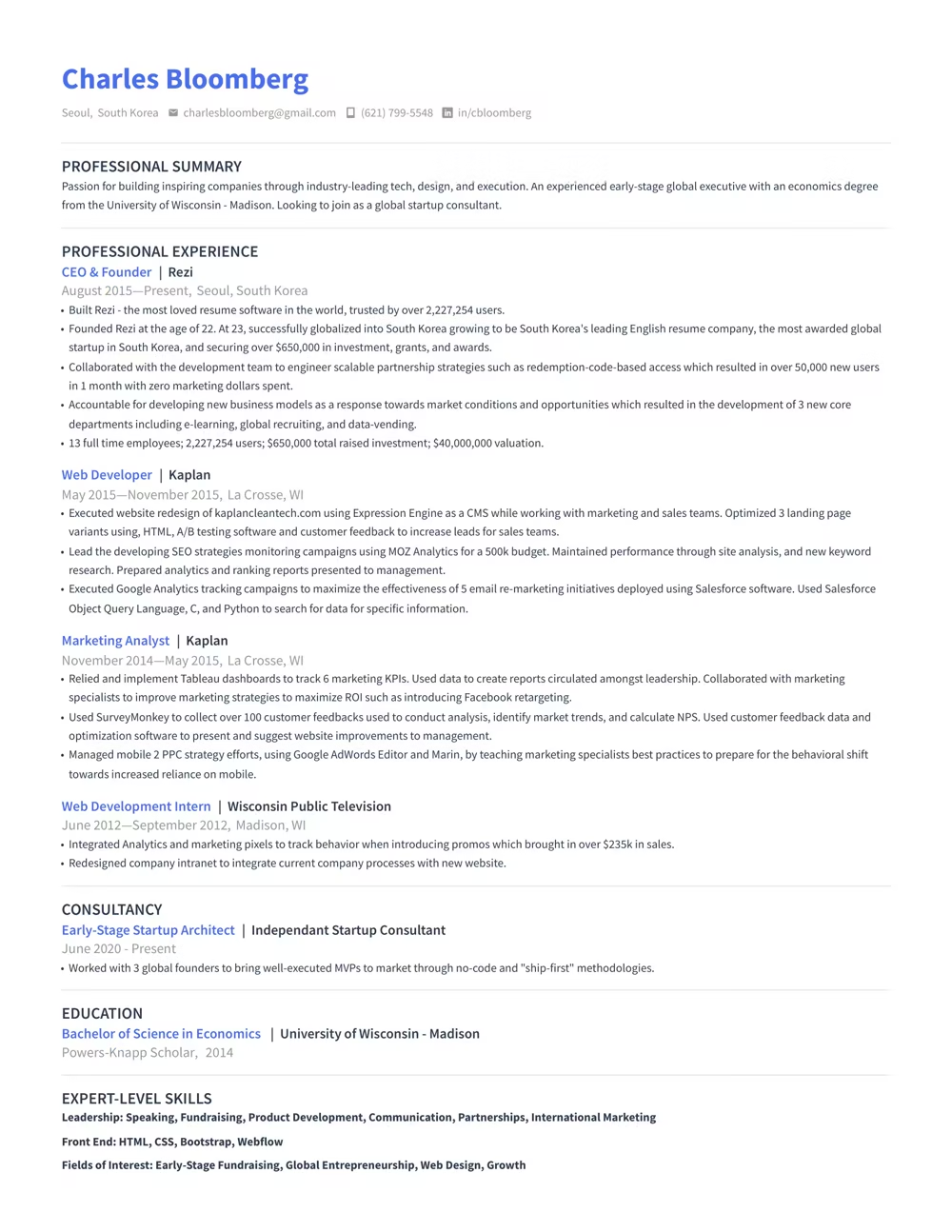


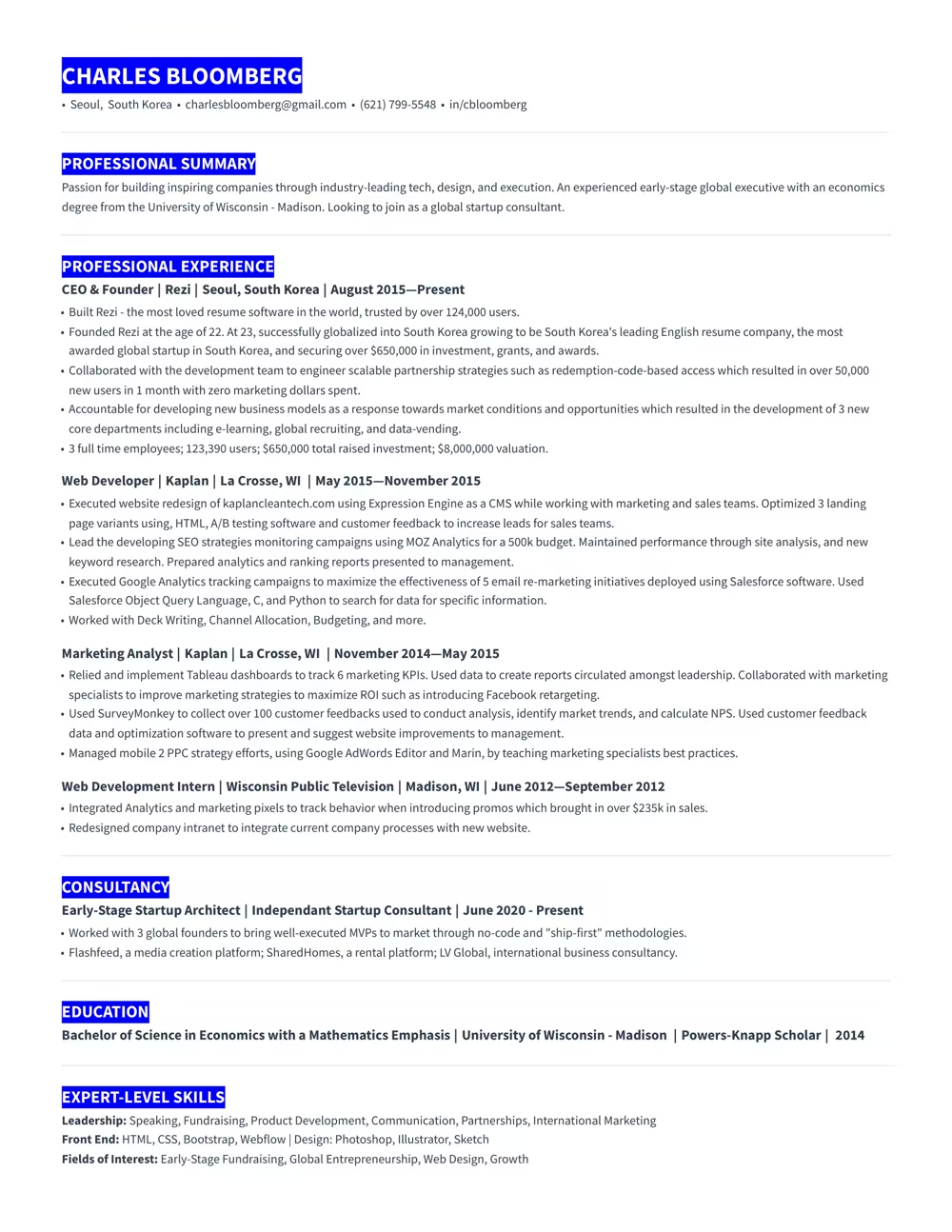
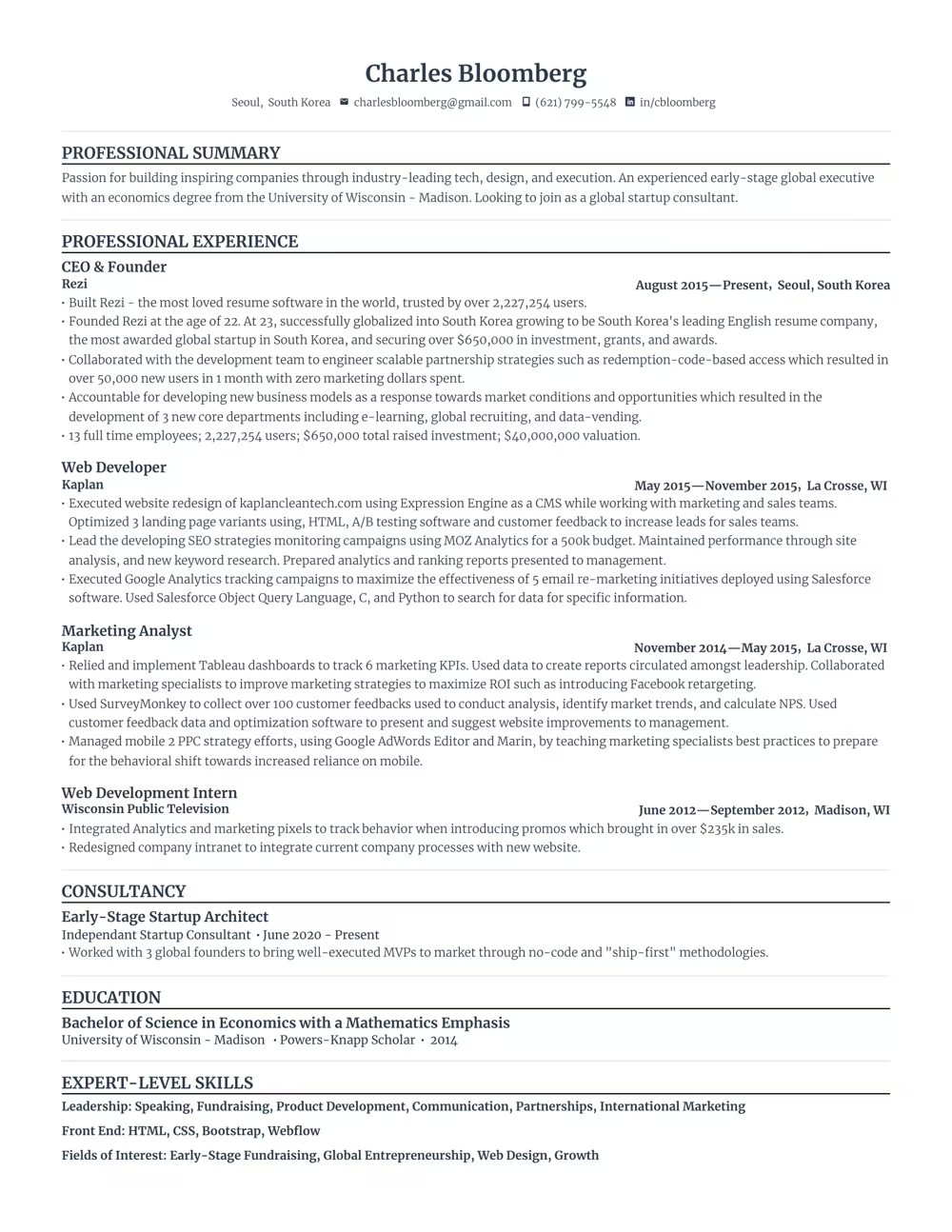

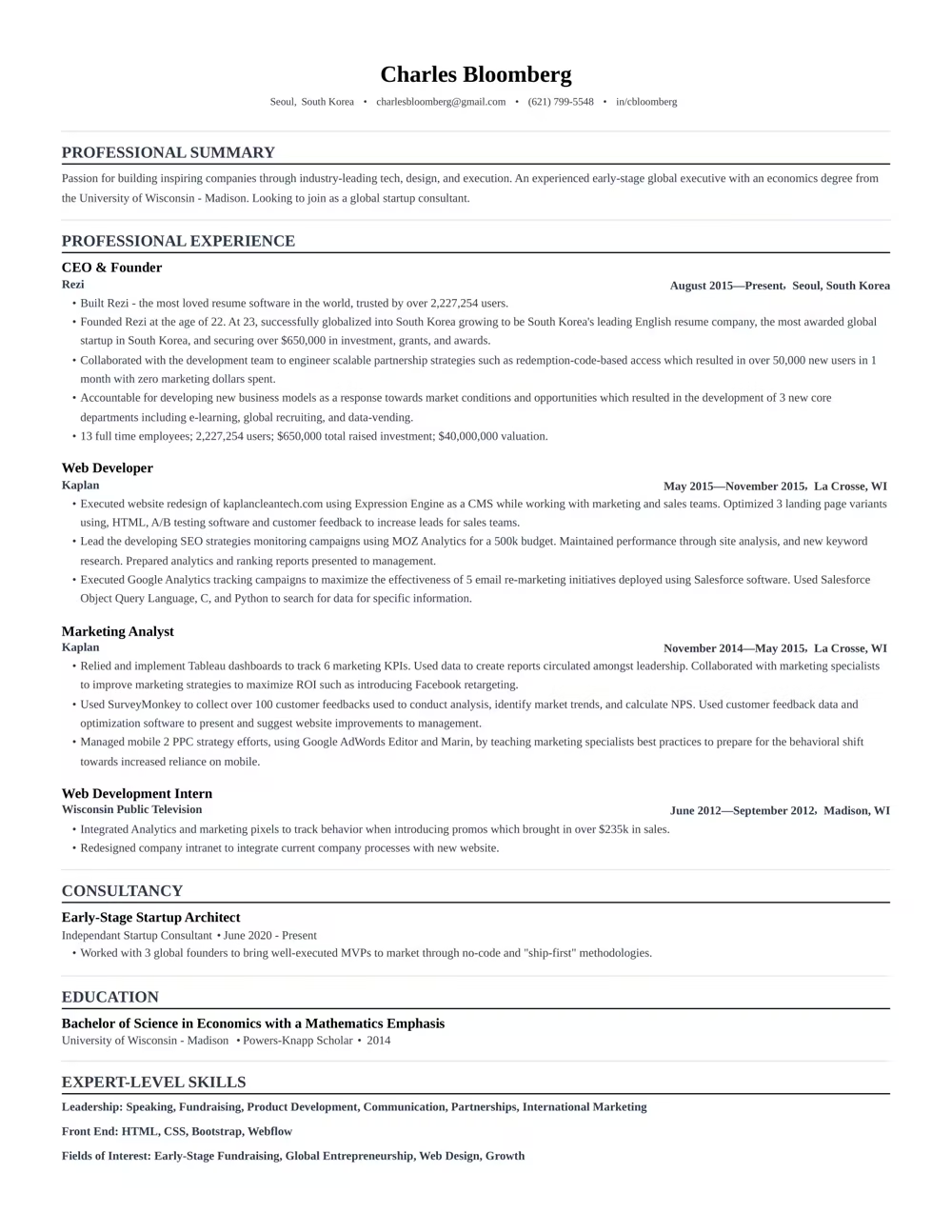
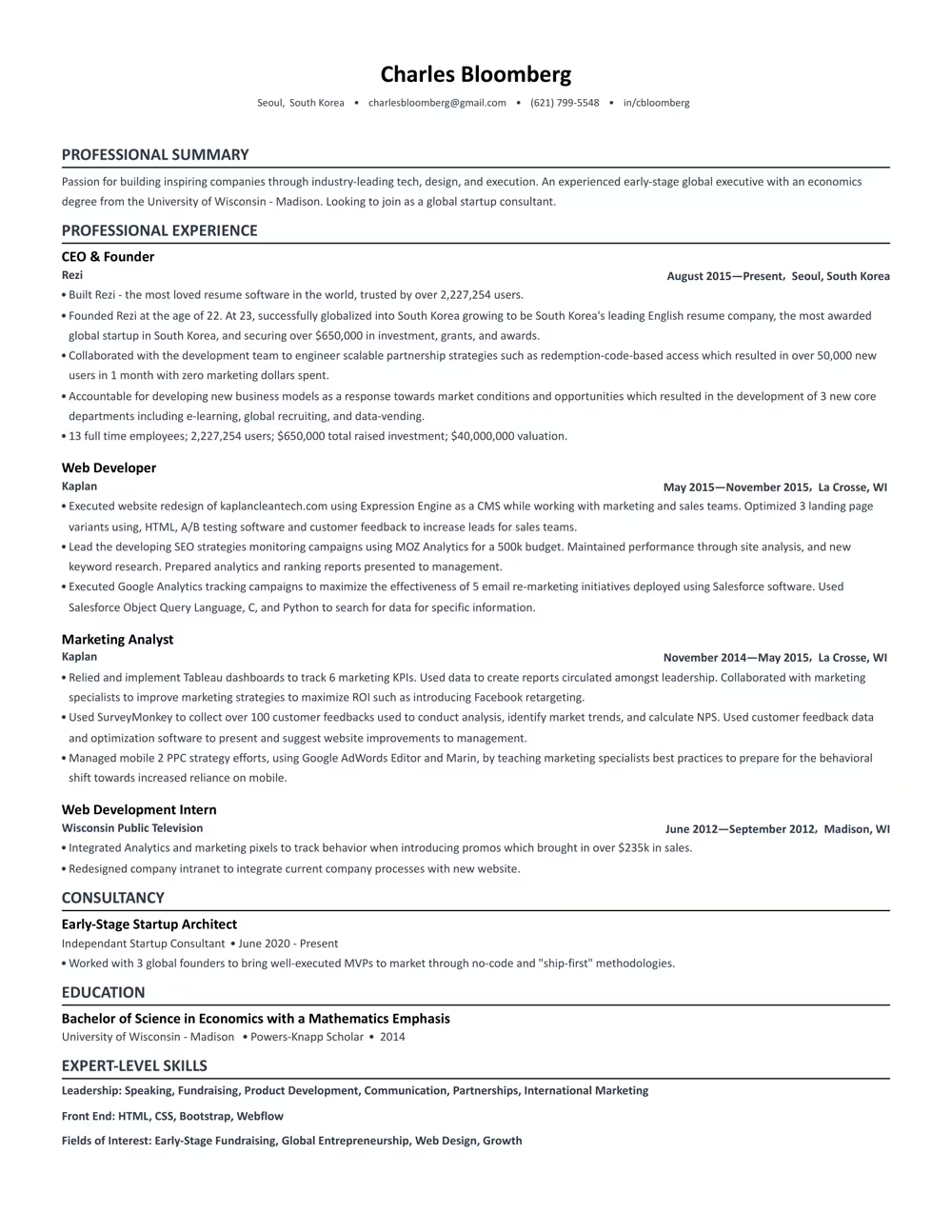
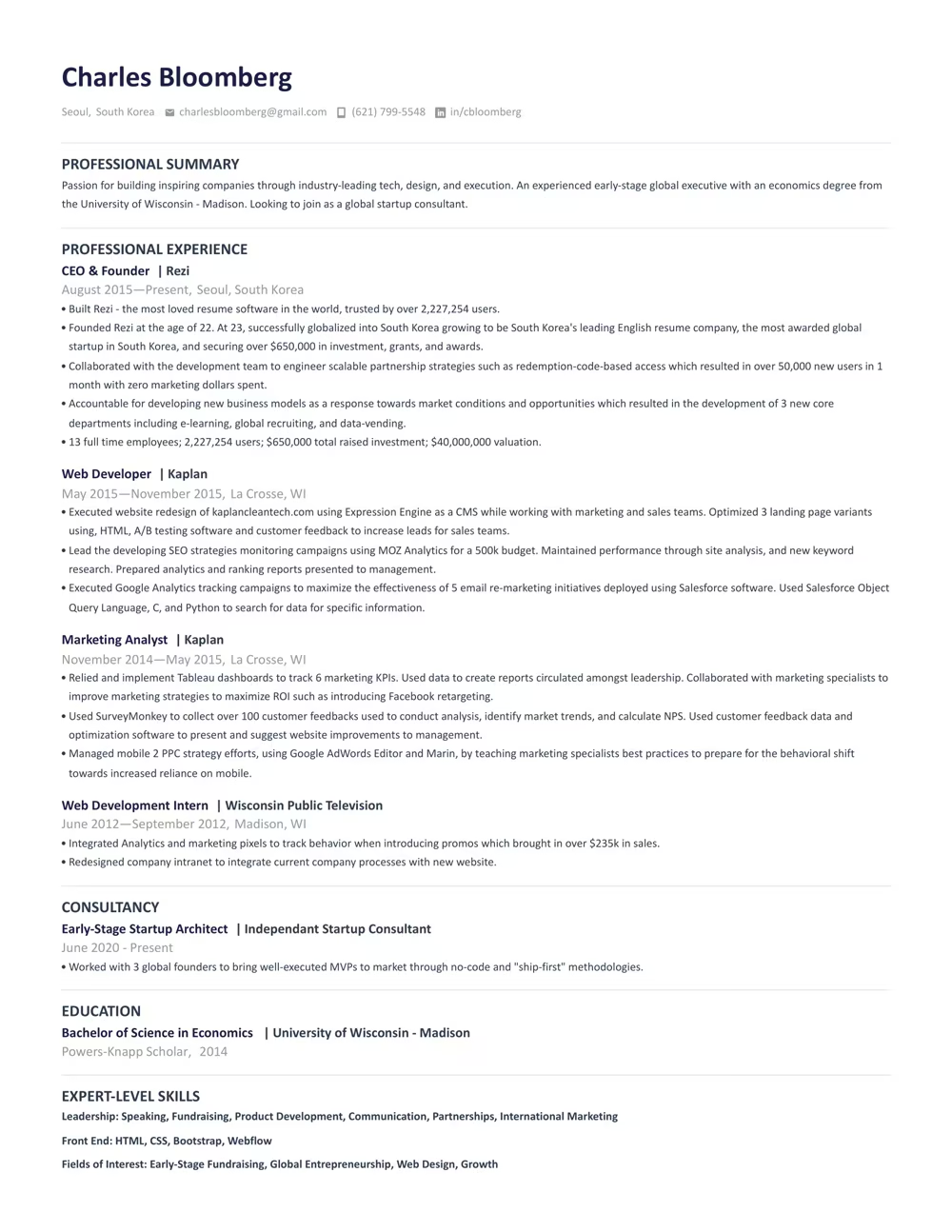
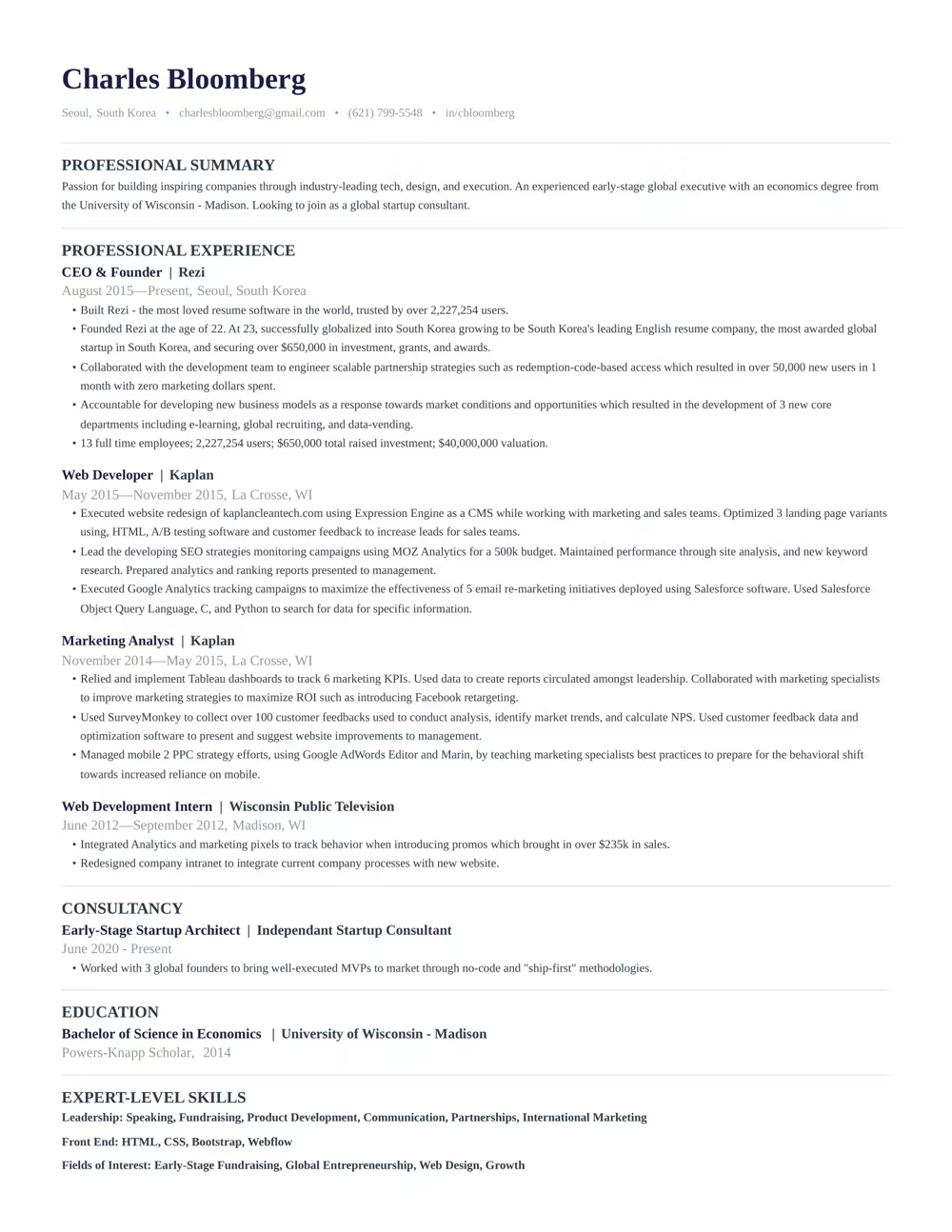
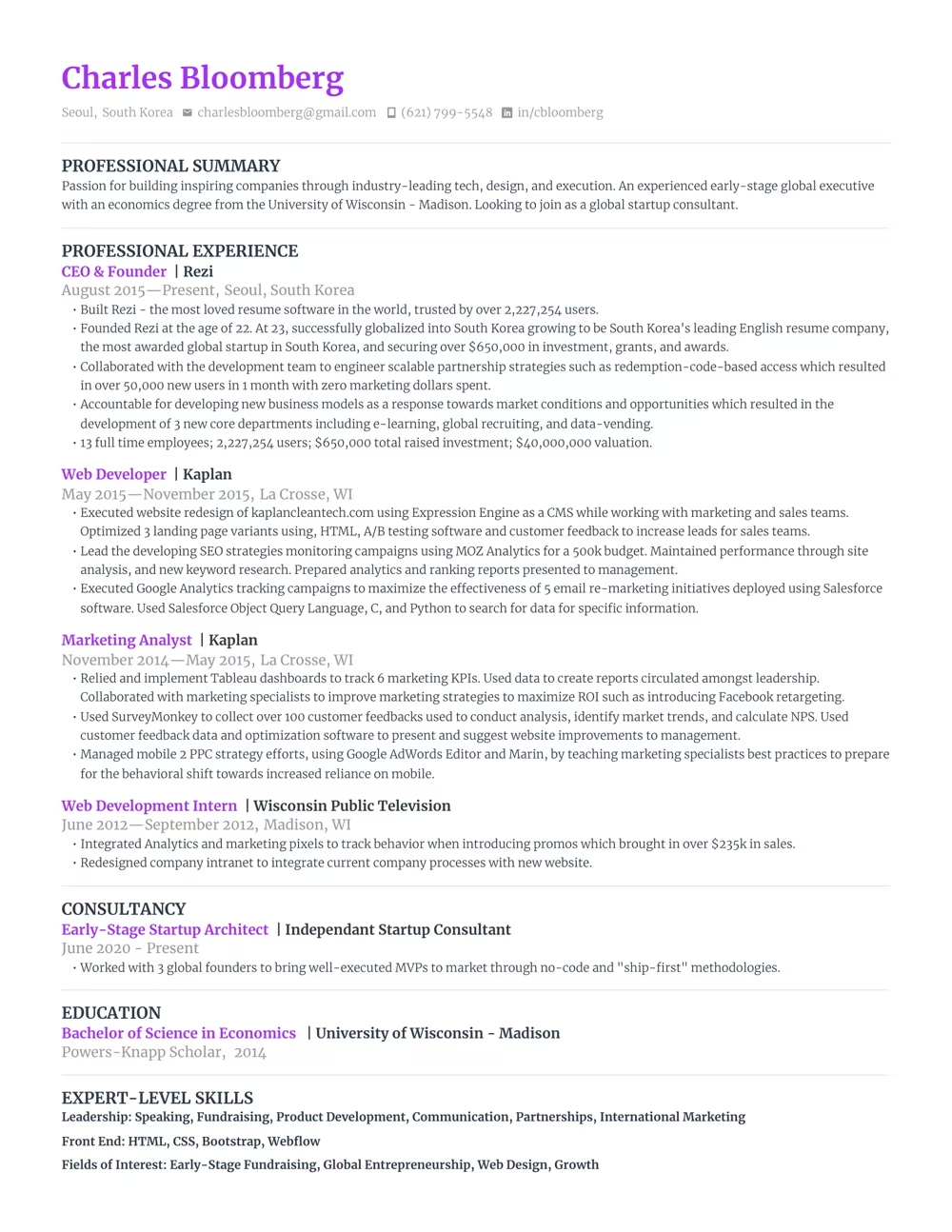
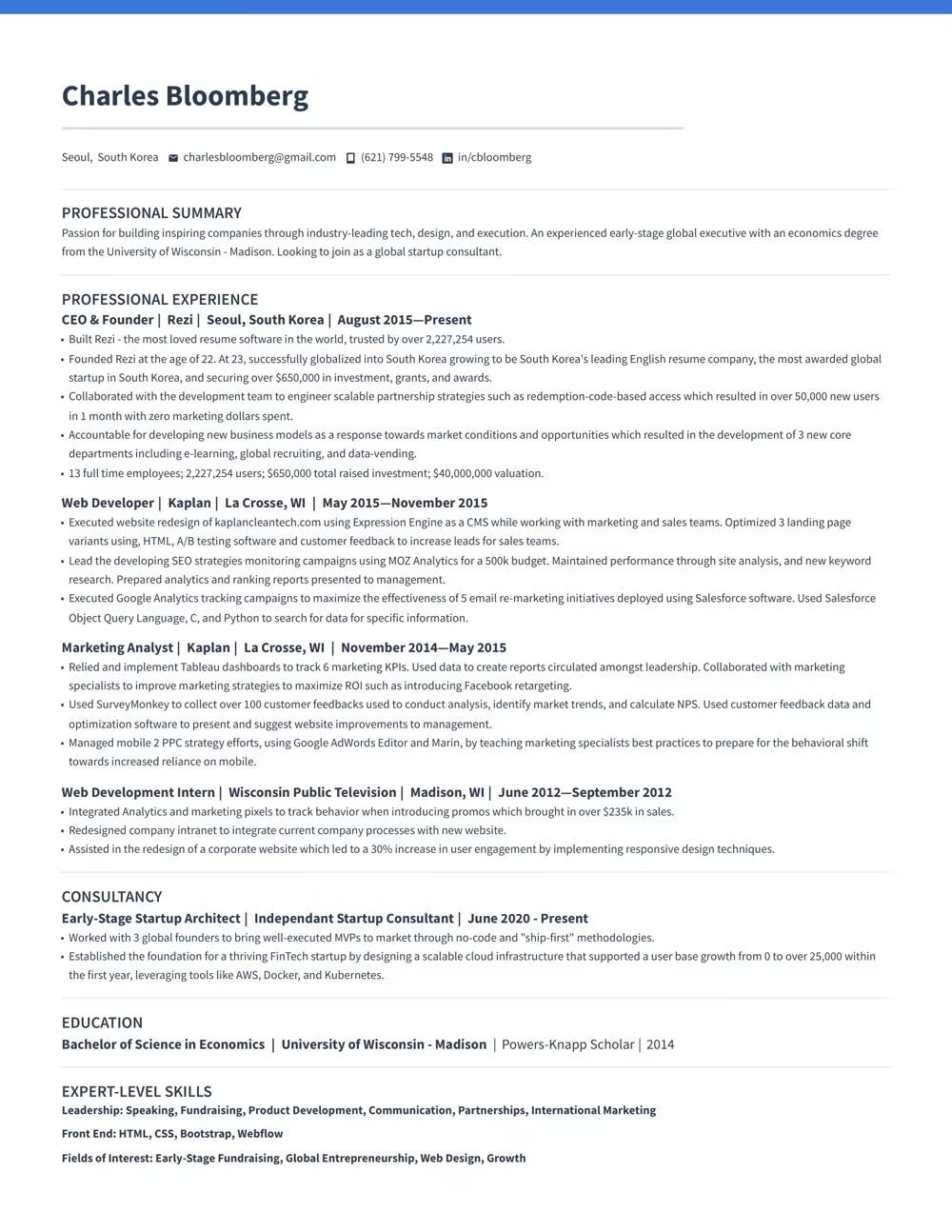
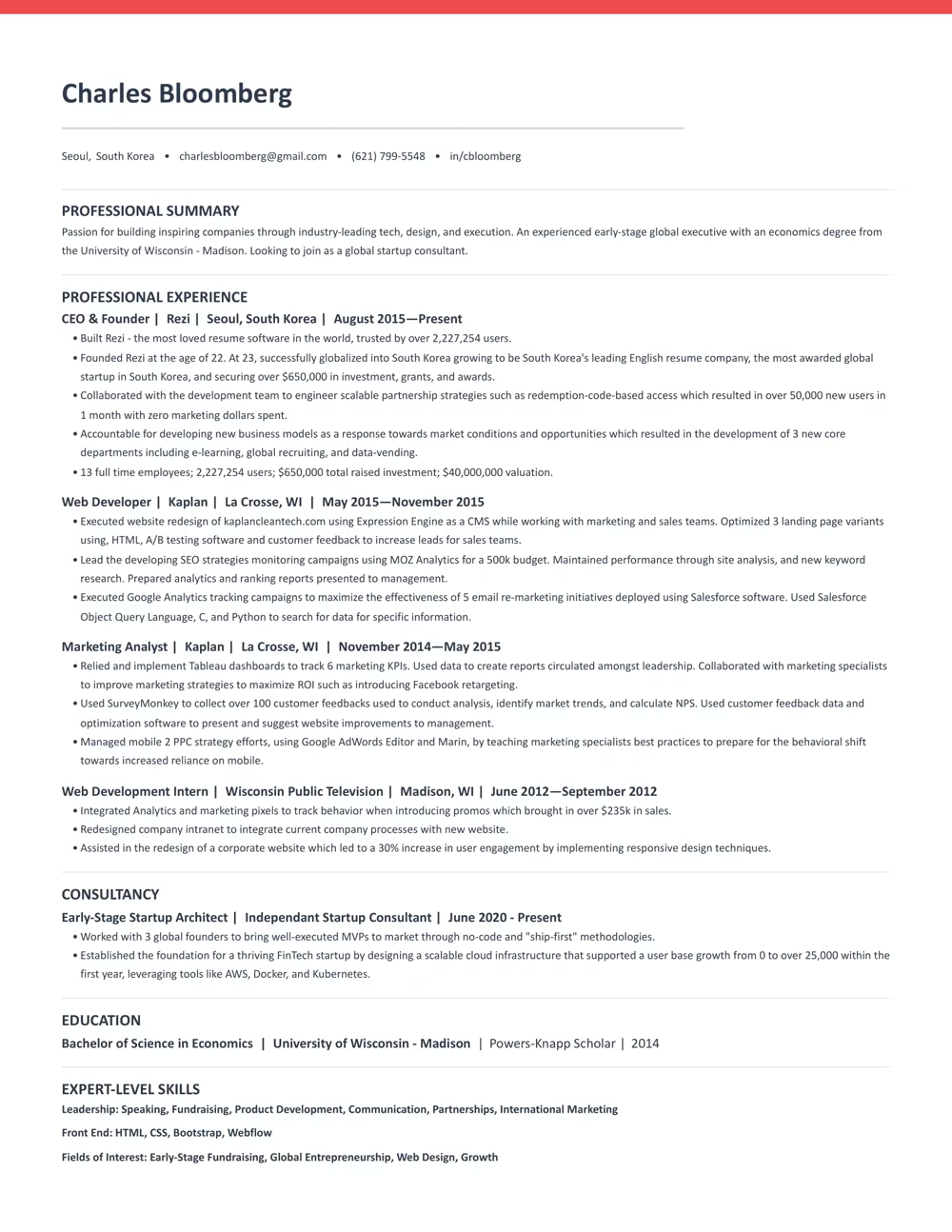

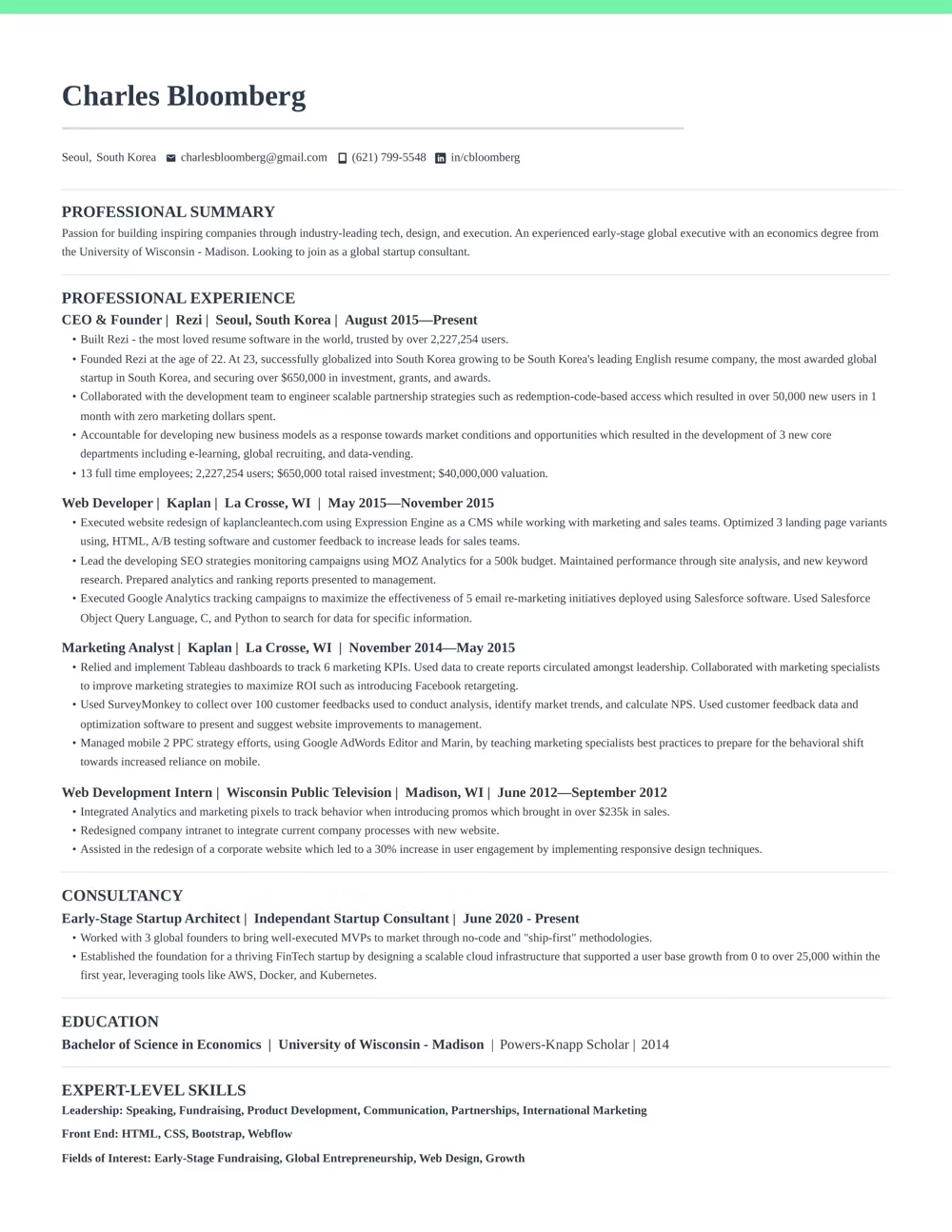
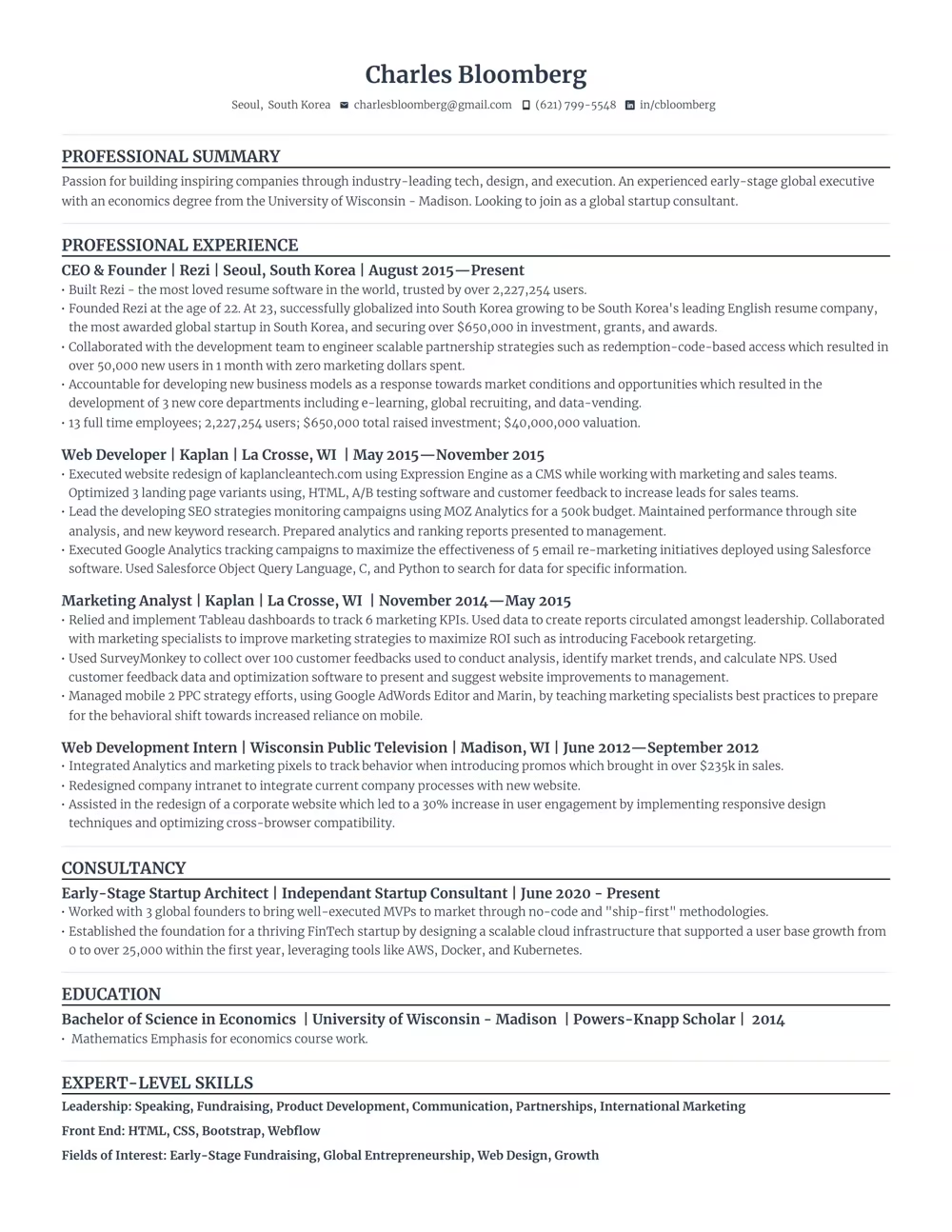
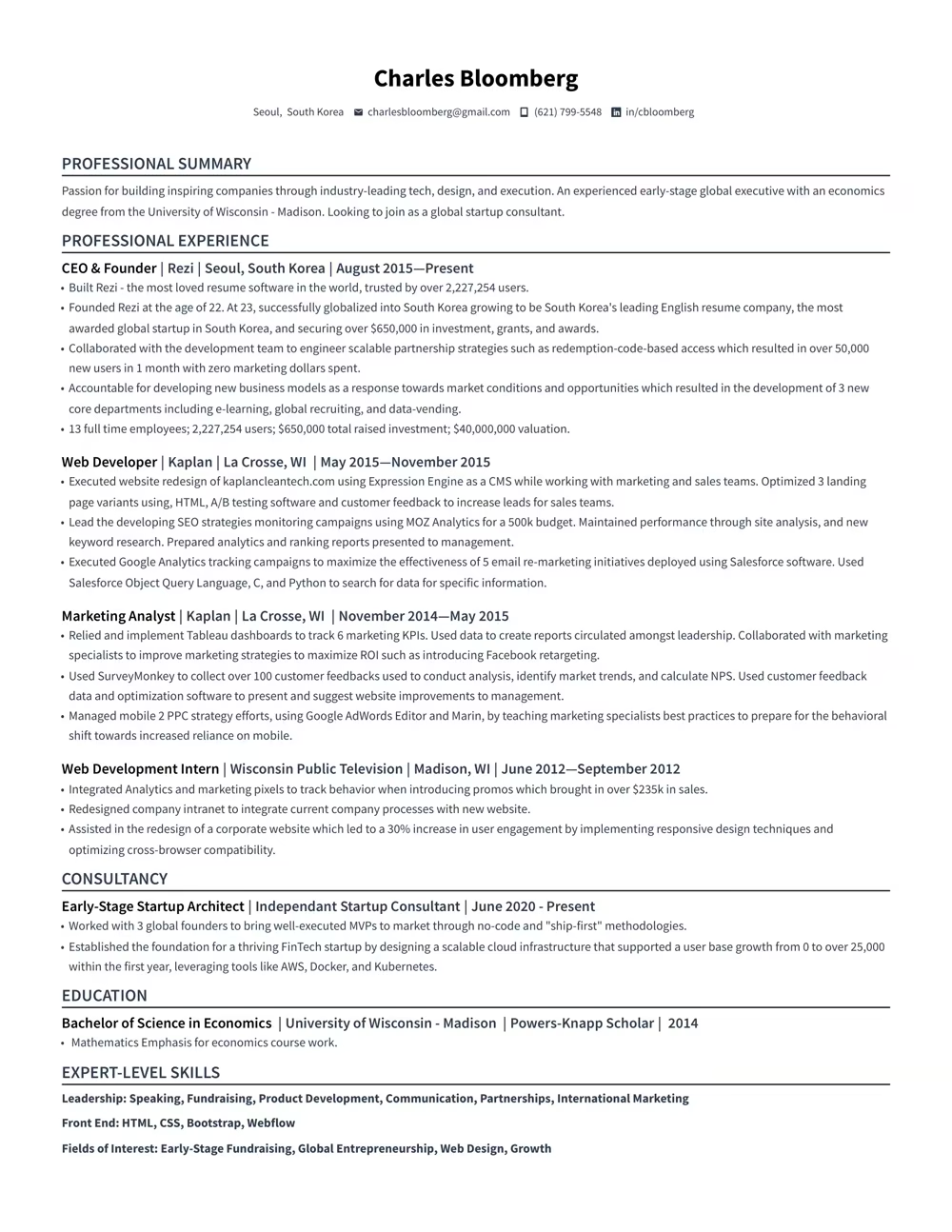
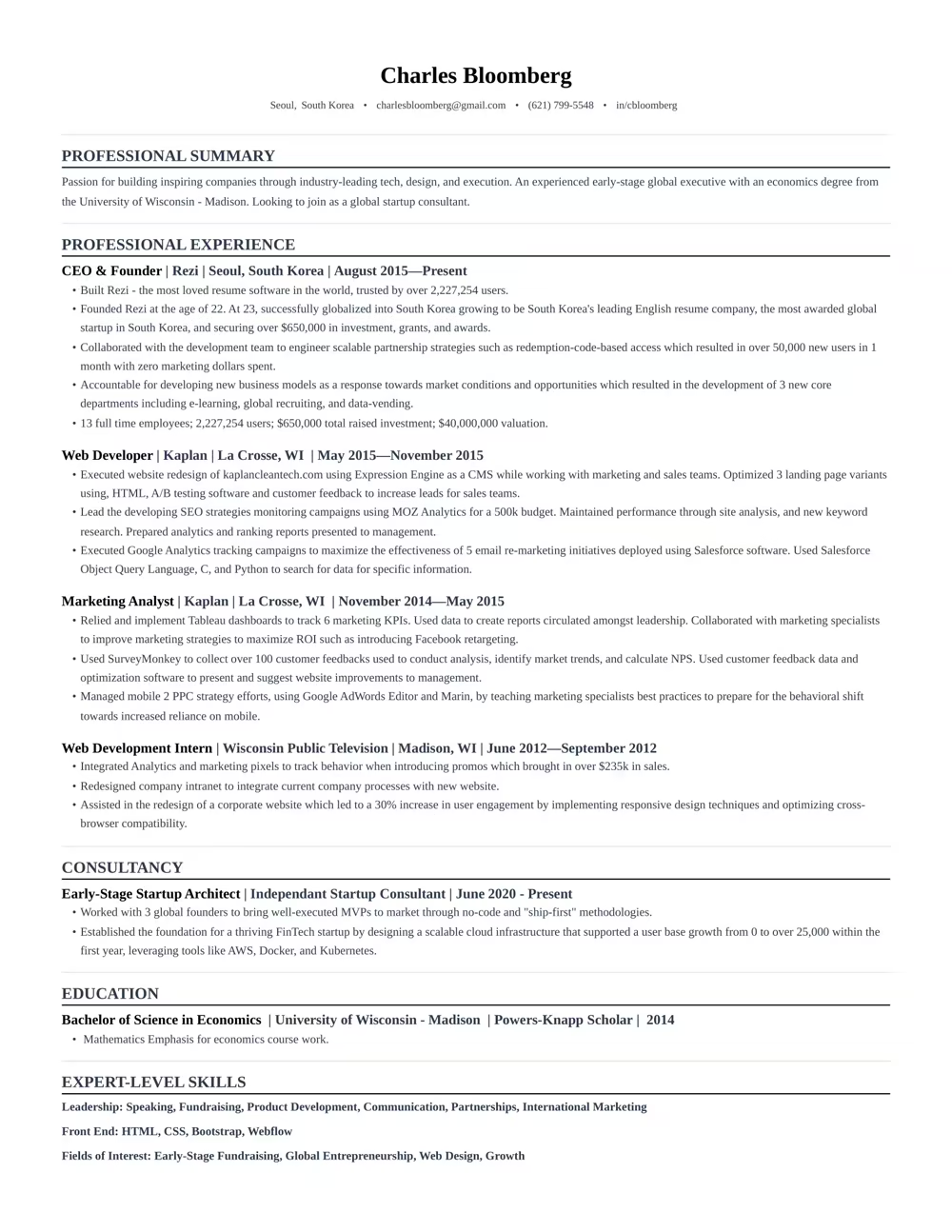
“Rezi is an awesome AI-based resume builder that includes templates to help you design a resume that is sure to check the boxes when it comes to applicant tracking systems. This is a great jumping off point to kickstart a new resume.”

Ashley Stahl
Career Contributor
62.18%
Interview Rate
4,510,834
Total Users
8.23 / 10
Avg. User Review
Wall of Love
Over 4 million users trust Rezi

“Resume Building felt like pulling teeth – until I found Rezi.”
Davis Allen
Software Developer

“I was blown away by Rezi. It streamlined everything...”
Celine Watko

“I needed a resume tool as smart as my work.”
Yosra Naceur
Data Scientist
“A great tool that is very helpful. I found the Rezi system easy to use and very helpful as I was working on getting my resume in shape for job applications.”

Dakota Rubin
United States
Written via

“This is actually one of the first reviews I’ve ever written for a business, and that alone says a lot. I highly recommend Rezi to anyone who’s job searching, it makes the entire process so much easier.”

Yazan Alkhatib
United States
Written via
“Reduced my time per application from 1-2 hours down to 15 minutes.”
Kixxx
Experience with Rezi
“I love how simple and convenient it is to use and been coming back to update it every time I need a fresh resume.”

Zara Wazir
U.A.E.
Written via
Frequently Asked Questions
Your questions, answered.
An AI resume maker helps you build a resume perfectly fit for the job you want. Top-notch AI resume builders are designed to speak the language hiring managers are looking for, increasing your chances of standing out in the crowd. It aligns your skills and experience with the job description effectively.
Rezi templates are ATS-safe. Hiring software can parse your resume with accuracy and you won't have to enter the entire resume all over again after uploading it. Our best resume template is always free. More templates and personalisation is available on Pro subscription. Regardless of what resume template you can customise sections to suit your needs. When in doubt, a clean single-column template works for every industry and every applicant tracking system.
To get the most out of an AI resume builder, either start from scratch or upload your current resume. Fill in as much detail as possible about your career and skills, and upload the job description you’re targeting. This personalization allows the AI to build a unique and tailored resume that’s bound to catch potential employers' attention.
Yes. Rezi stores your content separately from the design, so you can switch templates at any time without retyping anything. Your Rezi Score and keyword targeting stay intact across every template. Some advanced resume template formats require a Pro subscription, but our best template is always free.
AI-generated resumes can seem similar if you're not giving personalized inputs or if you're using basic prompts. Provide specific details about your work experience and target the job you’re eyeing. Use specialized AI tools instead of general chatbots to avoid robotic-sounding resumes and to ensure individual creativity.
A Word or Google Docs template is a static file: one wrong edit breaks the formatting, and nothing checks the result. Rezi keeps the layout locked and parser-safe while its AI writes your content, then scores the finished resume against the job you want.
Employers might think you used AI, but that’s rarely an issue. What they really care about is getting a well-written resume that showcases your skills and experiences accurately. A top-notch resume tailored to their needs will speak volumes more than worrying about AI involvement.
No. Recruiters expect a standard structure, and applicant tracking systems parse it more reliably than a hand-built layout. What hurts is generic content. Rezi's AI tailors your bullet points and keywords to each job description, so your resume never reads like a template.
Yes, using AI to optimize your current resume is highly effective. You just need to upload your resume, share details about your career goals and the job you want, and let the AI refine everything to elevate your resume's impact and ATS compatibility.
Rezi uses a tool called the AI Keyword Targeting. This feature scans the job description to identify crucial keywords and naturally incorporates them into your resume, giving it the right focus without keyword stuffing.
The Free plan is $0/month and allows you to create one resume, use limited AI tools (such as Keyword Targeting and Analysis), and download up to three PDFs. You can also create unlimited cover and resignation letters. No card is required to begin.
The Pro plan is $29/month and provides unlimited access to all features, including unlimited resumes, full AI capabilities, unlimited downloads, and one free monthly expert resume review (resumes are reviewed by a person).
The Lifetime plan is a $149 one-time payment. It grants permanent access to all the features of the Pro plan (unlimited resumes, full AI tools, and unlimited downloads), but it does not include the free monthly expert review (which can be purchased for an extra fee).
Yes. The standard template free and available for all users. With the free plan, you can completely create 1 resume, use AI writer, and download your resume 3 times in PDF format. No credit card is required to join the free plan. Rezi Pro at $29 per month removes the limits and unlocks all our Pro templates including Compact, Modern and Smart templates.
Rezi offers a 100% money-back guarantee on all paid plans (Pro and Lifetime). If you are unsatisfied, you can request a full refund within 30 days of your purchase.
The free template that comes with the free plan is rated as one of our best resume templates. Pro subscription offers more personalisation and more templates while keeping ATS-safe designs; Pro removes limits on resumes, downloads, and AI tools. Our best template is never paywalled and is always free for everyone.
Yes, you can easily upgrade or downgrade your plan at any time through your Rezi Account Billing dashboard. Prorated credits will apply when switching.
An AI resume maker helps you build a resume perfectly fit for the job you want. Top-notch AI resume builders are designed to speak the language hiring managers are looking for, increasing your chances of standing out in the crowd. It aligns your skills and experience with the job description effectively.
They are risky. Many parsers read multi-column layouts out of order or skip a column entirely, so skills and dates end up scrambled. You can easily check this in popular ATS like Workday and Lever. Rezi templates will seamlessly populate the fields in these ATS where two-column templates struggle. The same applies for graphical resumes. Rezi uses single-column layouts because they parse correctly in every major applicant tracking system.
Use a text-based PDF unless the job posting asks for Word. PDFs have been around for years and modern applicant tracking systems read PDFs reliably. PDF locks your layout so it looks the same everywhere. Rezi exports machine-readable PDFs that parse cleanly in every major ATS and ensure compatibility.
Yes. The same ATS rules apply to CVs: single column, standard headings, machine-readable text. CVs usually tend to be longer than resumes. You can check their differences here. Rezi templates can handle both if you require a longer CV format, you can easily add sections like publications, certifications, and research without breaking the layout. It is recommended to use a shorter resume format than CVs when applying for jobs, unless mentioned otherwise.
Yes, Rezi Enterprise.

