
Reformat a resume
Three calls take any resume to your template: parse the file, store it with a template, then export it as a Word document with your company logo.
Reformat a resume
1. Parse the resume
POST /v1/rezi-api/resumes/parse turns the file into the Rezi resume format. $0.40 per resume.
filefilerequiredThe resume, as a PDF, DOCX or DOC of 2 MB or less. We check the contents of the file, not its name.
curl https://api.rezi.ai/v1/rezi-api/resumes/parse \
  -H "Authorization: Bearer rz_live_..." \
  -F "file=@resume.pdf"
2. Create it in a template
POST /v1/rezi-api/resumes stores the resume in your workspace with its template and returns the id to export. Free.
resumeobjectrequiredThe resume in the Rezi resume format, usually the resume from Parse resume.
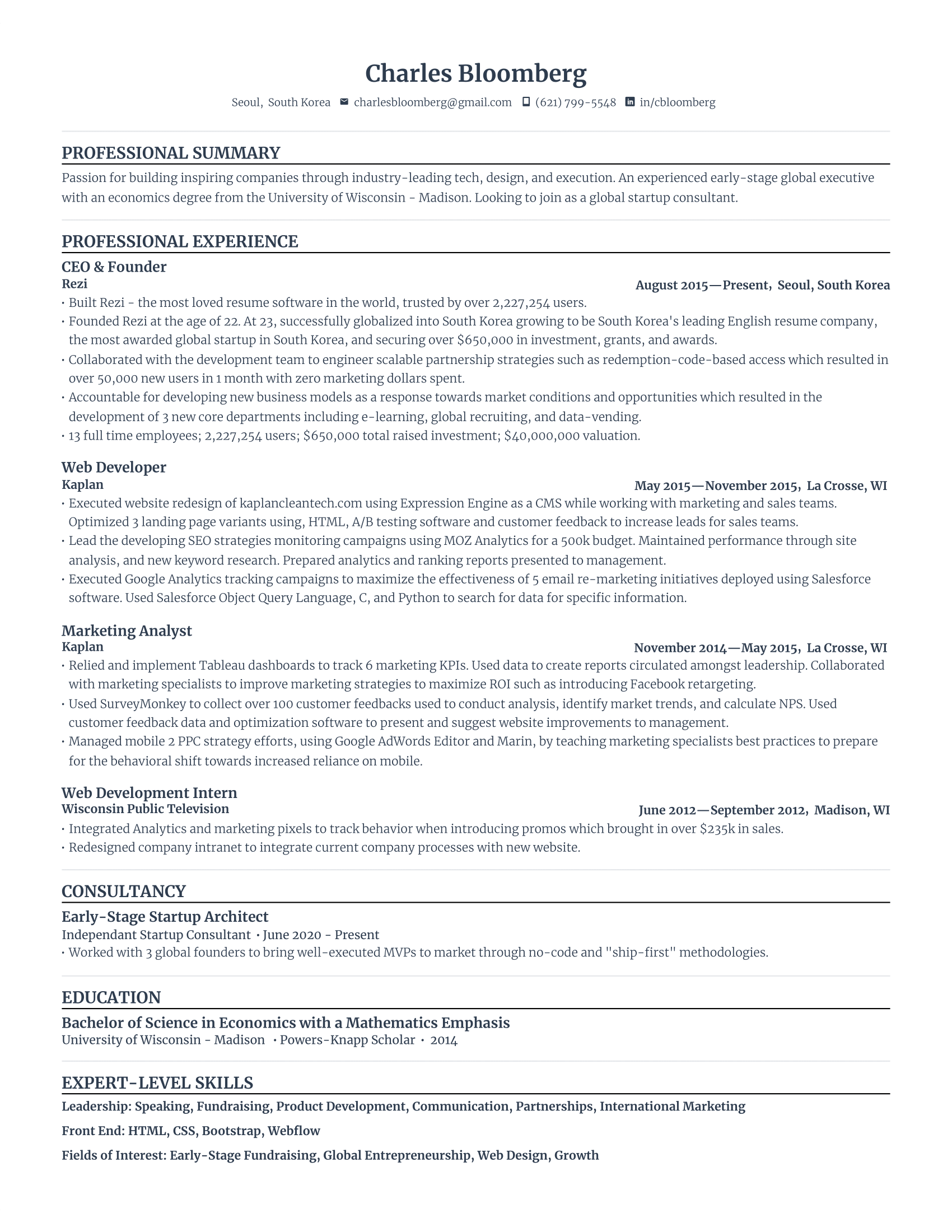
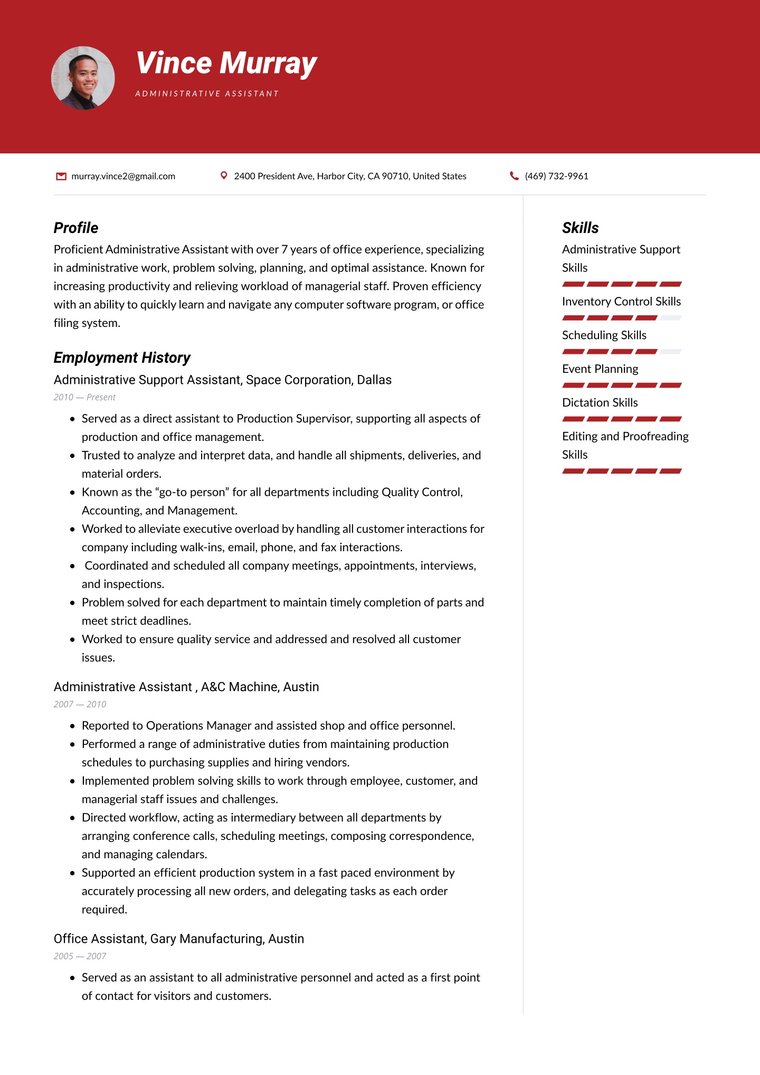
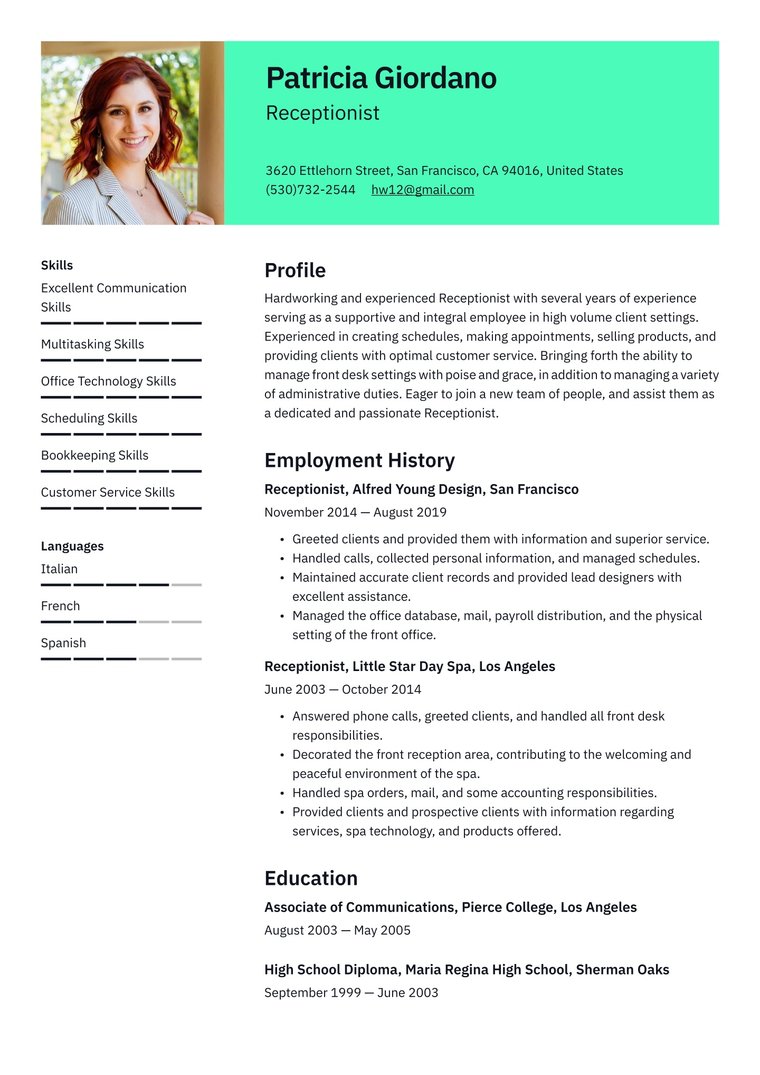
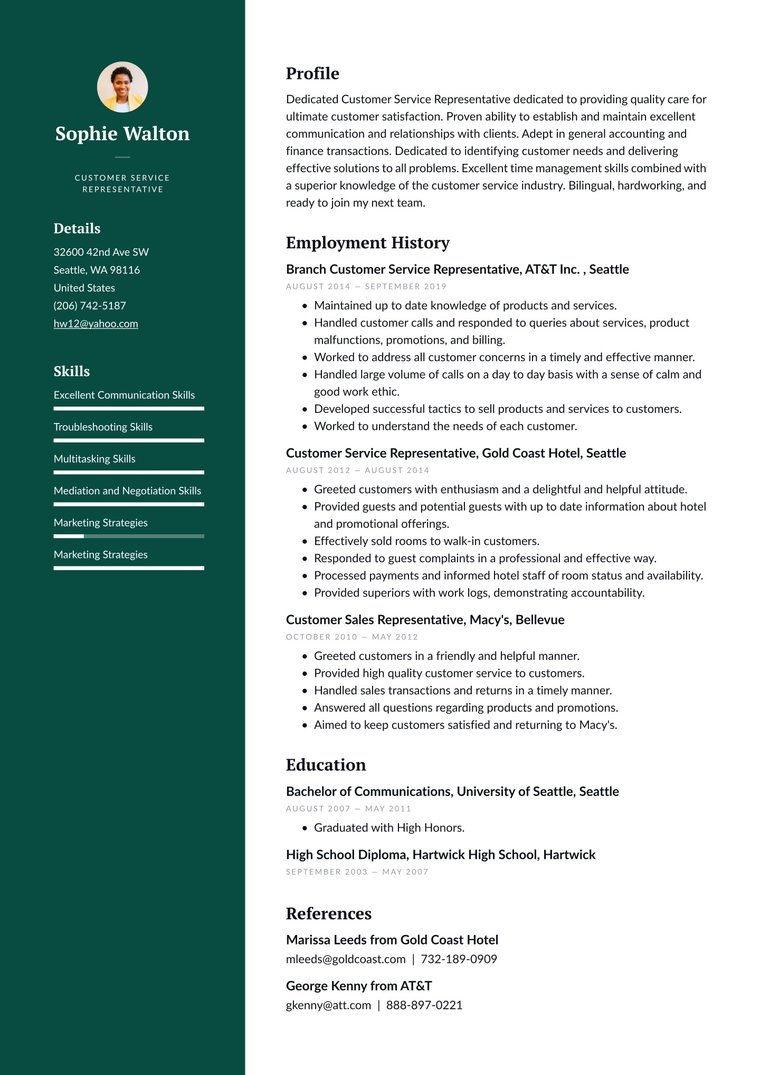
templatestringOne of "standard", "compact", "jake", "highlight", "highlight-compact" or "harvard". Defaults to "standard".
namestringA label for the resume, for example the person's name.
# resume.json is the "resume" from Parse resume
jq '{name: "Alex Rivera", template: "harvard", resume: .}' resume.json |
  curl https://api.rezi.ai/v1/rezi-api/resumes \
    -H "Authorization: Bearer rz_live_..." \
    -H "Content-Type: application/json" \
    -d @-
3. Export with your logo
POST /v1/rezi-api/resumes/{id}/export returns the Word file itself, not JSON, so save the bytes. $0.70 per export.
format"docx" | "doc"Defaults to "docx".
logo_positionstring"top-left", "top-right", "bottom-left" or "bottom-right". Top corners use the page header and bottom corners the footer. Defaults to "top-right".
logo_all_pagesbooleanDefaults to true, for every page. false draws the logo on the first page only.
curl --fail -X POST \
  "https://api.rezi.ai/v1/rezi-api/resumes/{id}/export?format=docx&logo_position=top-left" \
  -H "Authorization: Bearer rz_live_..." \
  -o resume.docx
Good to know
Word only for now
PDF export is not available yet. Your logo is a workspace setting: add it in the Resume Export playground, then choose its place on each export.
The template is set when you create
A stored resume keeps its template. To export the same resume in another template, create it again with that template.