




Administrative Resumes
20+ Office Manager Resume Examples
Customize any of these resumes in minutes using our free AI-powered resume builder.
“Rezi is super upfront and continues to improve over time. I've recommended Rezi to several of my friends and colleagues. I just love this product so much.”

Ricky M.
Software Engineer
“Rezi is super upfront and continues to improve over time. I've recommended Rezi to several of my friends and colleagues. I just love this product so much.”
Ricky M.
Software Engineer
Helping users land jobs at 1,000+ companies such as














Offices are a hive of activity — a buzz of phones ringing, deals being made, visitors arriving, papers shuffling, and that inevitable Monday morning small talk. Behind it all? The office manager, keeping everything in check.
But it’s not enough to toss around generic buzzwords like “organized” or “great communicator.” Recruiters want proof. And then there’s the business side of things — you’ll need to show you have the technical chops and financial literacy to push success.
Learn the best ways to frame your skills and experiences. This guide will show you:
- Our range of office manager resume samples and templates for every industry.
- How to write your experiences and skills for an office manager resume.
- Tips and tricks to make your office manager job application get noticed.
Need help getting started with your application? Try our free AI Resume Builder. Simply enter your details and our technology will generate a professional and personalized resume in minutes.
Check out more administrative resume examples and tips:
- Executive Assistant Resume Examples
- Medical Office Manager Resume Examples
- Administrative Assistant Resume Examples
- Administrative Specialist Resume Examples
Office Manager Resume Examples
Office managers are the ultimate jugglers — scheduling morning meetings, crunching numbers for an office budget by noon, and mediating the great air-conditioning debate before the day’s out.
But to land the role, it’s not just about highlighting soft skills or business acumen. You’ll need to tailor your experience to the company and its unique needs. After all, managing a bustling construction site office is worlds apart from keeping things running smoothly in a luxury hotel.
Below, you’ll find office manager resume examples from different industries and experience levels to give you an idea of what to include in your job application.
Job Site Office Manager Resume
Your Job Site Office Manager resume should highlight your expertise in managing office operations and ensuring a smooth workflow. Show skills like budgeting, payroll, scheduling, and creating filing systems. Mention your ability to maintain office equipment and address issues efficiently. Show that you’re resourceful and can adapt processes to fit business needs.
Virtual Office Manager Resume
For a Virtual Office Manager resume, focus on your technical proficiencies and experience with tools like Slack, Asana, or Zoom. Emphasize strong communication skills and the ability to encourage a connected and engaged remote team. Outline your ability to adapt workflows for remote settings and provide consistent team support.
Medical Office Manager Resume
With a Medical Office Manager resume, demonstrate your knowledge of healthcare operations, from patient care coordination to scheduling and billing. Focus on your ability to lead clinical and administrative staff, and stay current on healthcare technology. Prove your expertise in balancing patient satisfaction with efficient medical office management.
Dental Office Manager Resume
Your Dental Office Manager resume should mention your administrative skills alongside foundational knowledge of dental procedures. Highlight experience working with insurance companies, patients, and external vendors. Demonstrate leadership in building collaborative relationships within the dental team.
Business Office Manager Resume
For a Business Office Manager resume, you should show off your versatility by detailing experience in managing databases, processing invoices, and training staff. Strong financial and organizational abilities are also key. Include examples and success stories of improving workflow and aligning processes with company goals.
Front Desk Office Manager Resume
With a Front Desk Office Manager resume, focus on your customer service expertise and ability to lead a front-desk team. Highlight skills in scheduling, complaint resolution, and maintaining a welcoming reception area. Show how you’ve created positive first impressions for visitors with examples of your friendly and confident attitude.
Real Estate Office Manager Resume
Your Real Estate Office Manager resume should show your understanding of the real estate industry by emphasizing experience in managing daily operations like rent receipts, trust accounts, and scheduling open houses. Highlight your ability to assist agents and property managers with contracts and forms while ensuring smooth office workflows.
Construction Office Manager Resume
For a Construction Office Manager resume, highlight your familiarity with construction processes, project timelines, and subcontractor coordination. Emphasize your ability to organize and manage paperwork, invoices, and project documentation like blueprints or drawings. Show you can act as a reliable liaison between field and office teams.
Hotel Office Manager Resume
With a Hotel Office Manager resume, focus on your customer service expertise and skills, like handling guest inquiries, resolving complaints, and processing payments. Highlight your ability to maintain order across reservations, check-ins, and scheduling. Show examples of ensuring a welcoming culture and training employees to adhere to hotel standards.
School Office Manager Resume
Your School Office Manager resume should emphasize your ability to handle administrative tasks while maintaining a supportive, welcoming environment for students, staff, and parents. Outline skills like maintaining student records, managing attendance databases, and supporting school events or schedules. Don’t forget to mention essential certifications like CPR or First Aid.
Legal Office Manager Resume
For a Legal Office Manager resume, show your administrative expertise and understanding of legal office operations. Mention your ability to manage schedules, oversee financial responsibilities like court fees, and assist legal staff with daily tasks. Include examples of supporting attorneys and paralegals with complex cases.
HR Office Manager Resume
With an HR Office Manager resume, highlight your experience in recruitment, onboarding, payroll, and compliance. Mention skills like managing employee records, administering benefits, and ensuring adherence to labor laws. Detail your role in encouraging positive employee relations and handling performance management.
You can also adapt your resume based on your experience. Take a look at these resume examples from different seniority levels.
Entry-level Office Manager Resume
For an Entry-level Office Manager resume, highlight internships, part-time jobs, or college leadership roles where you handled responsibilities similar to office management. Mention proficiency with office tools and include any administrative or customer service experience. Show you’re eager to grow in the role by mentioning your adaptability to tackle challenges.
Office Manager Assistant Resume
Your Office Manager Assistant resume should focus on your ability to provide administrative support with little supervision. Highlight skills like managing budgets, coordinating facility issues, and collaborating with team members. Show key soft skills like attention to detail, organization, problem-solving, and communication abilities through past accomplishments.
Senior Office Manager Resume
With a Senior Office Manager resume, show your leadership experience and advanced knowledge of office operations. Highlight achievements in implementing procedures, managing teams, and coordinating office resources. Include examples of strategic planning, delegating tasks, and improving workflows. Proficiency in office tools like spreadsheets, databases, and scheduling software is essential.
How to Write an Officer Manager Resume
Short answer:
When writing an office manager resume, start with a clean, readable format. Use reverse chronological order and divide your text with clear headings and bullet points. Ensure your contact details are professional and updated, including a LinkedIn profile if applicable. Highlight achievements with measurable results, like reducing costs or improving workflows, rather than simply listing duties. Include technical skills, such as proficiency with office software, and soft skills like communication and organization. Customize your resume to the job description by integrating relevant keywords.
Stick to a professional resume format
Any smart office manager knows the importance of a tidy desk — it keeps things organized and sets that all-important first impression. Think of your resume as that desk. You may have all the qualifications and experience, but it’s not approachable if your format is messy or crowded.
Recruiters typically spend less than a minute browsing a resume. Your goal is to make sure they find your most impressive and relevant information before moving on to the next candidate.
One of the best ways to do that is by using the reverse chronological order. This approach highlights your most recent and relevant experiences first, making it easy for employers to see your career progression.
Divide your resume into sections with clear headings. Here’s the standard resume section order:
- Summary
- Work experience
- Education
- Skills
- Certifications and projects
Choosing a professional resume font can also make all the difference — a size 8, Arial Narrow font will likely end up straight in the “no” pile. Stick with easy-to-read, modern fonts like Calibri, Helvetica, Georgia, or Garamond. Your resume font size should be between 10 and 12 points, and 14–16 points for section titles.
Stay away from any artsy fonts, bold colors, or fancy tables — recruiters want to see if you’re qualified for the position, not how well you can decorate. Many companies also use Applicant Tracking Systems (ATS) to screen resumes for the next round. That creative skills chart? Not exactly ATS-friendly.
Learn more about how to present your resume: The Best Resume Format: 20+ Examples
List your contact information
Your contact details go right below your name, so recruiters can instantly see how to reach you. Writing your name and number isn’t rocket science — just double-check that everything is updated (and that you haven’t accidentally listed your childhood email address).
Here’s what contact information to include for your office manager resume:
- Full name: Place your name at the top of your resume in a bold font to grab attention.
- Phone number: Use a reliable number where you can easily be reached, including your area code.
- Professional email address: Ensure it’s simple and includes your name (e.g., jane.smith@gmail.com). Stay clear from informal or work-related emails.
- Location (optional): Add your city and state to indicate your general availability for work. Avoid listing your full address (I doubt your future employer needs to know your door number).
- LinkedIn profile (optional): Include a personalized LinkedIn URL that demonstrates your professional accomplishments (just make sure your details align with your resume).
Here’s how to list your resume contact details:
Alison Tucker
📱(555) 987-6543
✉️alison.tucker@gmail.com
📍Denver, CO
💼linkedin.com/in/alison-tucker
Highlight office achievements in your work experience
Office managers juggle everything from scheduling meetings and managing budgets to preparing reports. But what happens when those meetings clash or budgets get miscalculated? While I hope that’s not the case, your potential employer doesn’t know that yet.
What companies really want to see are results.
Instead of saying you “managed office supplies,” show them how you “negotiated vendor contracts to reduce office supply costs.” Sounds more impressive, right?
And if you want to take it up a notch, quantify your accomplishments. Let’s take the previous example and give it more impact: “reduced office supply costs by 15% through successful vendor negotiations”. Numbers add weight to your claims and show you can make a real difference.
Not sure which achievements to include on your resume? Use the job description as your guide. If they’re looking for strong collaboration skills, tell them how you worked across departments to organize company events. This proves you’ve done your homework, understand the role, and are ready to meet their needs.
List each job with the organization’s name, job title, location, and dates of employment. Aim for 3–5 concise bullet points per role, making it easy for the reader to grasp your key achievements.
Here’s an example work experience section for an office manager:
Office Manager
Vivid Corporation, Denver, CO
March 2024 – Present
• Streamlined office supply management by negotiating favorable contracts with vendors, reducing overall supply costs by 15% while maintaining high-quality standards.
• Managed executive calendars and scheduling, significantly reducing conflicts and ensuring seamless coordination of meetings and appointments.
• Coordinated and organized monthly team-building events, encouraging better collaboration and improving employee satisfaction scores by 20%.
• Revamped the office filing system, making document retrieval more efficient and reducing the time spent searching for physical files.
• Led the onboarding process for five new employees every month, ensuring a smooth transition and reducing ramp-up time for new hires.
Want to make your achievements stand out? Take a look: How to Write a Perfect Resume Work Experience Section
Mention your education and training
If you’re going for an office managerial position, chances are you have enough experience for your education to take a backseat. Even so, including a concise education section on your resume checks those basic boxes and shows recruiters you’re qualified.
Include your school name, degree (if applicable), field of study, and graduation date. If you’ve earned honors or completed relevant coursework, feel free to include those too — but only if they add value to your application.
Here’s what your education section looks like on an office manager resume:
Bachelor of Business Administration (BBA) – Management
University of California, Los Angeles (UCLA)
Graduated: May 2023
• Dean’s List (4 semesters)
• Coursework: Organizational Leadership, Project Management, and Business Communication
Got a college degree? If so, skip your high school details (who remembers trigonometry anyway?) However, if you don’t, you can list your high school diploma and mention your GPA (if it’s over 3.5).
For recent grads with limited work experience, place your education above your work history and highlight any projects on your resume, courses, or extracurricular activities tied to office management. Just remember: employers prioritize experience over education, so keep this section short and sweet unless your training or certifications directly boost your case.
Find out more: How to List Your Education Section On a Resume
Include soft and technical skills
Taking on the role of an office manager isn’t just about filing paperwork or hunting for the elusive stapler. In today’s tech-driven world, you’ll also need digital and computer skills to meet modern workplace demands.
So, how do you show your technical expertise while proving you have enough soft skills to succeed? The easiest way is to create a dedicated skills section and list your key abilities. However, this should be reserved for your technical skills and those explicitly needed for the job.
Technical skills include proficiency in office software or specialized tools for budgeting, scheduling, or database management. You can also include knowledge of HR systems, accounting software, or even a second language if the role is in a diverse setting.
Your soft skills require a different approach. Tossing overused buzzwords like “great communicator” into a list doesn’t say much. Instead, integrate these abilities into your work experience with concrete examples and results. Talk about how your organizational skills kept the office running, or how your leadership style turned a struggling team into top performers.
Check out these in-demand skills for an office manager:
When deciding what skills to include, refer to the job description. Look for specific keywords and requirements, then weave them into your achievements and dedicated skills list. Just make sure everything you include is genuine — this isn’t just about impressing the recruiter; it’s about finding the right fit for you.
Discover which skills are most in-demand: The Best Skills to Put on a Resume: Examples for All Jobs
Add relevant certifications and courses
Certifications aren’t necessarily required, but they’re a solid way to show you’ve gone the extra mile to develop your skills and expertise — something hiring managers will appreciate if you’re light on work experience.
But not every certificate deserves a spot on your resume — stick to those directly related to office management.
Employers don’t need to know about your weekend photography course, but they’ll take notice of certifications in project management (like PMP or CAPM), bookkeeping, HR management, or specialized software like Microsoft Office Specialist or QuickBooks.
You can list these in your education section, or create a dedicated certifications section if you have more than a couple under your belt. List the title, issuing organization, and date of completion.
Take a look at this certifications section for an office manager resume:
• Project Management Professional (PMP), Project Management Institute — May 2024
• Microsoft Office Specialist Certification (Excel), Microsoft — March 2023
• QuickBooks Online Certification, Intuit — January 2023
Don’t have any certifications? Learn how to add more weight to your resume: 20 Resume Sections You Can Include
Wrap up with an office manager summary
A strong summary can set the tone for your entire application. While optional, it’s a great opportunity to grab the recruiter’s attention, especially if you have plenty of accomplishments or are making a career shift into office management.
A resume summary should reveal your key skills, achievements, and qualifications in 2–4 concise, professional sentences. My advice? Write it last. It’s easier to summarize your most impressive accomplishments once your resume is complete.
And the golden rule: tailor it to the specific role by aligning your expertise with the job description. If they’re looking for someone with solid leadership skills, highlight this right off the bat.
Here’s what an office manager resume summary looks like:
Resourceful office manager with over 3 years of experience optimizing administrative operations and streamlining workflows. Skilled in managing budgets, coordinating teams, and implementing tools that improve efficiency. Recognized for reducing office expenses by 15% and encouraging collaboration across departments to achieve company goals.
If you’re new to the field or making a career change, consider a resume objective instead. It’s similar to a summary but lets you emphasize your career goals and how your transferable skills make you a strong candidate for the role.
Take a look at this resume objective for an office manager:
Detail-oriented professional with a background in event coordination and customer service, transitioning into office management. Excels in scheduling, communication, and problem-solving. Seeking to apply my organizational skills and a proven track record of enhancing processes to contribute to the success of Vision Inc.
Speed things up with our AI Summary Generator. Just enter your job title and skills, and get a personalized summary for your resume in seconds.
What Makes Office Manager Resumes Different
In short: Balance technical knowledge with soft skills, like communication and organization.
If you’ve ever worked in an office, you know the drill — the buzz over shiny new equipment, the panic of last-minute meetings, and those slightly awkward new-hire introductions during the office tour.
The office manager is the one behind the Google Meet invites, sleek new notebooks, and making new employees feel at home. Showing you can take on all the different tasks and challenges while helping the business thrive is what will get your resume noticed.
Below are some top tips to prove you can step up and be an asset to any office.
Include knowledge of office software and tools
Offices are hotbeds for tools and technology. Companies rely on digital platforms to manage everything from scheduling to budgets. Highlighting your expertise with office software on your resume shows you’re ready to handle the technical demands of a modern workplace.
What this means for you:
- Include key software in your skills section, like productivity platforms (Asana, Trello), data management tools (Airtable, Google Workspace), or accounting software (QuickBooks). If the job description mentions a specific tool, name-drop it to show you meet their requirements.
- Don’t just list tools — prove you’ve put them to good use. For example, explain how you streamlined team collaboration with Trello, improved scheduling accuracy with AI tools, or optimized budget tracking using QuickBooks.
Emphasize communication and organizational skills
Organizational and communication skills are at the heart of successful office management. Employers need someone who can keep order, juggle multiple responsibilities, maintain effective communication, and plan those legendary holiday parties.
What this means for you:
- Share examples where you facilitated teamwork, strengthened client relationships or built rapport with stakeholders. If you’ve worked directly with customers, highlight moments when your positivity and professionalism made a difference.
- Show your impact in streamlining operations, like managing schedules, organizing contracts, or improving administrative workflows. Paint a picture of how your organizational skills made the office more efficient and productive.
Prove you can help with business needs and challenges
Put yourself in the employer’s shoes: they’re not just looking for someone to keep the office in check — they’re searching for a problem-solver who can boost efficiency and positively impact the bottom line. This is your chance to prove you’re the strategic asset they need.
What this means for you:
- Show financial impact by highlighting past successes in cost-saving initiatives. Share how you reworked budgets, reduced expenses, or negotiated favorable vendor contracts. And remember to include numbers and percentages to make your impact credible.
- Demonstrate problem-solving with concrete examples of solutions you’ve implemented, such as “Introduced a scheduling software that decreased missed deadlines by 25%, improving team productivity and project completion rates.”
Give real examples of budget management and administration
Hiring managers want proof that you can handle the financial side of office management, like overseeing budgets, optimizing resources, and showing off your trusty spreadsheets. Show you can balance costs while keeping everything running like clockwork.
What this means for you:
- Share your experience with budget management, but focus on positive outcomes. For example, mention how you identified cost-saving opportunities or successfully managed resources across departments. Show you can be strategic with funds while keeping everything running smoothly.
- Highlight the systems or processes you’ve used to improve financial tracking or forecasting. By organizing expenses or creating better methods for resource allocation, you prove you’re proactive in improving financial operations.
Weave in keywords and action verbs for more impact
Your resume is your professional story, so make it interesting by including impactful action verbs and keywords from the job description. Plus, including the right phrases can help you get past ATS scanners, which search for specific terms in your resume to see if you fit the bill.
What this means for you:
- Begin bullet points with strong action verbs like “adapted,” “coordinated,” or “optimized” to show initiative and leadership. For example, “Developed office workflows, reducing administrative tasks by 15%.”
- Mirror the language of the job description, like “budget management” or “team collaboration,” to make sure both ATS systems and recruiters see you’re a perfect fit. But don’t force it — let the keywords flow naturally, so your resume still feels authentic.
Bonus Resources for Office Managers
Let’s be honest: a certification alone won’t guarantee you that office manager role. But let’s say it’s a close call between you and another candidate. Showing your commitment to learning and professional growth could give you the edge. Plus, it doesn’t hurt to level up your skills and impress potential employers.
Take a look at these courses to help you excel in your office management role:
- Office Productivity Software Specialization: Master essential office tools through hands-on training, learning practical skills, tips, and best practices to excel in productivity software commonly used in workplace settings. (Coursera)
- Strategic Leadership and Management Specialization: Explore six courses on leadership, team dynamics, and organizational management while developing actionable strategies and tools to analyze and solve real-world business challenges. (Coursera)
- Business Office Manager Certification: Gain expertise in business operations, legal requirements, financial management, and IT. Pass a 25-question timed exam with a 70% score to earn your CBOM certification. (Management and Strategy Institute)
- Office Manager Certificate Course: Learn office management essentials, build career-specific skills, and explore pathways to employment or entrepreneurship through this flexible, self-paced certification program. (The International Association of Professions Career College)
- Professional Diploma in Office Administration Management: Study communication, legal practices, and IT skills tailored to office administration. Apply practical examples and case studies to develop career-advancing expertise in various industries. (Udemy)
- Microsoft Excel - Excel from Beginner to Advanced: Explore Microsoft Excel from basic functions to advanced tools like Macros and VBA in this all-inclusive course, suitable for versions 2007 through 2024. (Udemy)
Summary
- Tailor your resume to highlight past roles that directly relate to office management. Share accomplishments proving your ability to handle office operations and meet the company’s unique needs.
- Focus on your achievements and specific contributions, instead of simply listing duties in your work experience section. For example, show how you’ve improved office processes or implemented successful solutions.
- Include budget management to show you’ve helped save costs or improved financial processes. Quantify your achievements whenever possible with numbers and percentages to give context, and add credibility.
- Highlight your organizational skills by emphasizing your ability to manage schedules, handle multiple tasks, and oversee projects. Frame your past experiences to show how you excel in an office environment.
- Balance your technical skills and knowledge of office software with soft skills like communication and customer service, which you can weave into your work experience with real examples.
- Read the job description and align your resume with the skills, responsibilities, and keywords. Tailoring increases your chances of passing ATS filters and showing hiring managers that you check all the boxes.
- Keep it concise. Hiring managers scan resumes quickly, so focus on quality content demonstrating your skills, experience, and qualifications in 1–2 pages.
FAQ
How do you describe an Office Manager on a resume?
When describing an office manager on your resume, highlight responsibilities like managing office logistics, overseeing staff, coordinating schedules, and organizing workflows. Focus on achievements like cost savings, improved productivity, or successful event planning. Show you’re a problem-solver, a great communicator, and a leader.
What are the three major duties of an office manager?
Office Managers juggle many responsibilities, but their three major duties often include:
- Office operations: Managing supplies, schedules, and administrative tasks.
- Team coordination: Supporting staff, resolving issues, and evaluating employees.
- Budget oversight: Tracking expenses, negotiating with vendors, and monitoring expenses.
How do I make my Office Manager sound good on my resume?
You can make your officer manager role more impressive by focusing on results. Instead of “managed office supplies,” say, “Organized inventory processes, reducing costs by 20%.” Highlight leadership by mentioning times you coordinated teams or assisted in recruitment processes. Use action verbs like “optimized,” “developed,” or “conducted” for more impact.
What is a more professional way to say office manager?
When describing your position as an Office Manager, you can use terms like Office Administrator, Operations Coordinator, or Administrative Manager. For more senior roles, Office Operations Specialist, Head of Administration, or Office Director are all professional alternatives. Match the title to the level of responsibility in your experience.
What is the biggest strength of an office manager?
An office manager’s biggest strength is their versatility. They’re organized multitaskers who adapt to challenges, juggle multiple priorities, and keep everything running smoothly. Their ability to blend strong interpersonal skills with sharp problem-solving makes them an integral part of any business.
Contents

Resume Formats & Examples
ATS-Friendly resume formats that land jobs
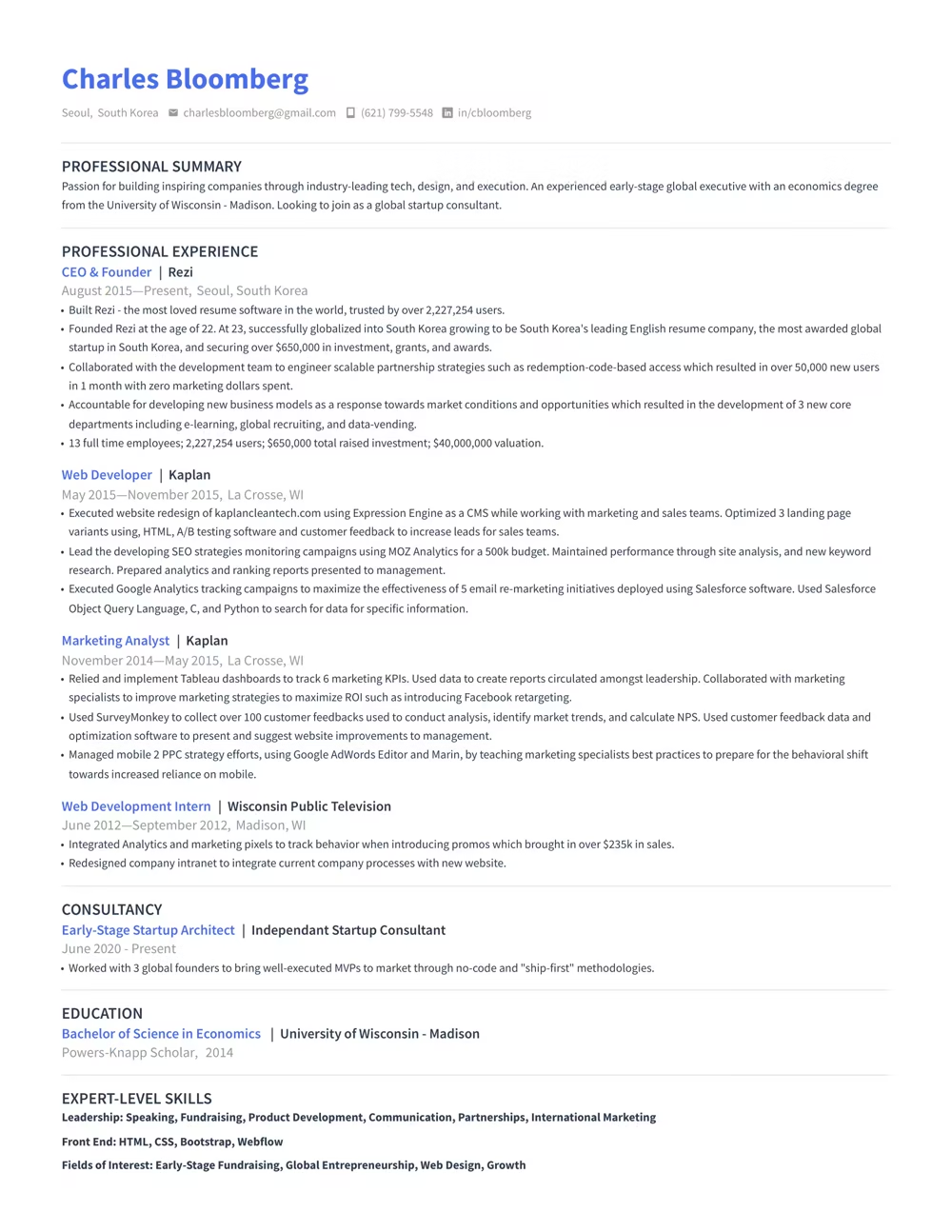
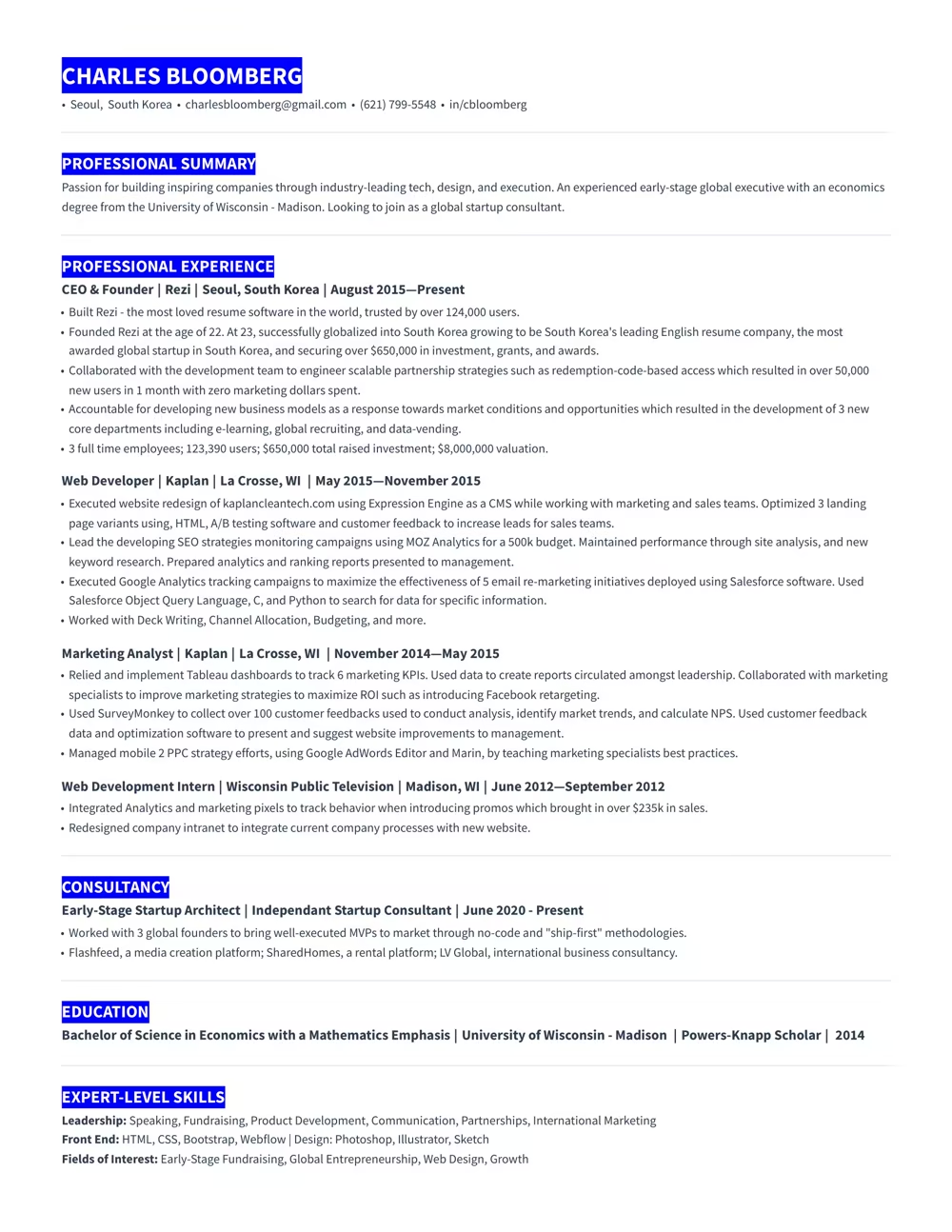
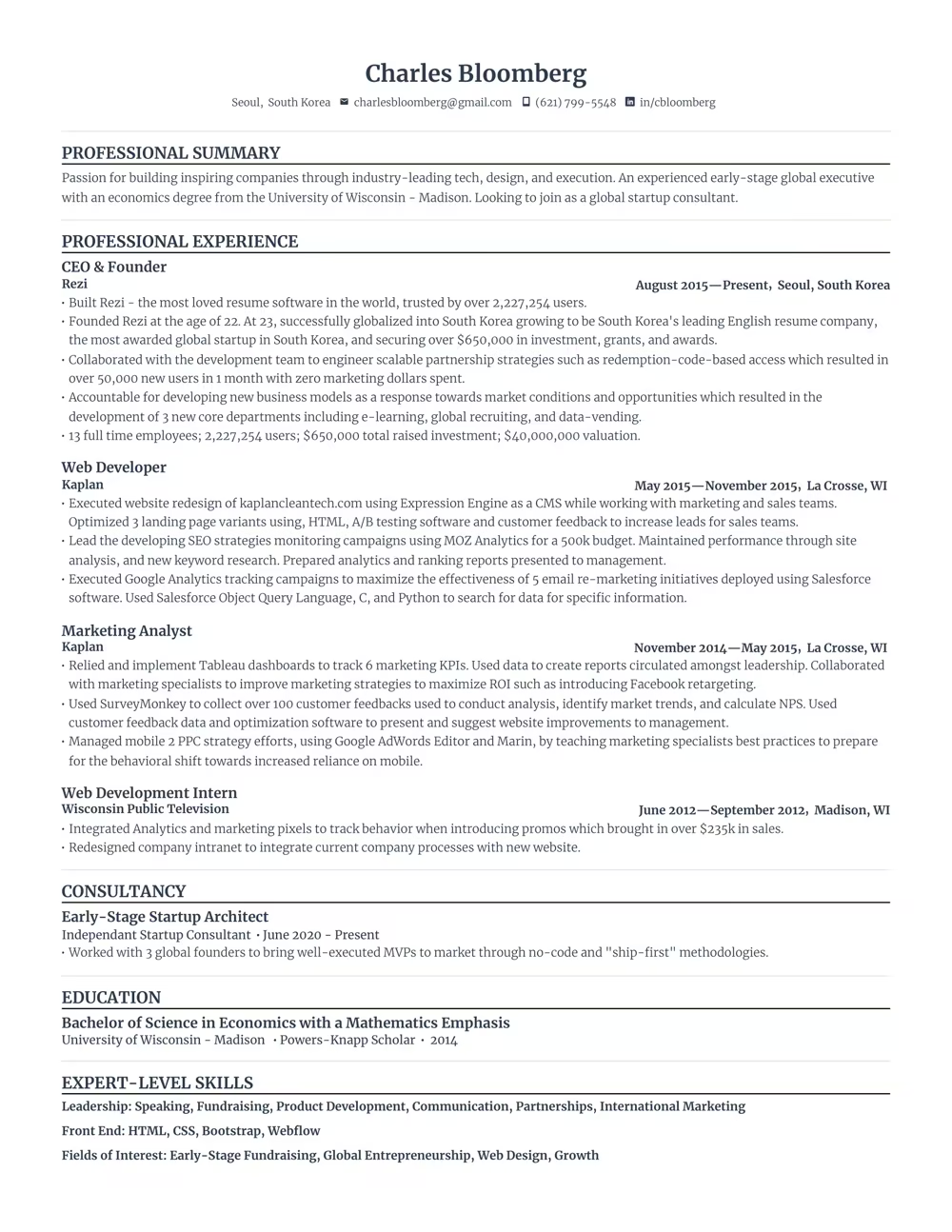
Use a template that guides you. Our ATS-compliant designs are trusted by over 4 million job seekers.




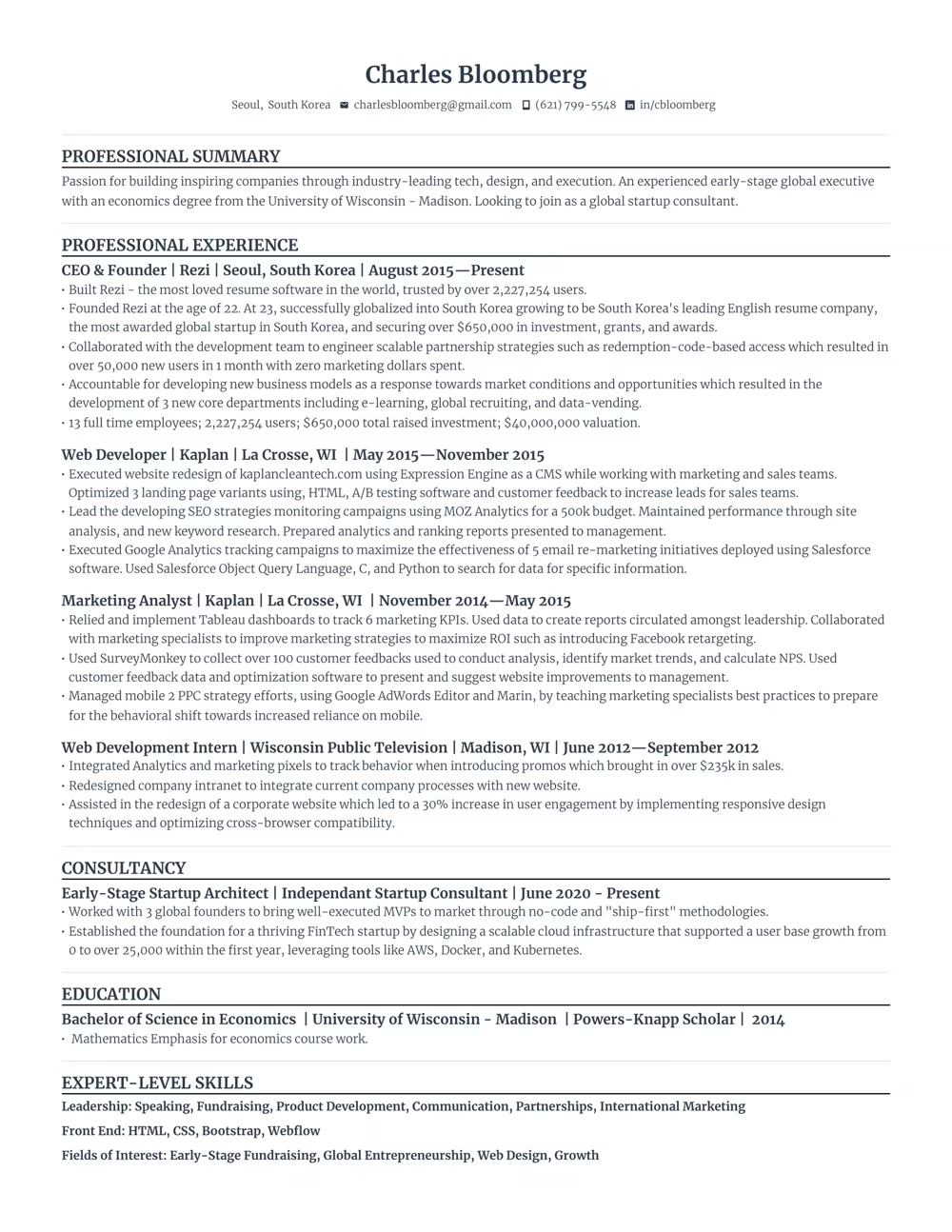
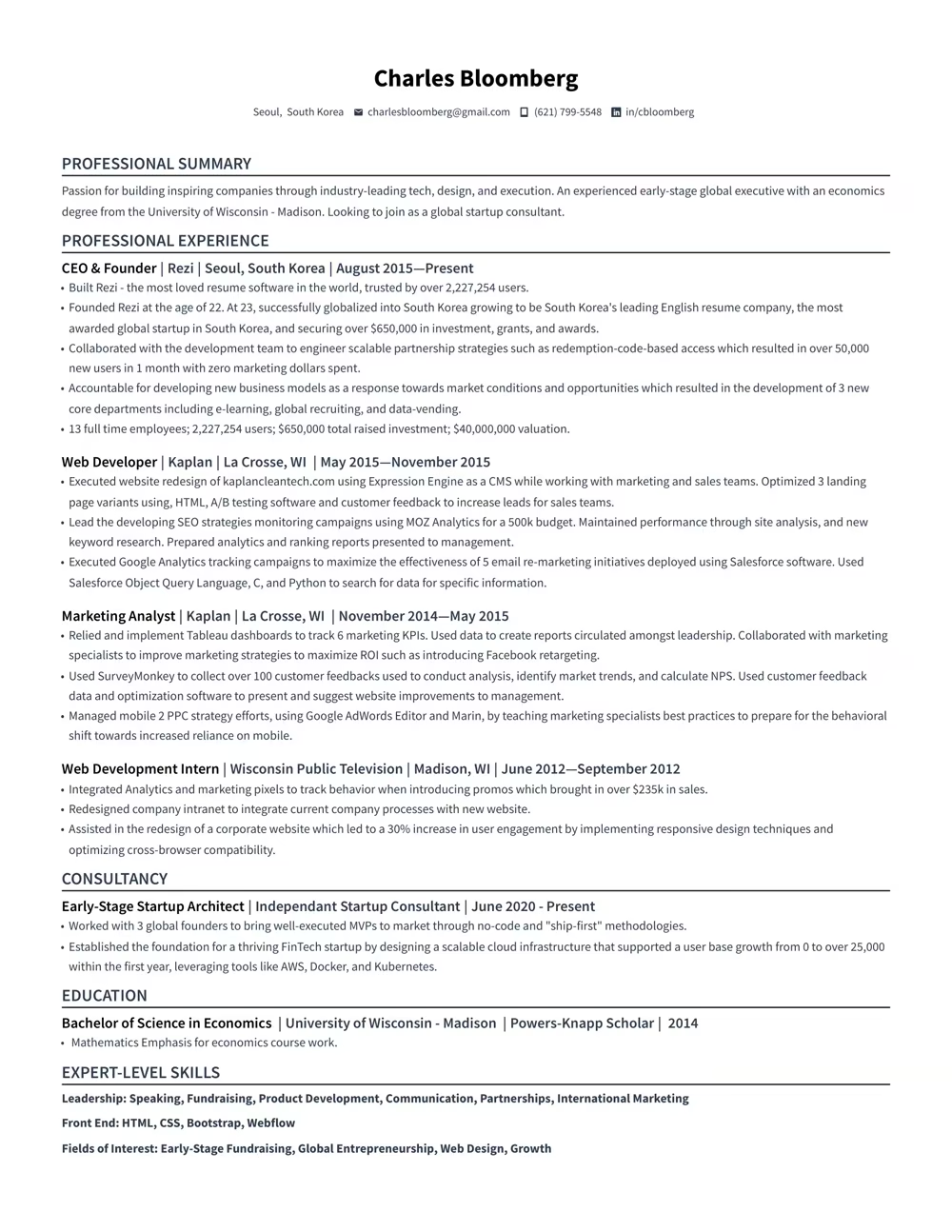
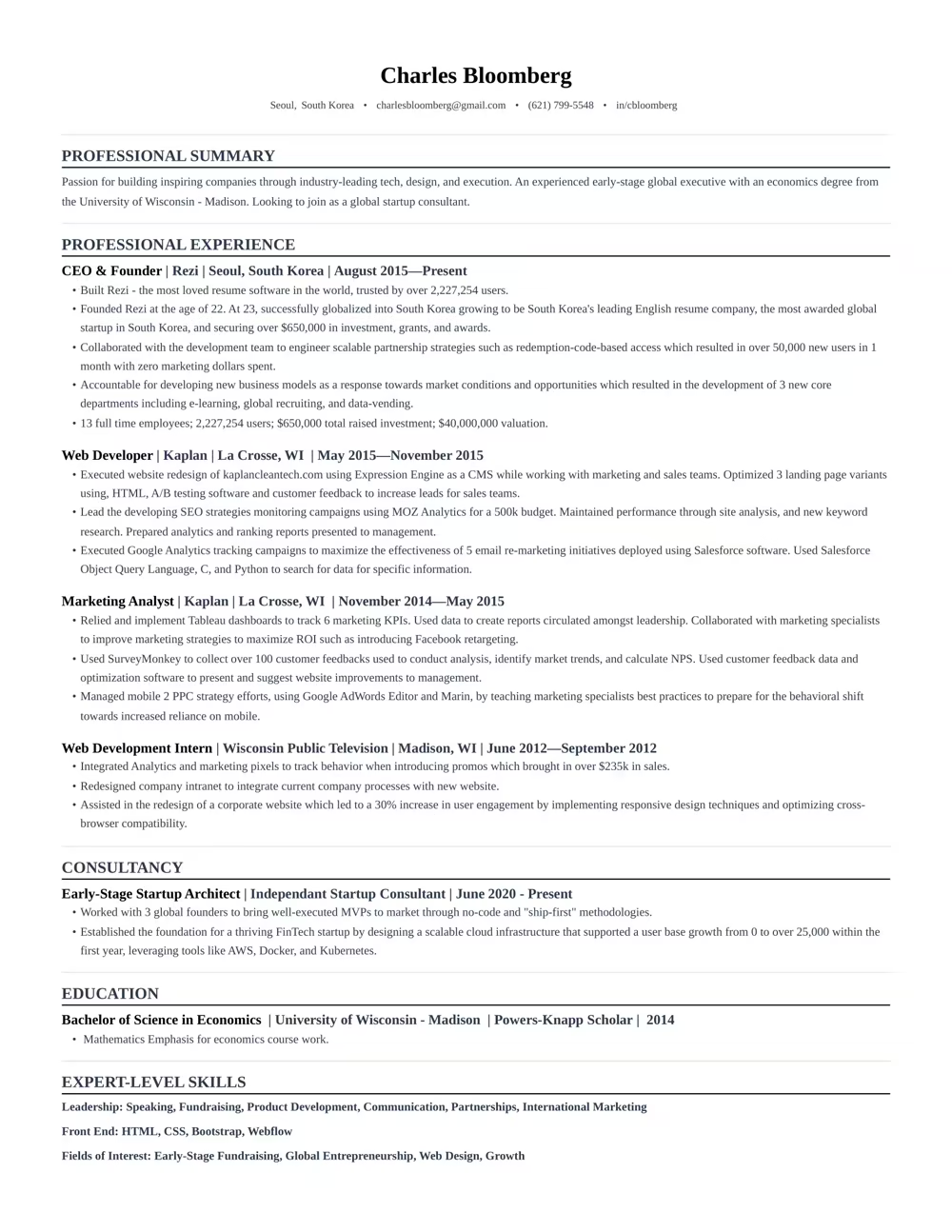
“Rezi is an awesome AI-based resume builder that includes templates to help you design a resume that is sure to check the boxes when it comes to applicant tracking systems. This is a great jumping off point to kickstart a new resume.”

Ashley Stahl
Career Contributor
62.18%
Interview Rate
4,510,834
Total Users
8.23 / 10
Avg. User Review
Wall of Love
Over 4 million users trust Rezi

“Resume Building felt like pulling teeth – until I found Rezi.”
Davis Allen
Software Developer

“I was blown away by Rezi. It streamlined everything...”
Celine Watko

“I needed a resume tool as smart as my work.”
Yosra Naceur
Data Scientist
“A great tool that is very helpful. I found the Rezi system easy to use and very helpful as I was working on getting my resume in shape for job applications.”

Dakota Rubin
United States
Written via

“This is actually one of the first reviews I’ve ever written for a business, and that alone says a lot. I highly recommend Rezi to anyone who’s job searching, it makes the entire process so much easier.”

Yazan Alkhatib
United States
Written via
“Reduced my time per application from 1-2 hours down to 15 minutes.”
Kixxx
Experience with Rezi
“I love how simple and convenient it is to use and been coming back to update it every time I need a fresh resume.”

Zara Wazir
U.A.E.
Written via
Frequently Asked Questions
Your questions, answered.
An AI resume maker helps you build a resume perfectly fit for the job you want. Top-notch AI resume builders are designed to speak the language hiring managers are looking for, increasing your chances of standing out in the crowd. It aligns your skills and experience with the job description effectively.
Rezi templates are ATS-safe. Hiring software can parse your resume with accuracy and you won't have to enter the entire resume all over again after uploading it. Our best resume template is always free. More templates and personalisation is available on Pro subscription. Regardless of what resume template you can customise sections to suit your needs. When in doubt, a clean single-column template works for every industry and every applicant tracking system.
To get the most out of an AI resume builder, either start from scratch or upload your current resume. Fill in as much detail as possible about your career and skills, and upload the job description you’re targeting. This personalization allows the AI to build a unique and tailored resume that’s bound to catch potential employers' attention.
Yes. Rezi stores your content separately from the design, so you can switch templates at any time without retyping anything. Your Rezi Score and keyword targeting stay intact across every template. Some advanced resume template formats require a Pro subscription, but our best template is always free.
AI-generated resumes can seem similar if you're not giving personalized inputs or if you're using basic prompts. Provide specific details about your work experience and target the job you’re eyeing. Use specialized AI tools instead of general chatbots to avoid robotic-sounding resumes and to ensure individual creativity.
A Word or Google Docs template is a static file: one wrong edit breaks the formatting, and nothing checks the result. Rezi keeps the layout locked and parser-safe while its AI writes your content, then scores the finished resume against the job you want.
Employers might think you used AI, but that’s rarely an issue. What they really care about is getting a well-written resume that showcases your skills and experiences accurately. A top-notch resume tailored to their needs will speak volumes more than worrying about AI involvement.
No. Recruiters expect a standard structure, and applicant tracking systems parse it more reliably than a hand-built layout. What hurts is generic content. Rezi's AI tailors your bullet points and keywords to each job description, so your resume never reads like a template.
Yes, using AI to optimize your current resume is highly effective. You just need to upload your resume, share details about your career goals and the job you want, and let the AI refine everything to elevate your resume's impact and ATS compatibility.
Rezi uses a tool called the AI Keyword Targeting. This feature scans the job description to identify crucial keywords and naturally incorporates them into your resume, giving it the right focus without keyword stuffing.
The Free plan is $0/month and allows you to create one resume, use limited AI tools (such as Keyword Targeting and Analysis), and download up to three PDFs. You can also create unlimited cover and resignation letters. No card is required to begin.
The Pro plan is $29/month and provides unlimited access to all features, including unlimited resumes, full AI capabilities, unlimited downloads, and one free monthly expert resume review (resumes are reviewed by a person).
The Lifetime plan is a $149 one-time payment. It grants permanent access to all the features of the Pro plan (unlimited resumes, full AI tools, and unlimited downloads), but it does not include the free monthly expert review (which can be purchased for an extra fee).
Yes. The standard template free and available for all users. With the free plan, you can completely create 1 resume, use AI writer, and download your resume 3 times in PDF format. No credit card is required to join the free plan. Rezi Pro at $29 per month removes the limits and unlocks all our Pro templates including Compact, Modern and Smart templates.
Rezi offers a 100% money-back guarantee on all paid plans (Pro and Lifetime). If you are unsatisfied, you can request a full refund within 30 days of your purchase.
The free template that comes with the free plan is rated as one of our best resume templates. Pro subscription offers more personalisation and more templates while keeping ATS-safe designs; Pro removes limits on resumes, downloads, and AI tools. Our best template is never paywalled and is always free for everyone.
Yes, you can easily upgrade or downgrade your plan at any time through your Rezi Account Billing dashboard. Prorated credits will apply when switching.
An AI resume maker helps you build a resume perfectly fit for the job you want. Top-notch AI resume builders are designed to speak the language hiring managers are looking for, increasing your chances of standing out in the crowd. It aligns your skills and experience with the job description effectively.
They are risky. Many parsers read multi-column layouts out of order or skip a column entirely, so skills and dates end up scrambled. You can easily check this in popular ATS like Workday and Lever. Rezi templates will seamlessly populate the fields in these ATS where two-column templates struggle. The same applies for graphical resumes. Rezi uses single-column layouts because they parse correctly in every major applicant tracking system.
Use a text-based PDF unless the job posting asks for Word. PDFs have been around for years and modern applicant tracking systems read PDFs reliably. PDF locks your layout so it looks the same everywhere. Rezi exports machine-readable PDFs that parse cleanly in every major ATS and ensure compatibility.
Yes. The same ATS rules apply to CVs: single column, standard headings, machine-readable text. CVs usually tend to be longer than resumes. You can check their differences here. Rezi templates can handle both if you require a longer CV format, you can easily add sections like publications, certifications, and research without breaking the layout. It is recommended to use a shorter resume format than CVs when applying for jobs, unless mentioned otherwise.
Yes, Rezi Enterprise.

