User Guides
AI Skills Explorer
Published on
December 18, 2025
Updated on
August 7, 2026
What Is Rezi AI Skills Explorer?
AI Skills Explorer helps you identify relevant skills to add to your resume. It suggests skills based on what you’ve done, so you don’t miss important or transferable skills.

When to Use AI Skills Explorer
Use it if you:
- Aren’t sure which skills to list
- Want to expand or refine your skills section
- Are changing roles or industries
- Want to uncover transferable skills
How to Use AI Skill Explorer
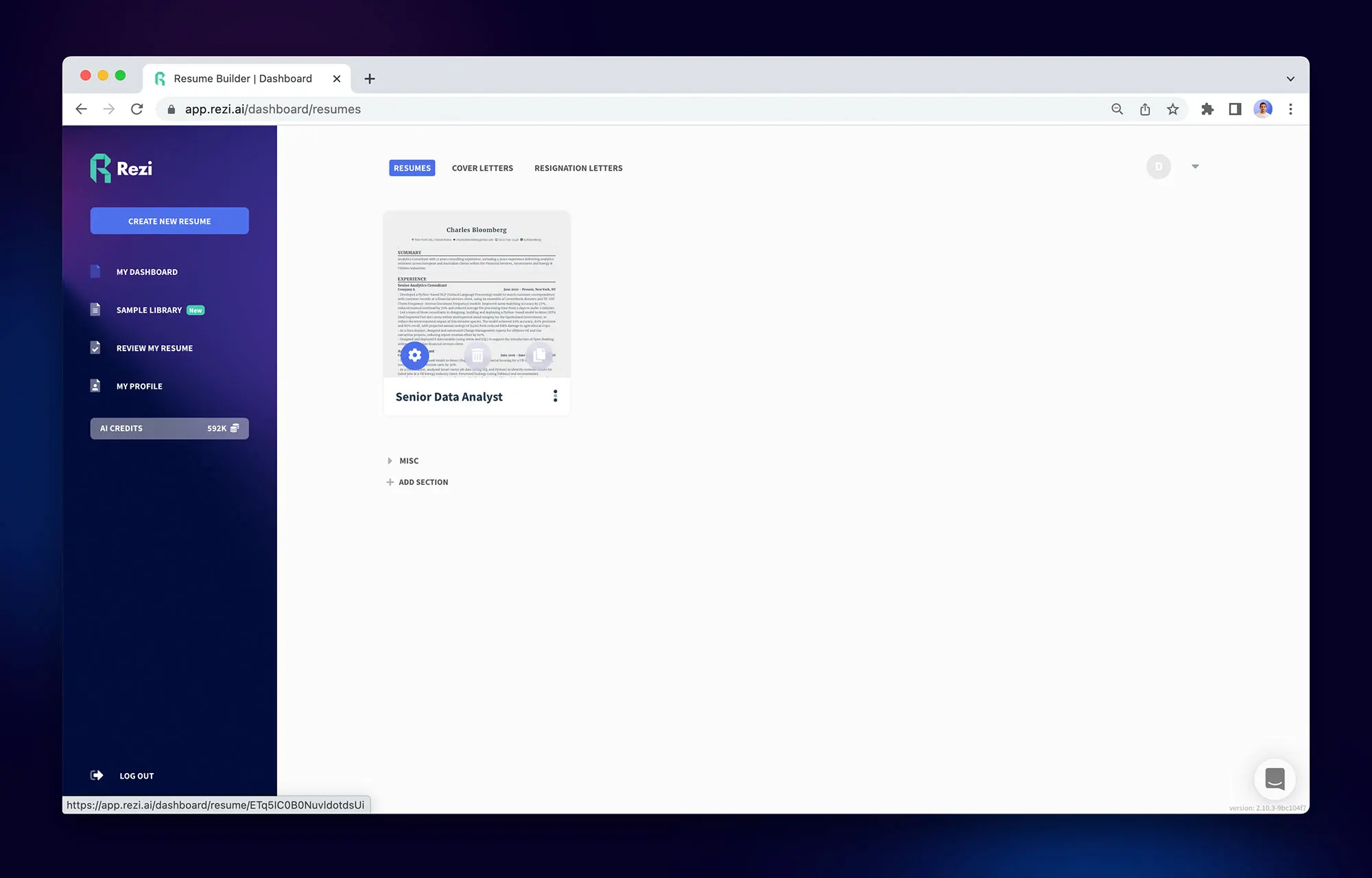
- Open your resume in Rezi.
- Navigate to the Skills section.
- Launch AI Skills Explorer.
- Select a skill category.
- Describe what you did in your role or project.
- Review the suggested skills and add the ones that apply.
Tips
- Only add skills you can confidently explain or demonstrate
- Prioritize skills mentioned in the job description
- Group skills by type (technical, tools, soft skills) for clarity
Need Help?
If you have questions about AI Skill Explorer, contact support@rezi.io

Upload or drop your resume to get started
Upload your resume to get started
Score my resume

Kels Styles is the creative lead for Rezi with a strong background in entertainment, advertising, and startups. At Rezi, Kels provides, reinforces, and organizes authentic, digestible content that helps you take the next step in your career.