




Company News
Rezi MCP Toolkit: Tailor Your Resume to Any Job Description Using AI
Connect your Rezi account to AI tools like Claude, Codex, and Gemini using MCP. Tailor resumes to job descriptions, create new ones from scratch, and manage everything in plain English, without leaving your workflow.
Published on
April 13, 2026
Updated on
April 23, 2026
Why tailoring your resume matters
Tailoring a resume to a specific job posting takes 20–30 minutes. You read the job description, identify keywords, rewrite bullet points, adjust your summary, and check formatting. Repeat for every application. Most people skip this step entirely, which means their resume never matches the role, and they're less likely to get past applicant tracking systems.
Especially these days, where a lot of resume advice boils down to “it’s all about timing,” the tailoring part feels like a nice-to-have, but one people can’t afford. Because their strategy is to simply be quick.
We built Rezi around one core idea: you should tailor your resume for each job description, which means you need multiple versions of your resume. The barrier was always time and recently it just became a much more formidable one. Nobody has 30 minutes per application when they're applying to 50+ roles.
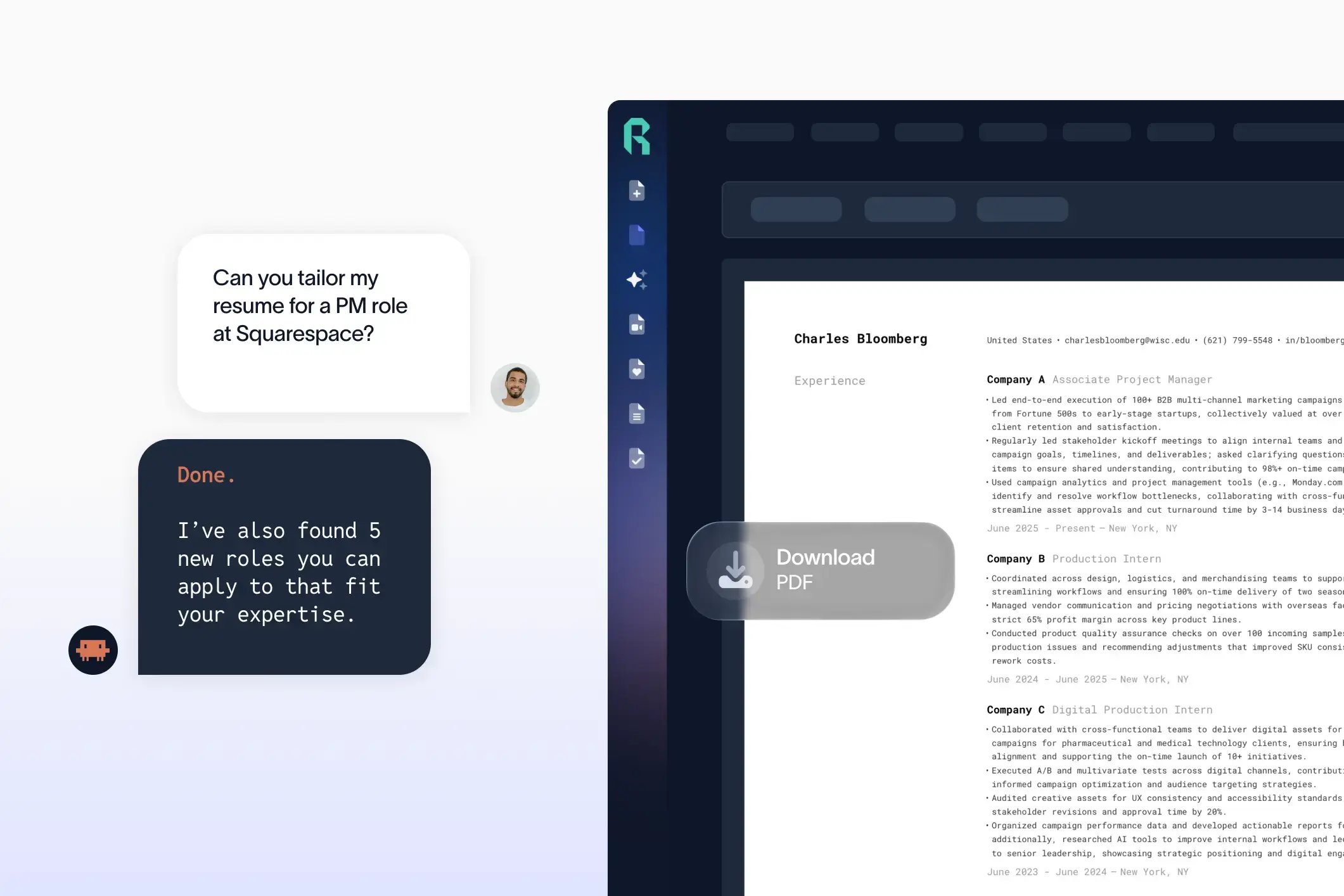
The Rezi MCP Toolkit removes that barrier. It connects your Rezi account to AI agents like Claude, Codex, Cursor, and Gemini so you can tailor a resume to a job description in seconds, using plain language.
What is MCP, and why should you care?
MCP (Model Context Protocol) is a standard that lets AI tools connect to external services. Think of it like a USB port for AI: any tool that supports MCP can plug into any service that exposes an MCP server.
Rezi runs a remote MCP server at https://api.rezi.ai/mcp. There's nothing to install on your computer.
What does this mean in practice? Once connected, you can talk to your AI tool the way you'd talk to a colleague. Say "tailor my resume to this job description," paste the posting, and the AI reads your current resume from Rezi, rewrites the content to match the role, and saves the updated version back to your account. The whole process takes about 10 seconds.
How to tailor your resume with AI using Rezi MCP
Here is the actual workflow. It takes under a minute to set up, and you only do it once.
1. Connect once
Add the Rezi MCP server URL to your AI tool. Every tool has its own method, but they all point to the same address: https://api.rezi.ai/mcp.
In Claude Code, it's one command:
See the full list of supported tools and their setup commands in the "Supported tools" section below.

In Cursor, you add it to your mcp.json. Every tool has its own way, but it takes under a minute.
2. Authenticate
The first time your AI agent calls Rezi, you'll sign in with your Rezi account. This connects the agent to your specific resumes. Your credentials stay scoped to the session and are never saved to disk.
In Claude Code, you can start this process with:

3. Use plain language
Once connected, just talk. Paste a job description and say "tailor my resume to this." The agent handles everything behind the scenes: it reads your resume, analyzes the job posting, rewrites the relevant sections, and saves the result.


All changes are applied directly to your resume in Rezi.
What you can do
Search for jobs and tailor in one step
You don't even need to bring your own job posting. The toolkit includes built-in job search, so you can say "find product manager jobs in Austin and tailor my resume to the top result." The agent searches for jobs, picks the best match, pulls the full description, and rewrites your resume end to end.
Other examples:
- "Find software engineer jobs in San Francisco"
- "Show me remote data science roles"
The agent returns results with title, company, location, and a summary of each posting.
Tailor to any job posting
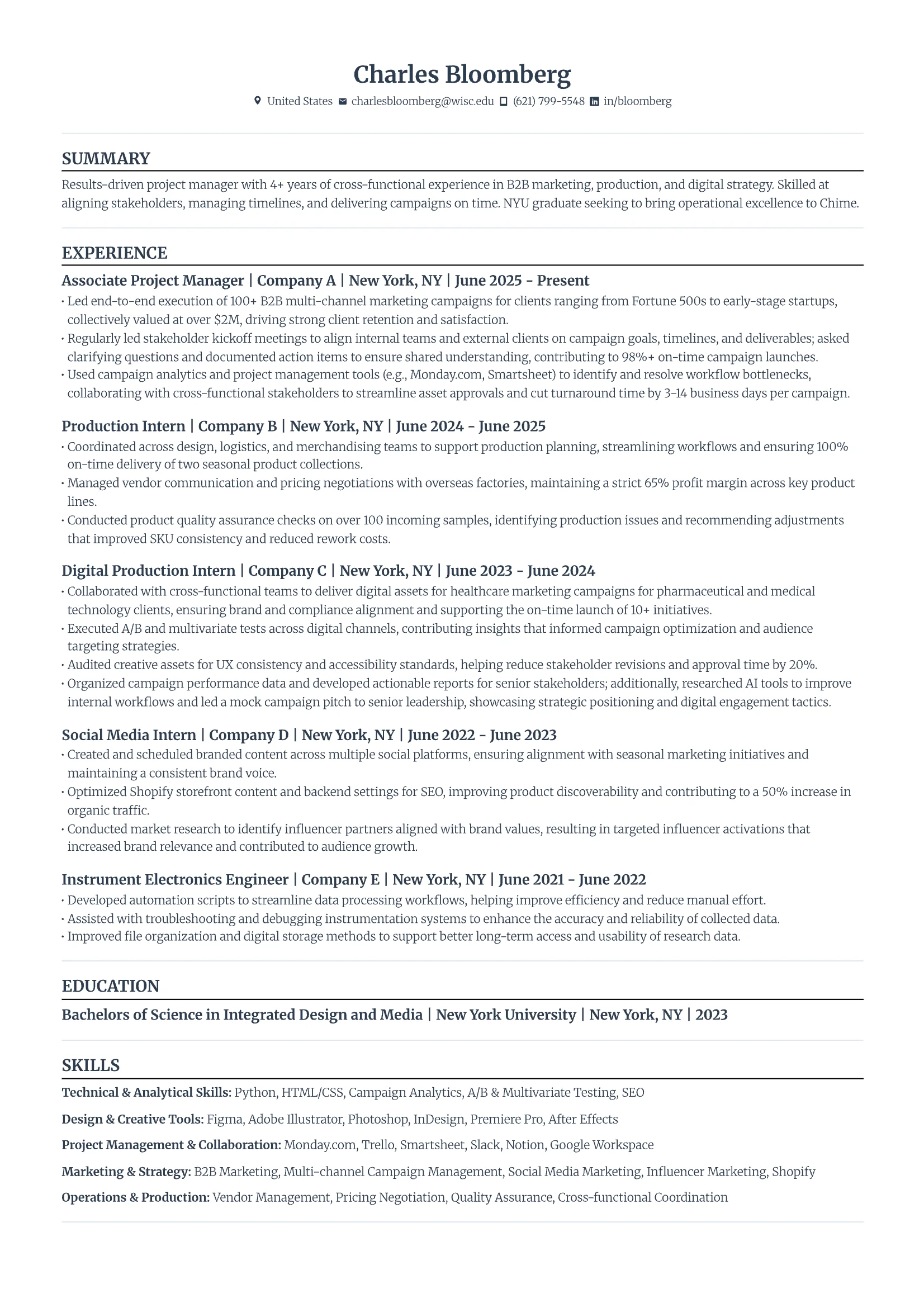
Paste any job description and get a resume aligned to the role in seconds. The agent matches keywords, adjusts your summary, and rewrites bullet points to reflect what the employer is looking for.
Create a resume from scratch
Describe the role and your background, and the agent builds a complete resume with all sections filled in—contact info, summary, experience, education, skills, projects, and certifications. It saves directly to your Rezi account.
Edit specific sections
Make targeted changes without opening the app:
- "Make my bullet points more quantitative"
- "Add my new role at Company X"
- "Rewrite my summary for a product management position"
Batch edits
Changes that would take an hour in a browser happen in one prompt:
- "Update all my bullet points to start with action verbs"
- "Add metrics to every experience entry"
Analyze and improve
Say "what's wrong with my resume and fix it." The agent identifies weak sections, missing keywords, and formatting issues, then rewrites them in the same pass.
What happens under the hood
The Rezi MCP server exposes five tools to the agent:
Resume tools
• list_resumes: Returns all your resumes as lightweight summaries (name, job title, last updated). The agent uses this to find the right resume to work with.
• read_resume: Pulls the full content of a specific resume, including every section (contact, summary, experience, education, skills, projects, certifications, and more).
• write_resume: Pushes changes back to your Rezi account. Works for both updating an existing resume and creating a new one from scratch.
Job search tools
• search_jobs: Searches for jobs by role and location. Returns 10 results by default with truncated descriptions. The agent can request more results, which are paginated. Location matching is broad, so searching "NYC," "New York," or "New York City" all work.
• get_job_details: Fetches the full job description for a specific listing. Use this when you need the complete posting to tailor a resume against.
When you say "tailor my resume to this job," the agent calls list_resumes to find your resume, calls read_resume to get the full content, analyzes the job description, rewrites the relevant sections, then calls write_resume to save the result. The whole cycle takes about 10 seconds.
With job search, the workflow gets even smoother. You can say "find me senior product manager jobs in New York and tailor my resume to the best match." The agent searches for jobs, picks the strongest fit, pulls the full description, then rewrites your resume to match, all in one conversation.
Every write operation verifies that the resume belongs to the authenticated user before making changes. The agent can only access resumes in your account.
What you can do
• Search for jobs: "Find software engineer jobs in San Francisco" or "show me remote data science roles." The agent returns a table of results with title, company, location, and a summary of each posting.
• Search and tailor in one step: "find product manager jobs in Austin and tailor my resume to the top result." The agent searches, picks the best match, pulls the full description, and rewrites your resume end to end.
• Tailor to any job posting: Paste a job description and get a resume aligned to the role in seconds. The agent matches keywords, adjusts your summary, and rewrites bullet points to reflect what the employer is looking for.
• Create from scratch: Describe the role and your background, and the agent builds a complete resume with all sections filled in. Saves directly to your Rezi account.
• Edit specific sections: "Make my bullet points more quantitative," "add my new role at Company X," "rewrite my summary for a product management position." Targeted edits without opening the app.
• Batch operations: "Update all my bullet points to start with action verbs" or "add metrics to every experience entry." Changes that would take an hour in a browser happen in one prompt.
• Analyze and fix: "What's wrong with my resume and fix it." The agent identifies weak sections, missing keywords, and formatting issues, then rewrites them in the same pass.
Supported tools
The Rezi MCP server is a remote streamable HTTP server. There's no local installation or package to manage. It works with any client that supports the MCP protocol:
Codex:
Claude Code:
Claude Desktop:
Cursor:
Gemini CLI:
Lovable:
Any other streamable HTTP MCP client
Security and privacy
Your Rezi credentials are stored in memory only, scoped to the MCP session ID. They refresh automatically when close to expiry. If the server restarts, you sign in again. No credentials are saved to disk. The agent can only access resumes that belong to the authenticated user.
The only data transmitted is your resume content and any job descriptions you provide. No editor context, file contents, or browsing data is sent.
Getting started
Works with any Rezi Pro account. Add the server URL to your MCP client and start tailoring resumes to job descriptions in seconds.

Upload or drop your resume to get started
Upload your resume to get started
Score my resume

Jacob is the founder and CEO of Rezi. He has been sharing his unique insights on solving the resume since 2015, helping millions around the world land their dream jobs. Lately, Jacob finds himself giving a ton of speeches on topics related to global employment and building startups.


.webp)

