




Information Technology Resumes
Linux Engineer Resume Examples & Tips for 2026
Customize any of these resumes in minutes using our free AI-powered resume builder.
“Rezi is super upfront and continues to improve over time. I've recommended Rezi to several of my friends and colleagues. I just love this product so much.”

Ricky M.
Software Engineer
“Rezi is super upfront and continues to improve over time. I've recommended Rezi to several of my friends and colleagues. I just love this product so much.”
Ricky M.
Software Engineer
Helping users land jobs at 1,000+ companies such as














Here's the thing most Linux engineer resumes get wrong: they read like a laundry list of technologies. A wall of acronyms — RHEL, CentOS, Bash, Ansible, Docker — with zero context about what you actually did with them. Hiring managers don't need to see that you know Linux exists. They need to see that you've built, secured, automated, and scaled real infrastructure with it.
A strong Linux engineer resume tells the story of systems you've architected, problems you've troubleshot under pressure, and the measurable improvements you've delivered — uptime percentages, deployment speed, cost savings, and incident response times.
And this is exactly what you'll learn from this article. Inside, you'll find:
- Examples of 9 Linux engineer resumes, covering different specializations and seniority levels.
- Insider tips about what really matters to recruiters and hiring managers evaluating Linux engineering candidates.
- A step-by-step guide for putting together a Linux engineer resume that actually gets callbacks.
Sample Linux Engineer Resumes
Take a look at some top-notch sample resumes for Linux engineers across different specializations and experience levels. Find one that matches your profile and use it as a reference point (or feel free to steal it — just make sure to adjust the wording to reflect your own career journey).
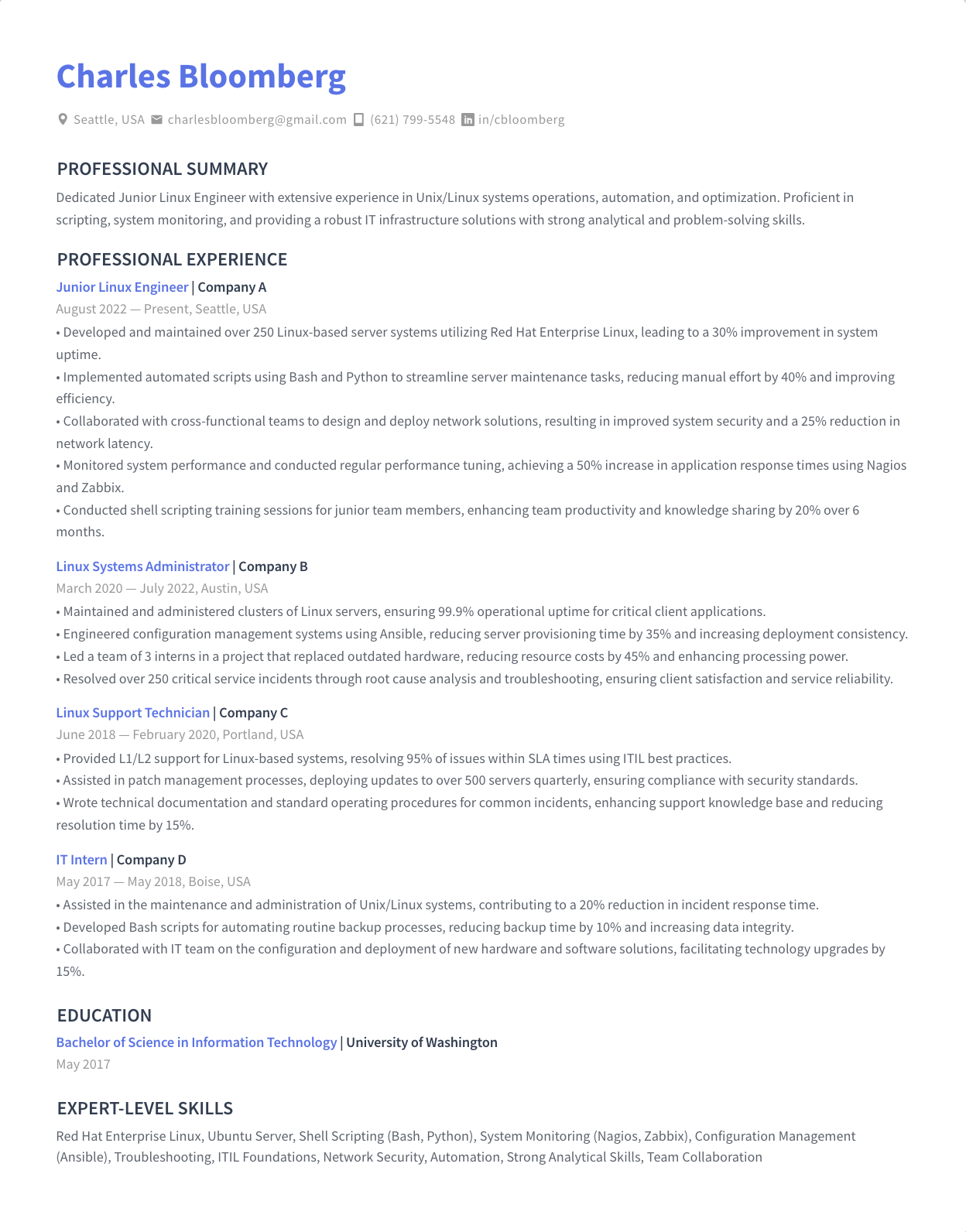
Junior Linux Engineer
A Junior Linux Engineer resume should emphasize your foundational knowledge of Linux distributions, command-line proficiency, and any hands-on lab or internship experience. Highlight coursework, personal projects, or homelab setups that demonstrate real engagement with Linux systems. Certifications like CompTIA Linux+ or RHCSA can significantly strengthen your candidacy. Show eagerness to learn and any exposure to scripting, networking basics, or virtualization technologies.
Mid-Level Linux Engineer
A Mid-Level Linux Engineer resume should showcase 3–5 years of hands-on experience managing production Linux environments. Emphasize your expertise in system hardening, automation with tools like Ansible or Puppet, and your ability to troubleshoot complex issues independently. Highlight specific infrastructure improvements you've delivered — reduced downtime, faster deployments, or streamlined patching processes. Show that you're moving beyond task execution into ownership of systems and processes.
Senior Linux Engineer
A Senior Linux Engineer resume should demonstrate deep expertise in designing, scaling, and securing enterprise Linux infrastructure. Highlight your leadership in mentoring junior engineers, driving architectural decisions, and managing large-scale environments with hundreds or thousands of servers. Quantify your impact — uptime improvements, cost reductions, migration successes. Showcase advanced skills in performance tuning, kernel-level troubleshooting, and infrastructure-as-code at scale.
Linux Systems Engineer
A Linux Systems Engineer resume should emphasize your ability to design, implement, and maintain complex systems infrastructure. Focus on your experience integrating Linux servers with storage, networking, and monitoring stacks. Highlight cross-functional collaboration with network and security teams. Demonstrate proficiency in capacity planning, disaster recovery, and system lifecycle management. Certifications like RHCE or AWS Solutions Architect add strong credibility to your profile.
Linux System Administrator
A Linux System Administrator resume should focus on day-to-day operational excellence — user management, patch management, backup strategies, and system monitoring. Highlight your experience maintaining high-availability environments and your proficiency with configuration management tools. Show your ability to write shell scripts that automate repetitive tasks. Mention specific distributions you've administered and any experience with ticketing systems and SLA-driven environments.
Linux DevOps Engineer
A Linux DevOps Engineer resume should bridge systems expertise with CI/CD pipelines, containerization, and cloud platforms. Emphasize your experience building and maintaining automated deployment workflows using tools like Jenkins, GitLab CI, Docker, and Kubernetes on Linux infrastructure. Highlight collaboration with development teams to improve release velocity and reliability. Quantify improvements — deployment frequency, mean time to recovery, and infrastructure provisioning speed.
Linux Infrastructure Engineer
A Linux Infrastructure Engineer resume should showcase your experience designing and maintaining the foundational layers that applications run on. Focus on data center operations, virtualization platforms like VMware or KVM, storage systems, and network integration. Highlight large-scale migration projects, capacity planning initiatives, and disaster recovery implementations. Demonstrate your ability to think architecturally while still getting hands-on with troubleshooting and optimization.
Linux Platform Engineer
A Linux Platform Engineer resume should emphasize building and managing internal platforms that development teams rely on. Highlight your experience creating self-service infrastructure, managing container orchestration platforms, and building tooling that improves developer productivity. Show expertise in infrastructure-as-code with Terraform or Pulumi, and experience running platforms on cloud providers. Demonstrate how your work reduced friction between engineering teams and infrastructure.
Red Hat Linux Engineer
A Red Hat Linux Engineer resume should spotlight deep expertise in the Red Hat ecosystem — RHEL, Satellite, Ansible Automation Platform, and OpenShift. Highlight your experience with Red Hat-specific tooling for provisioning, patching, and compliance management. RHCSA and RHCE certifications are essential here. Show your ability to manage enterprise RHEL environments at scale, including subscription management, SELinux policy configuration, and integration with identity management systems like FreeIPA.
How to Write a Linux Engineer Resume
Short answer:
Focus on the systems you've built and maintained, the tools and automation you've used, and the measurable results you've delivered. Create a professional header with your name and contact details. Right below, write a 2–3 sentence resume summary outlining your most significant accomplishments. Describe your work history in reverse-chronological order, focusing on infrastructure achievements and the technologies used. Then, cover your education including professional certifications, list key skills, and add extra sections such as open-source contributions, homelab projects, or technical publications.
Include all the necessary sections in the correct order
Here's the correct order of sections for most Linux engineer resumes:
- Header with contact information
- Resume summary or objective
- Work experience
- Education
- Skills
- Certifications
Depending on your current career situation, you can also throw in some additional sections. For instance:
- Open-source contributions (especially valuable for demonstrating real-world skills)
- Homelab or personal projects
- Technical publications or blog posts
- Conference talks or presentations
- Professional associations
Include everything that shows you're capable of doing what the job requires. Make every section count. If it doesn't clearly highlight your technical skills or impact, it doesn't belong on your resume.
If you have less than five years of relevant experience, keep your resume 1-page long. For more senior Linux engineers, a two-page resume is fine.
More details here: What Sections to Include on Your Resume?
Now, I'll give you a high-level overview of how to write each section, going from top to bottom. Well… almost. The only exception is the resume summary section. While it comes right after your contact info, it's actually easier to write it last. More on that in a sec.
Create a professional resume header
- Start with your name and contact information. Include the basics: your full name, phone number, professional email address, location, and LinkedIn profile. A link to your GitHub profile, personal website, or technical blog can also add credibility and help you stand out.
- Right below your name, clearly state your professional title (e.g., Senior Linux Engineer or Linux Systems Engineer). This sets expectations and asserts your position in the field.
For more information, see: How to Create a Resume Header
Describe your work history
- Use reverse-chronological order. List your positions starting with the current or the most recent one.
- In each entry, include your job title, company name, location, and dates of employment.
- Below each position, write 3–7 bullet points — the more recent the position, the more bullet points you should include. Describe your responsibilities and, more importantly, your accomplishments.
- Use action verbs and quantify your achievements (e.g., "Managed 500+ RHEL servers across three data centers, achieving 99.99% uptime over 18 months" or "Automated server provisioning with Ansible, reducing deployment time from 4 hours to 15 minutes").
- If specific tools, distributions, or methodologies were pivotal in your roles (e.g., Terraform, Kubernetes, RHEL, CentOS), weave these details into your descriptions. This will also help you pass ATS scans.
Learn more about the best practices of this section with our detailed guide on how to describe your work experience on a resume.
List your degrees and detail professional learning
- In the education section, list your highest degree first, including the degree type, major, and institution.
- If you have relevant work experience, include only the name of your school and the degree you got. If you're an entry-level candidate, you can add more detail to your education section — list relevant coursework in operating systems, networking, or cybersecurity, plus any academic projects.
- If you have Linux or cloud certifications (e.g., RHCSA, RHCE, CompTIA Linux+, AWS SAA), either include them in an "Education and Certifications" section, or create a separate "Certifications" section and place it right below.
For an in-depth guide on how to describe your education on a resume, see: How to List Education on a Resume
List your most relevant skills in the skills section
- Include a mix of technical skills (e.g., specific Linux distributions, automation tools, cloud platforms) and core competencies (e.g., system architecture, performance tuning) that you are proficient in.
- Add in some soft skills such as problem-solving, documentation, and cross-team collaboration. These demonstrate your capacity to operate effectively in complex technical organizations.
- You can use two separate subsections — one for technical skills, one for soft skills — or just list all the skills under one heading.
- Match your skills to the description of the job you're applying for. I'm not saying you should just dump every technology from the job ad (especially if you don't really know them), but highlight those areas of expertise where your knowledge overlaps with the requirements.
Need some inspiration to get started? Here are some good skills to feature on your Linux engineer resume.
Operating systems and distributions:
- Red Hat Enterprise Linux (RHEL)
- CentOS / Rocky Linux / AlmaLinux
- Ubuntu / Debian
- SUSE Linux Enterprise Server (SLES)
- Amazon Linux
Technical skills and tools:
- Bash / Shell scripting
- Python scripting
- Ansible
- Terraform
- Docker
- Kubernetes
- Git / GitHub / GitLab
- Jenkins / GitLab CI
- Nagios / Zabbix / Prometheus / Grafana
- AWS / Azure / GCP
- VMware / KVM / Proxmox
- SELinux / iptables / firewalld
- LDAP / FreeIPA / Active Directory integration
- LVM / RAID / NFS / CIFS
Key soft skills for Linux engineers:
- Troubleshooting and root cause analysis
- Documentation
- Communication
- Collaboration
- Time management
- Attention to detail
- Adaptability
- Mentoring
- Problem-solving
- Incident management
For a full-blown guide on listing skills on a resume, visit: How to Put Skills on a Resume
Use additional sections as further proof of your fit
Additional sections add depth to your resume and back up your claimed expertise. Good examples of extra sections to add to a Linux engineer resume are:
- Open-source contributions. Contributing to open-source projects on GitHub demonstrates real-world coding ability and community involvement — both highly valued in the Linux world.
- Homelab or personal projects. A resume section dedicated to personal projects — like building a Kubernetes cluster, setting up a self-hosted monitoring stack, or automating a home network — shows genuine passion and initiative.
- Technical publications or blog posts. If you've written tutorials, guides, or articles about Linux topics, definitely list them. It shows you can communicate complex ideas clearly.
- Conference talks or presentations. If you've spoken at meetups, conferences, or internal tech talks, include them. Even listing conferences you've attended shows you're invested in staying current.
Highlight the most relevant information in a resume summary
Once you're done writing your Linux engineer resume, give it a full read. Pick the most relevant information and compile it into a summary paragraph. Place it right under the resume header.
- Be brief and to-the-point. In 3–4 sentences, sum up your career highlights, core competencies, and what you bring to the table. Consider this your chance to answer, "Why should you hire me?" Tailor this section to match the employer's needs outlined in the job description.
- Use value-oriented language. Focus on how you can add value to the potential employer, mentioning specific outcomes like uptime improvements, infrastructure scale, or automation wins you've delivered in the past.
Once you've completed the core sections of your resume, you can use Rezi AI Resume Summary Generator to automatically create a powerful summary, tailored to the job you're applying for. All you need to do is add the position and skills you want to highlight. The AI writer will do the rest.
More information here: How to Write a Job-Winning Resume Summary (with Examples)
For finishing touches, make sure your resume looks professional
- Use a clean and tidy resume format. Ensure your Linux engineer resume is easily readable, with a professional font, consistent formatting, and clear section headings. Avoid overloading it with dense text or fancy design elements that could distract from the content and confuse resume screening software.
- Aim for a balance between detail and conciseness. If you're a junior candidate, keep your resume to a single page. Experienced Linux engineers can extend their resumes to two pages, but still need to make sure every word conveys value.
Learn more about proper resume formatting here: How to Format a Resume & What Standard Resume Format to Use
What Makes Linux Engineer Resumes Different
In short: the emphasis on hands-on technical depth and the ability to prove real operational impact.
This is also what many Linux engineers get wrong on their resumes. You see, listing twenty technologies doesn't tell a hiring manager anything. They need to see how you used those tools to solve problems, improve reliability, and keep systems running. Context is everything.
You need to show depth, not just breadth
Linux engineering is one of those fields where everyone can list "Linux" on their resume. What separates strong candidates is demonstrating genuine depth — kernel tuning, troubleshooting at the system call level, understanding storage stacks, or designing high-availability architectures.
What it means for you:
- Don't just list technologies. Describe the complexity of the environments you managed — number of servers, distributions, whether they were bare metal, virtual, or cloud-based.
- When you mention a tool like Ansible, don't stop there. Say what you automated, how many systems it covered, and what improvement it delivered. "Wrote Ansible playbooks to automate patching across 300 RHEL servers, reducing patching windows from 8 hours to 45 minutes" is infinitely more powerful than "Used Ansible."
Quantify reliability and operational outcomes
In most engineering roles, quantifying achievements is a nice-to-have. In Linux engineering, it's essential — because your entire job revolves around uptime, performance, and efficiency.
What it means for you:
- Include metrics wherever possible: uptime percentages, mean time to recovery (MTTR), incident reduction rates, deployment frequency improvements, or cost savings from infrastructure optimization.
- Mention the scale you operated at — hundreds of servers, petabytes of storage, multi-region cloud deployments. Scale tells the hiring manager whether your experience matches their environment.
Demonstrate automation-first thinking
Modern Linux engineering is inseparable from automation. Hiring managers want to see that you don't just maintain systems — you build repeatable, scalable processes around them.
What this means for you:
- Highlight your experience with infrastructure-as-code tools (Terraform, Ansible, Puppet, Chef), CI/CD pipelines, and scripting languages (Bash, Python).
- Describe what you automated, why, and what the before-and-after looked like. Did you eliminate manual processes? Reduce human error? Speed up provisioning? This is what separates a Linux engineer from someone who just runs commands.
Show that you understand security and compliance
Linux engineers are increasingly expected to own security hardening, compliance baselines, and access management. This isn't optional anymore — it's core to the role.
What this means for you:
- Mention your experience with SELinux, CIS benchmarks, STIG compliance, vulnerability scanning, and patch management strategies.
- If you've worked in regulated industries (finance, healthcare, government), highlight your understanding of compliance requirements and how you implemented them at the infrastructure level.
Certifications carry real weight
Unlike some fields where certifications are nice but not essential, Linux certifications like RHCSA, RHCE, and LFCS are widely respected and often listed as requirements in job postings.
What this means for you:
- Feature relevant certifications prominently — ideally in a dedicated section. If you hold RHCSA, RHCE, CKA, or AWS certifications, make sure they're easy to spot.
- If you're working toward a certification, it's fine to mention it (e.g., "RHCE — expected June 2026"), but don't overdo it with certifications you haven't started yet.
Bonus Resources for Linux Engineers
This isn't going to be a game-changer for you if you need a resume now. But —
I want you to treat your career holistically. These resources will help you sharpen your Linux engineering skills, add substance to your future resumes, and keep you current with the rapidly evolving infrastructure landscape.
Professional associations and communities
The Linux Foundation
The Linux Foundation supports the open-source ecosystem through training, certification programs (LFCS, LFCE, CKA), events, and collaborative projects. It's the gold standard for Linux professionals looking to validate and grow their skills.
Red Hat Training and Certification
Red Hat offers industry-leading certifications (RHCSA, RHCE, RHCA) and training courses. If you work with RHEL or its ecosystem, investing in Red Hat certifications is one of the highest-ROI career moves you can make.
League of Professional System Administrators (LOPSA)
LOPSA is a professional organization for system administrators and infrastructure engineers, offering mentoring, local meetups, and advocacy for the profession.
Online learning platforms
Linux Academy (now part of A Cloud Guru)
A Cloud Guru's Linux-focused courses cover everything from beginner Linux administration to advanced topics like Kubernetes and cloud architecture. Hands-on labs are a standout feature for building real skills.
Udemy
Udemy offers affordable, practical courses on Linux administration, shell scripting, Ansible, Docker, and more. Look for highly-rated courses with hands-on exercises to get the most value.
LinkedIn Learning
With a focus on professional development, LinkedIn Learning provides numerous courses on Linux fundamentals, DevOps practices, cloud infrastructure, and career skills tailored to systems engineers.
Publications and blogs
Linux.com
Run by the Linux Foundation, Linux.com offers news, tutorials, and resources for the Linux community — a solid place to stay informed about developments in the ecosystem.
Brendan Gregg's Blog
Brendan Gregg is a leading expert in systems performance. His blog and books on Linux performance analysis and observability tools are essential reading for any serious Linux engineer.
Enable Sysadmin (Red Hat)
Red Hat's community blog for sysadmins and engineers covers practical Linux tips, automation guides, and best practices — written by practitioners for practitioners.
Tools and community resources
GitHub
Beyond code hosting, GitHub is where you can explore open-source projects, contribute to tools you use daily, and build a public portfolio that demonstrates your skills to prospective employers.
Server Fault
Part of the Stack Exchange network, Server Fault is a Q&A community specifically for system and network administrators. Great for troubleshooting, learning from real-world problems, and building visibility in the community.
Summary
Here's what you need to know about writing a Linux engineer resume:
- Structure your Linux engineer resume with essential sections in this order: Header, Resume Summary or Objective, Work Experience, Education, Skills, and Certifications. If relevant, add extra sections like Open-Source Contributions, Homelab Projects, or Technical Publications.
- Include a professional header with your name, contact information, professional title, and links to your GitHub or technical blog.
- Describe your work history in reverse-chronological order, emphasizing infrastructure achievements with quantifiable outcomes — uptime, scale, speed improvements, and cost savings.
- In the education section, list your highest degree at the top. You can list Linux and cloud certifications either in the education section or under a separate heading.
- Highlight a mix of operating systems, technical tools, automation frameworks, and soft skills — tailoring them to the job description.
- Show depth, not just breadth. Describe how you used technologies, at what scale, and what results you achieved.
- Demonstrate automation-first thinking by highlighting infrastructure-as-code, scripting, and CI/CD experience.
- Once done writing the resume, compile the key information into a brief, value-oriented resume summary at the top.
- Make your resume professional in appearance, aim for conciseness without sacrificing technical detail.
- Feature certifications prominently — RHCSA, RHCE, CKA, and cloud certs carry real weight in this field.
Thanks for reading! Got any questions? Feel free to reach out to me on LinkedIn. (Or check out the FAQs first, maybe your question is answered there.)
FAQ
How do I handle a resume when I'm self-taught with no degree in computer science?
This is more common than you think in Linux engineering. Focus your resume on certifications (RHCSA, RHCE, CompTIA Linux+), hands-on experience, and personal projects like homelabs. A well-documented homelab or open-source contributions can speak louder than a degree. List your certifications in a prominent section and let your work experience and projects do the heavy lifting.
Should I list every Linux distribution I've ever used?
No. List the distributions you have substantial, professional experience with. If you've administered RHEL and Ubuntu in production for years but only spun up Arch once in a VM, leave Arch off. Hiring managers care about depth of experience, not a catalog of ISOs you've downloaded.
How do I describe homelab projects on a professional resume?
Treat them like real projects. Describe what you built, the technologies you used, and what you learned. For example: "Built a 3-node Proxmox cluster running Docker containers with automated backups via Borg and monitoring via Prometheus/Grafana." Keep descriptions concise and focus on skills that transfer directly to enterprise environments.
What keywords should I use on my Linux engineer resume?
Use specific distribution names (RHEL, Ubuntu, CentOS), tool names (Ansible, Terraform, Docker, Kubernetes), and technical concepts (infrastructure-as-code, CI/CD, system hardening, high availability, disaster recovery). Mirror the language from the job posting. Mention certifications like RHCSA, RHCE, CKA, or AWS SAA if you hold them.
I have experience with both Windows and Linux. Should I include Windows skills?
Only if the job description calls for it or if your Windows experience directly supports the role — for example, managing mixed environments or Active Directory integration with Linux systems. Otherwise, keep the focus squarely on Linux. A resume that tries to be everything to everyone ends up being compelling to no one.
How technical should my resume be if HR is screening it first?
Write for two audiences. Use the correct technical terminology (this gets you past ATS filters and shows credibility to technical reviewers), but frame your achievements in terms of business outcomes that non-technical screeners can understand — "reduced server provisioning time by 90%" is clear to anyone. Avoid deep jargon in your bullet points without context.
Is it worth listing on-call or incident response experience?
Absolutely. On-call and incident response experience is a big part of Linux engineering roles, and many candidates forget to mention it. Describe your role in incident management, your response times, and any improvements you made to reduce incidents or improve MTTR. This shows you can handle pressure and are serious about reliability.

Upload or drop your resume to get started
Upload your resume to get started
Score my resume
Contents

Resume Formats & Examples
ATS-Friendly resume formats that land jobs
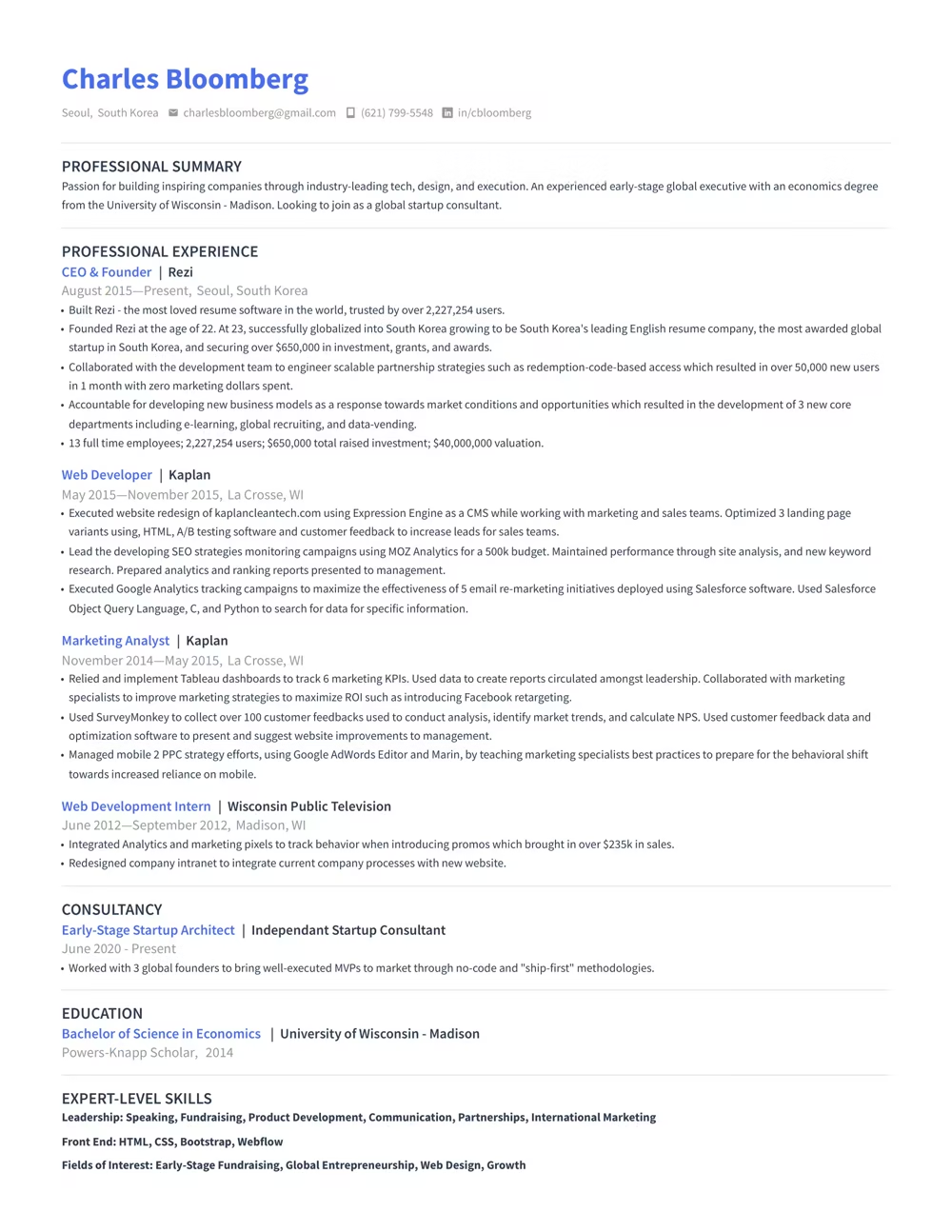
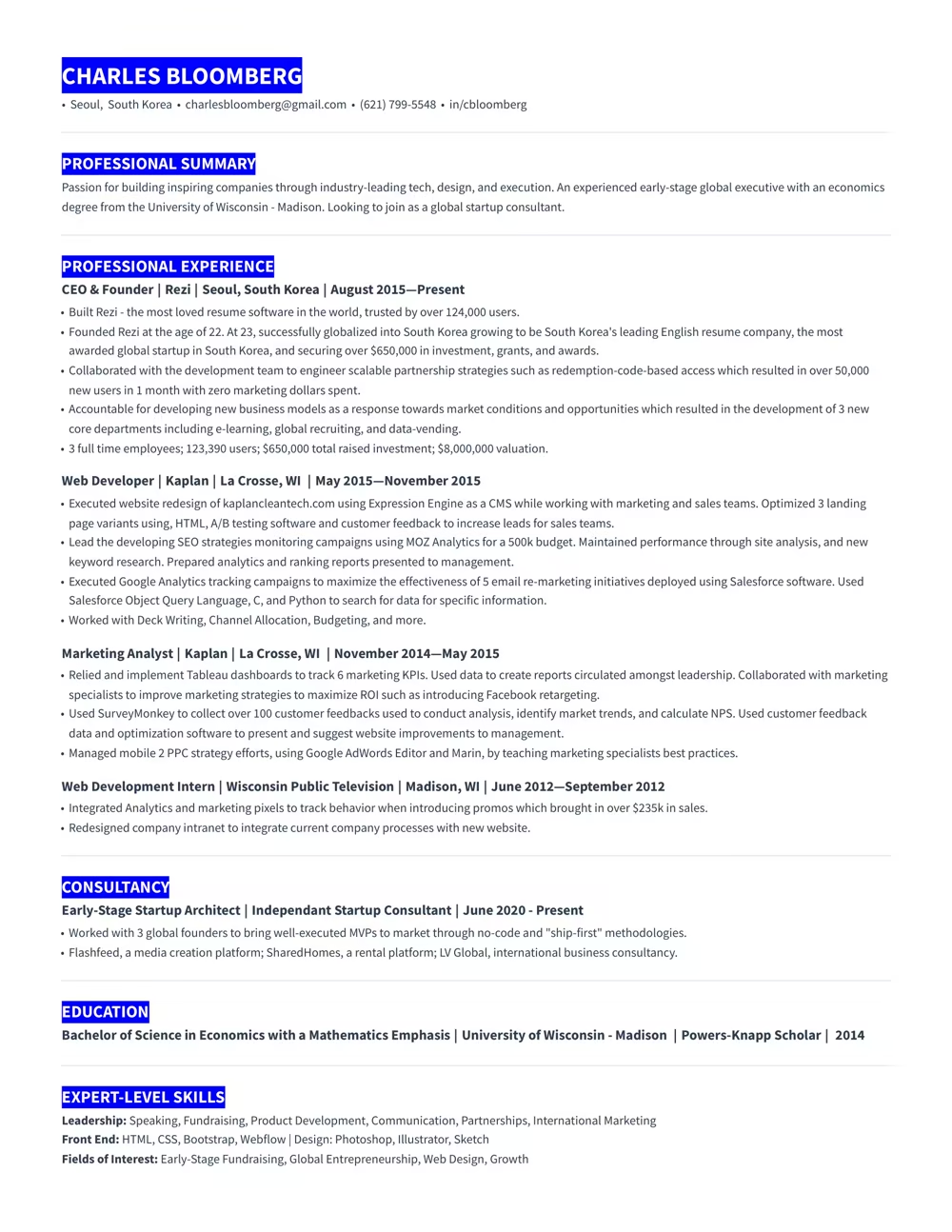
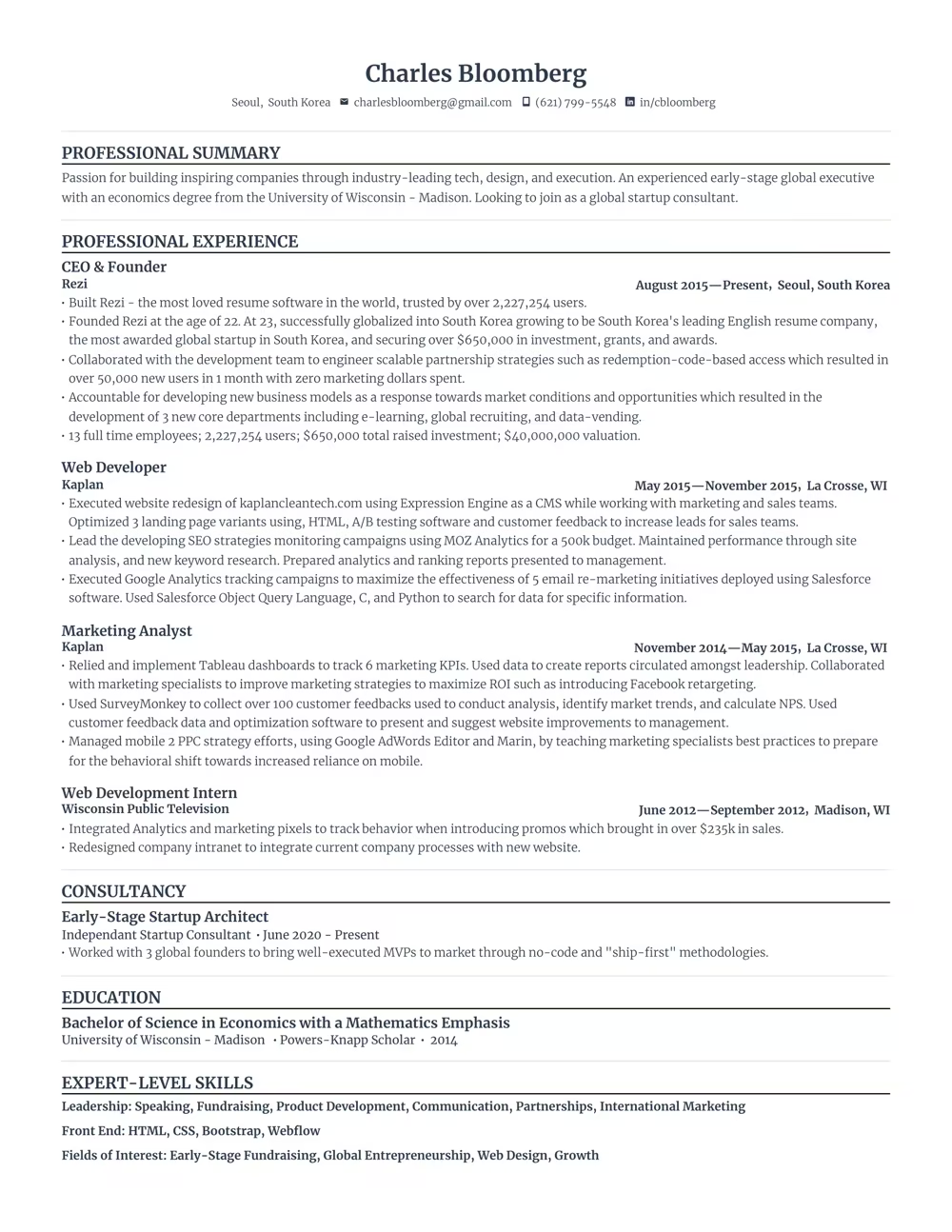
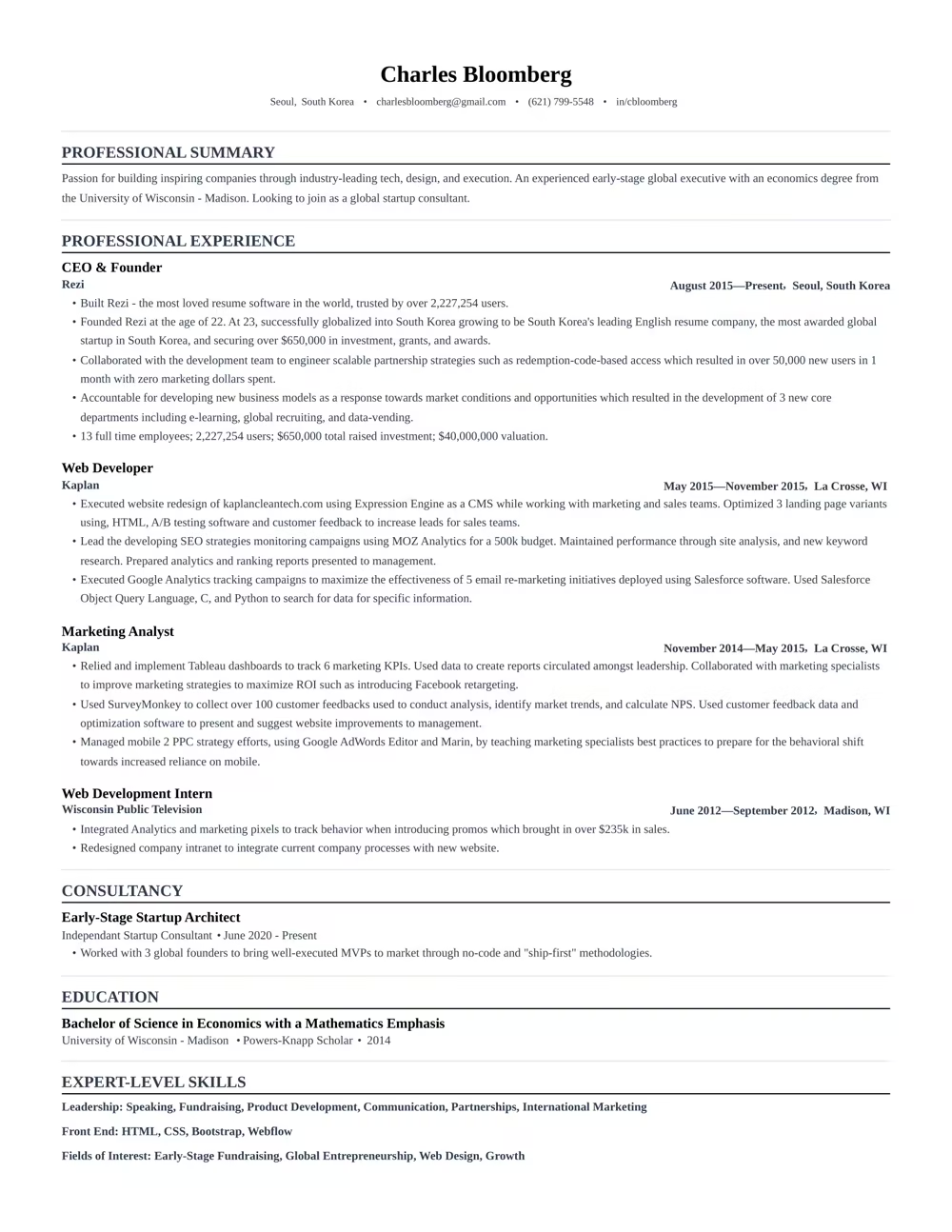
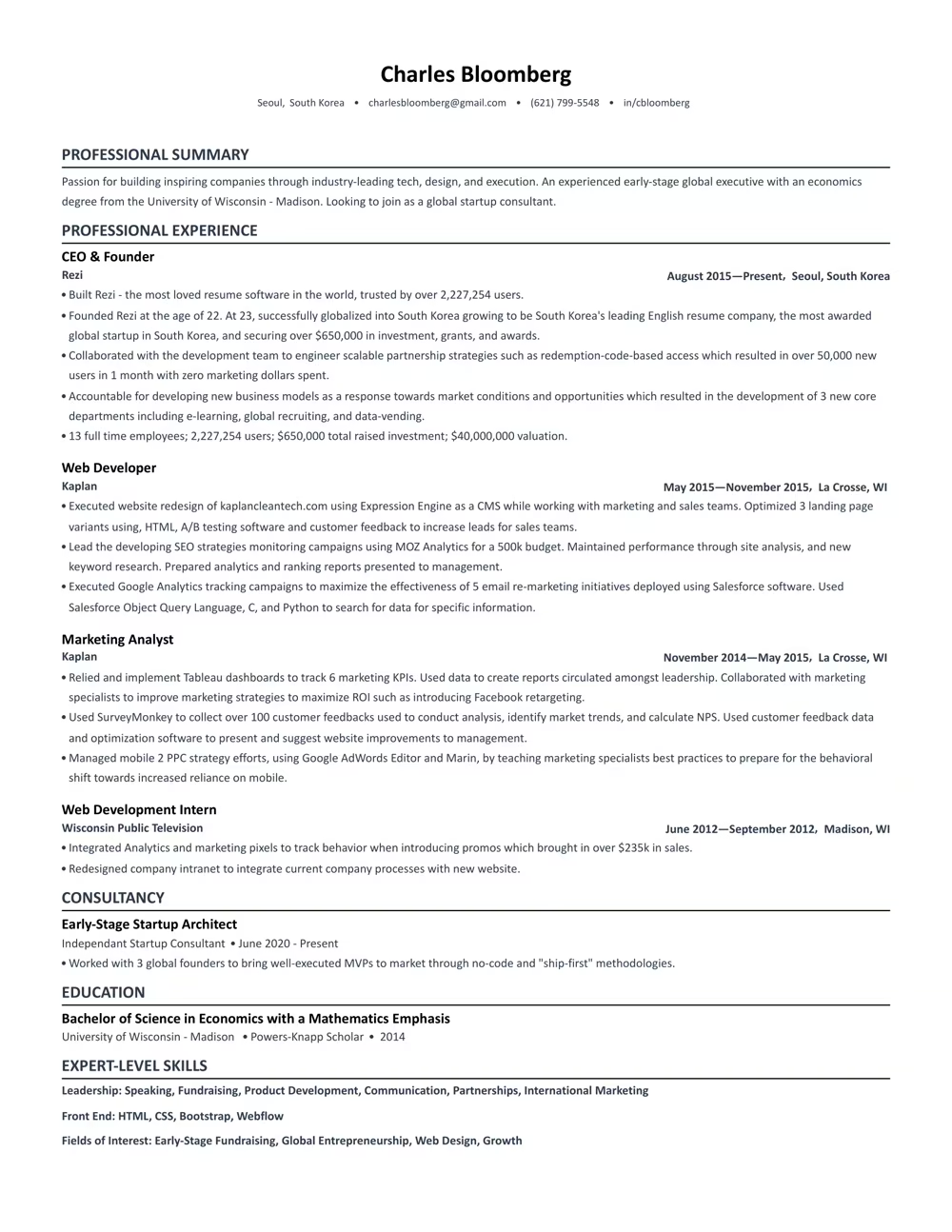
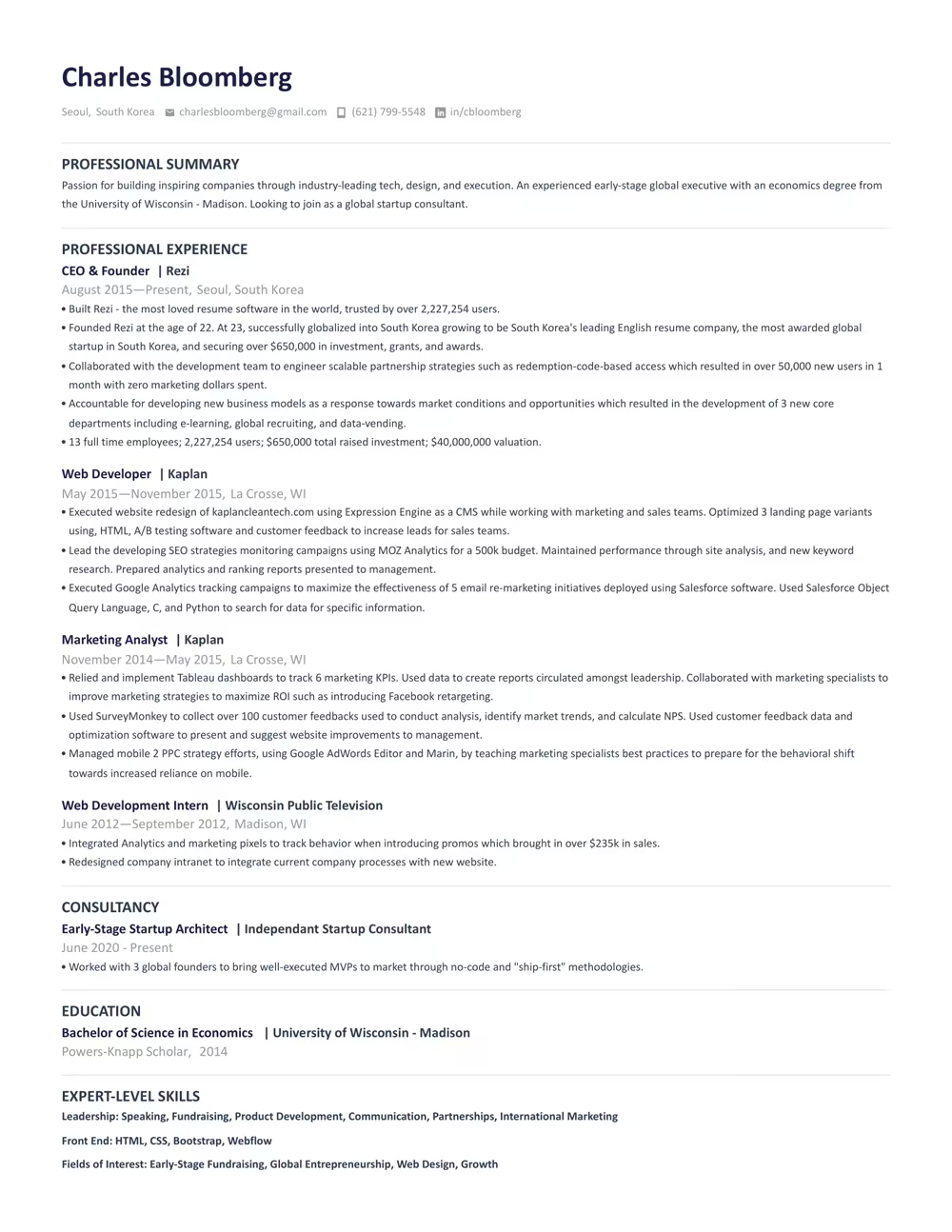
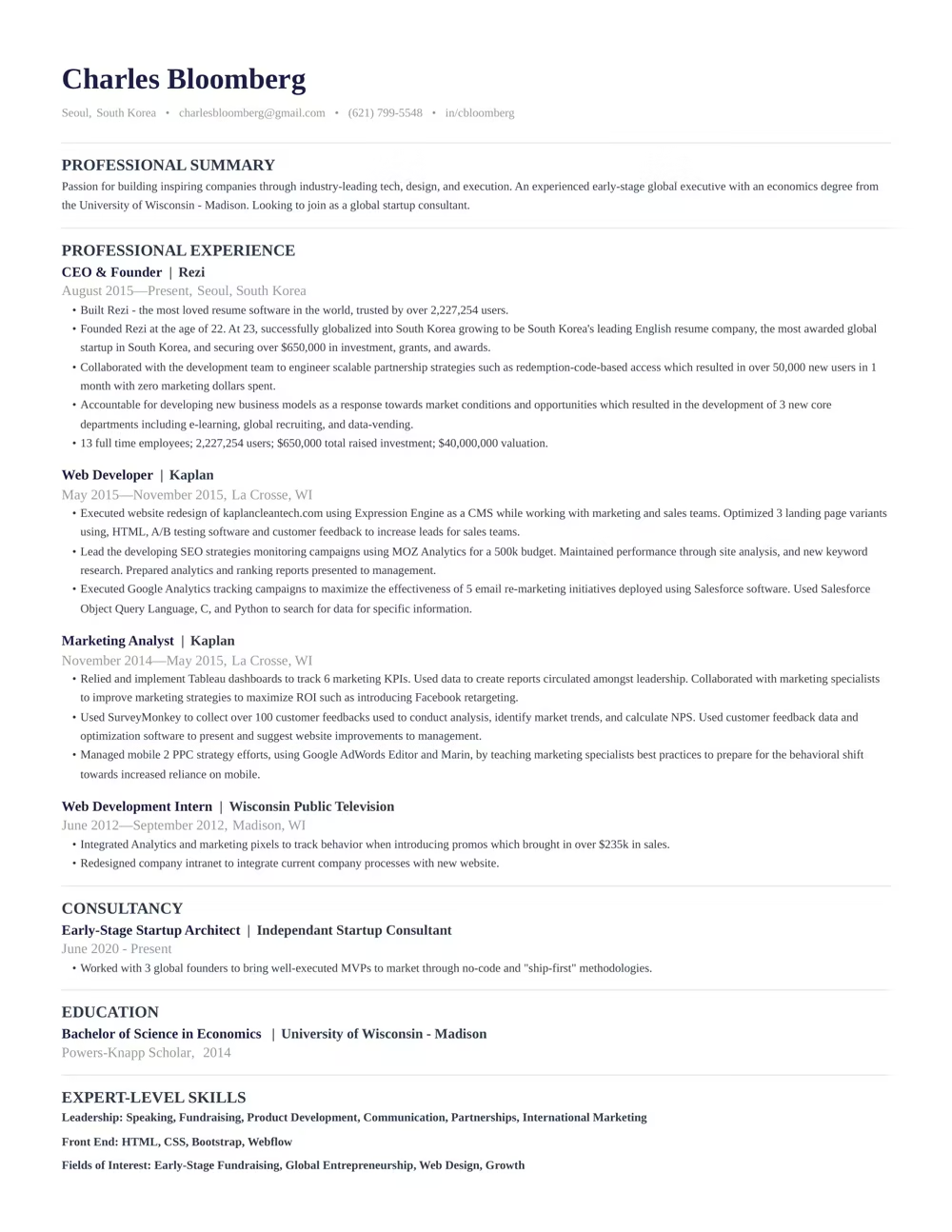
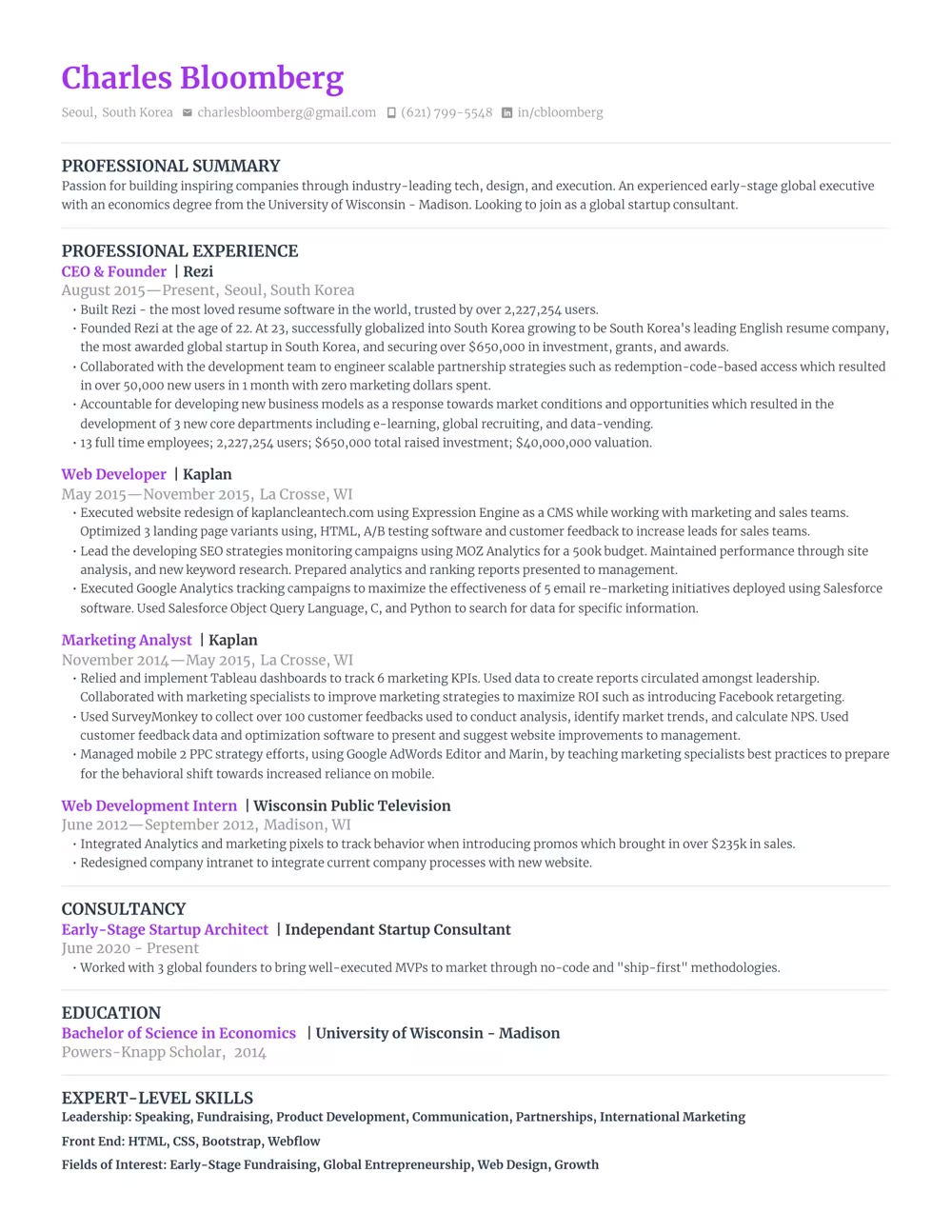
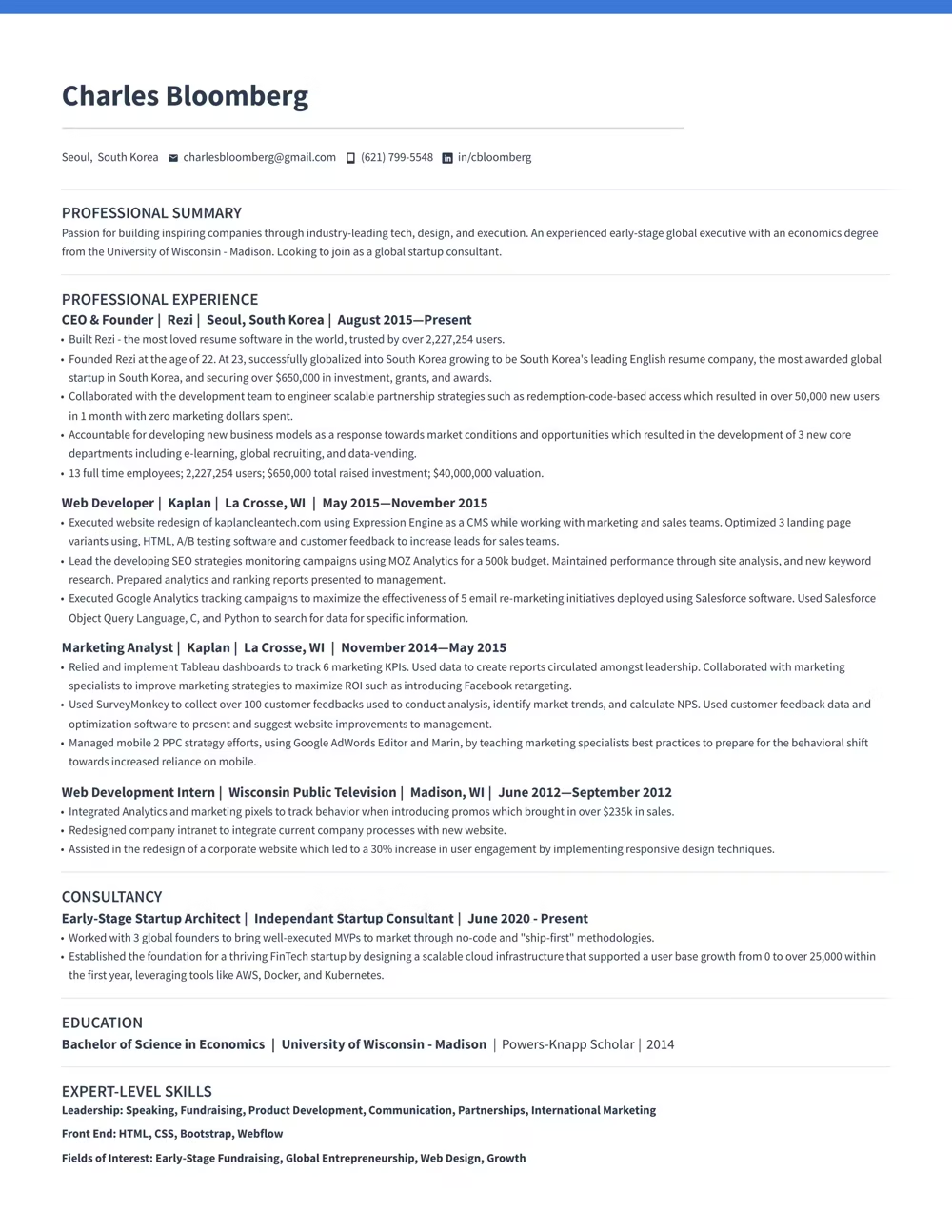
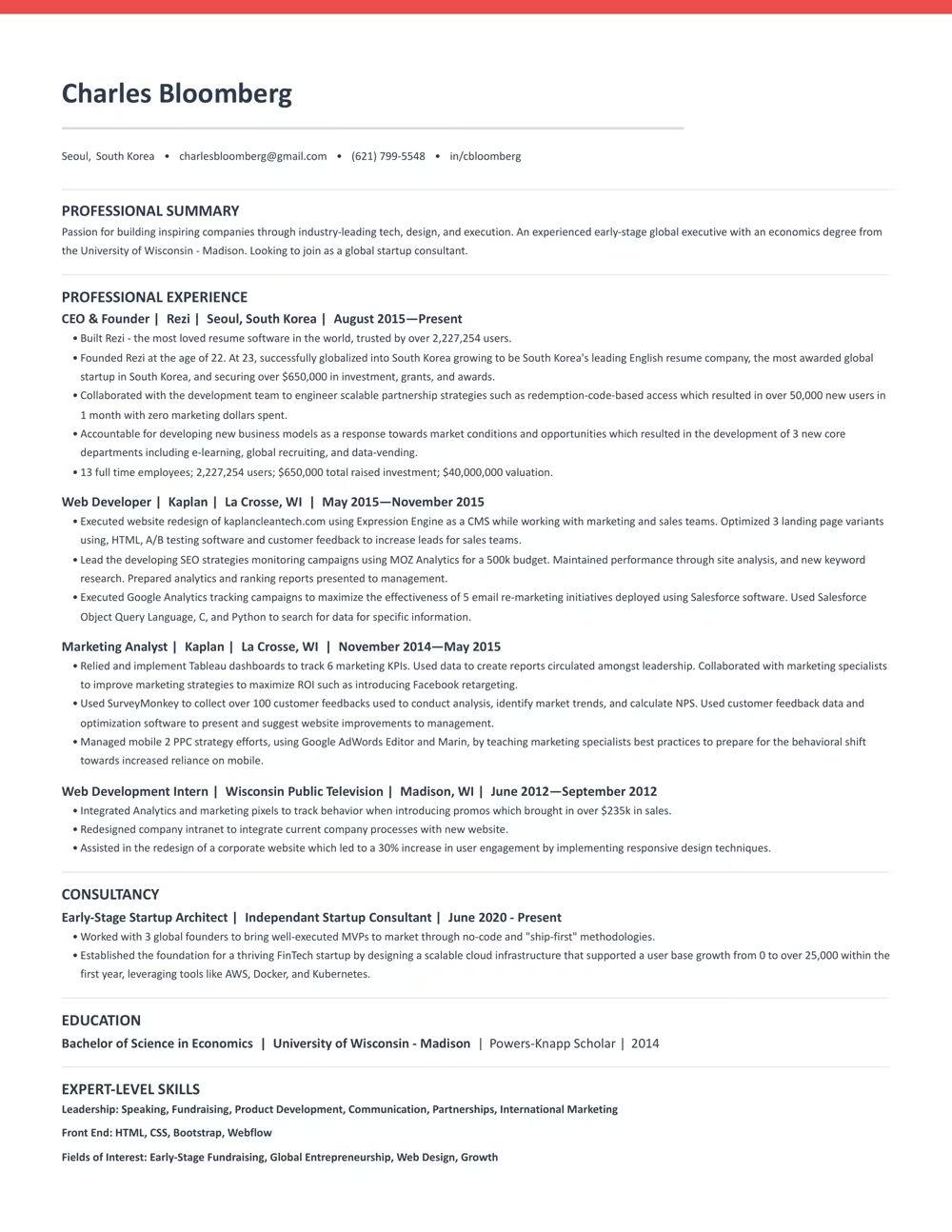
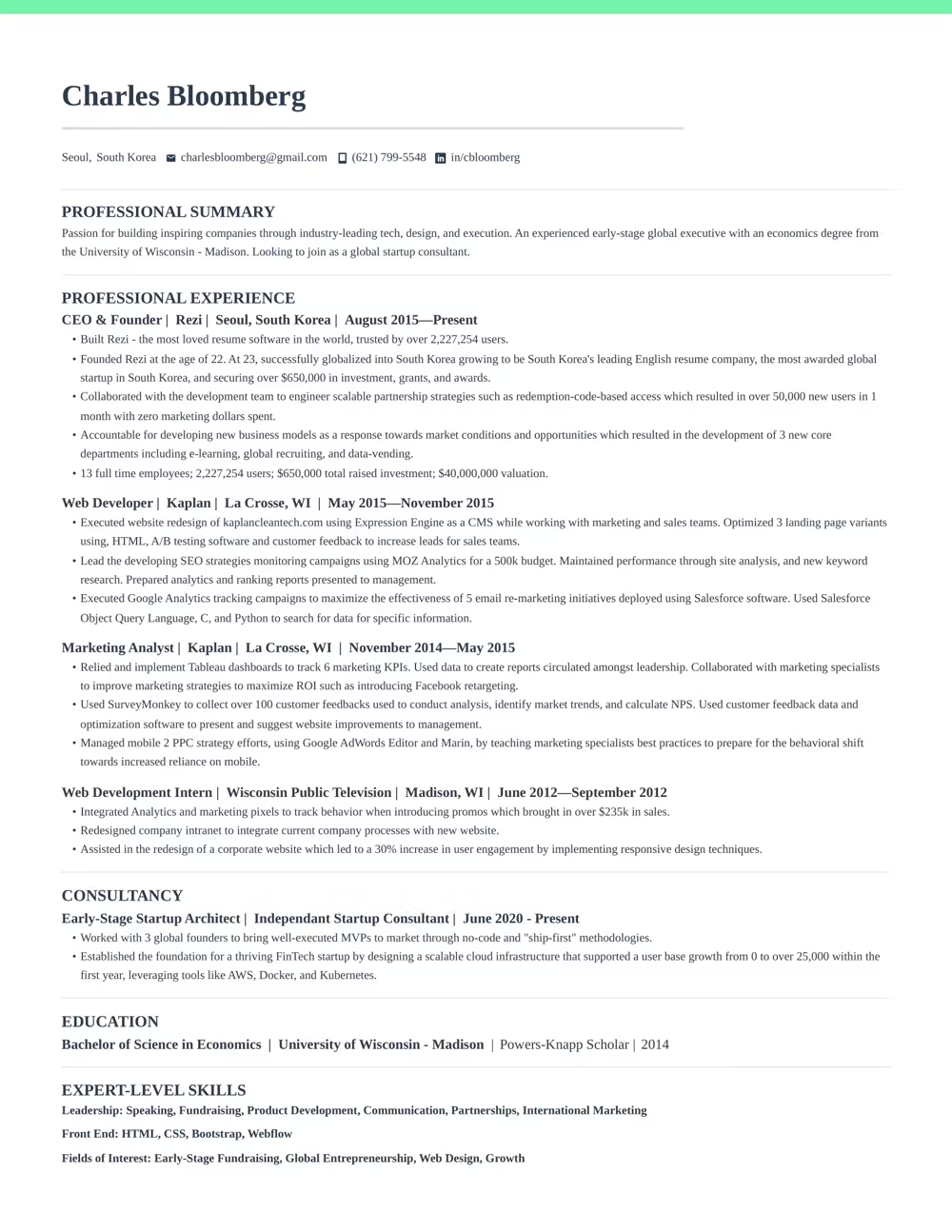
Use a template that guides you. Our ATS-compliant designs are trusted by over 4 million job seekers.




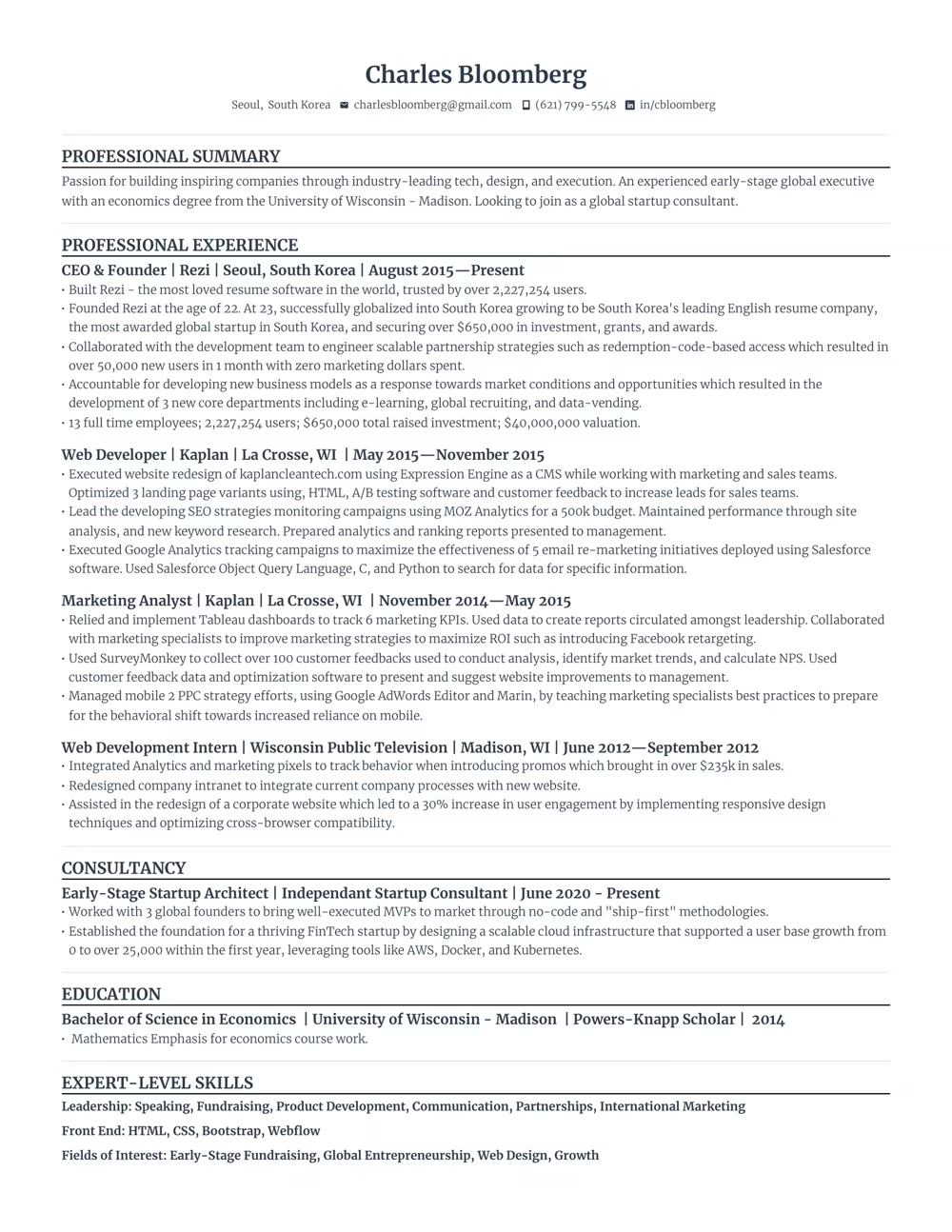
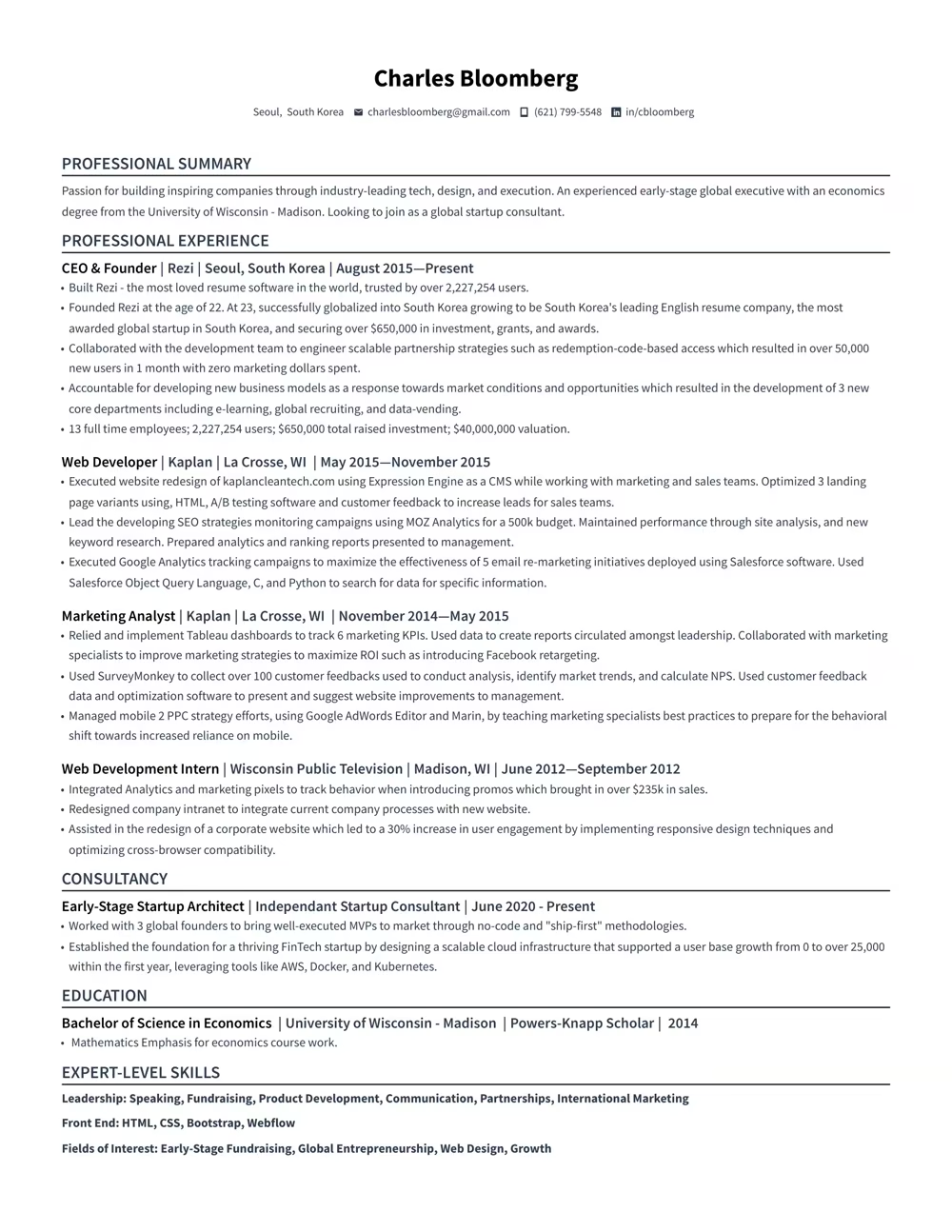
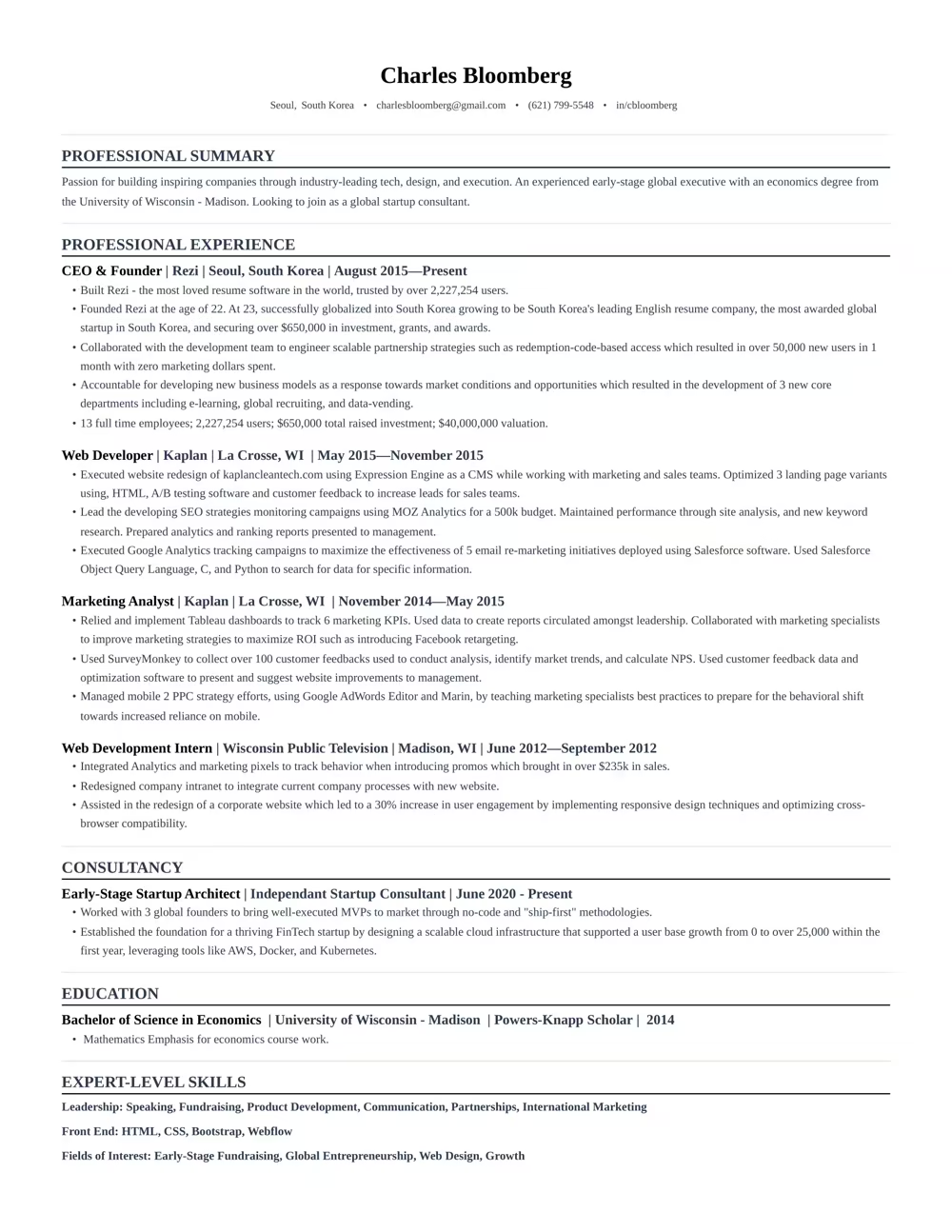
“Rezi is an awesome AI-based resume builder that includes templates to help you design a resume that is sure to check the boxes when it comes to applicant tracking systems. This is a great jumping off point to kickstart a new resume.”

Ashley Stahl
Career Contributor
62.18%
Interview Rate
4,773,704
Total Users
8.23 / 10
Avg. User Review
Wall of Love
Over 4 million users trust Rezi

Resume Building felt like pulling teeth – until I found Rezi.
Davis Allen
Software Developer

I was blown away by Rezi. It streamlined everything...
Celine Watko

I needed a resume tool as smart as my work.
Yosra Naceur
Data Scientist
“A great tool that is very helpful. I found the Rezi system easy to use and very helpful as I was working on getting my resume in shape for job applications.”

Dakota Rubin
United States
Written via

“This is actually one of the first reviews I’ve ever written for a business, and that alone says a lot. I highly recommend Rezi to anyone who’s job searching, it makes the entire process so much easier.”

Yazan Alkhatib
United States
Written via
“Reduced my time per application from 1-2 hours down to 15 minutes.”
Kixxx
Experience with Rezi
“I love how simple and convenient it is to use and been coming back to update it every time I need a fresh resume.”

Zara Wazir
U.A.E.
Written via
Frequently Asked Questions
Your questions, answered.
An AI resume maker helps you build a resume perfectly fit for the job you want. Top-notch AI resume builders are designed to speak the language hiring managers are looking for, increasing your chances of standing out in the crowd. It aligns your skills and experience with the job description effectively.
To get the most out of an AI resume builder, either start from scratch or upload your current resume. Fill in as much detail as possible about your career and skills, and upload the job description you’re targeting. This personalization allows the AI to build a unique and tailored resume that’s bound to catch potential employers' attention.
AI-generated resumes can seem similar if you're not giving personalized inputs or if you're using basic prompts. Provide specific details about your work experience and target the job you’re eyeing. Use specialized AI tools instead of general chatbots to avoid robotic-sounding resumes and to ensure individual creativity.
Employers might think you used AI, but that’s rarely an issue. What they really care about is getting a well-written resume that showcases your skills and experiences accurately. A top-notch resume tailored to their needs will speak volumes more than worrying about AI involvement.
Yes, using AI to optimize your current resume is highly effective. You just need to upload your resume, share details about your career goals and the job you want, and let the AI refine everything to elevate your resume's impact and ATS compatibility.
Rezi uses a tool called the AI Keyword Targeting. This feature scans the job description to identify crucial keywords and naturally incorporates them into your resume, giving it the right focus without keyword stuffing.
The Free plan is $0/month and allows you to create one resume, use limited AI tools (such as Keyword Targeting and Analysis), and download up to three PDFs. You can also create unlimited cover and resignation letters. No card is required to begin.
The Pro plan is $29/month and provides unlimited access to all features, including unlimited resumes, full AI capabilities, unlimited downloads, and one free monthly expert resume review (resumes are reviewed by a person).
The Lifetime plan is a $149 one-time payment. It grants permanent access to all the features of the Pro plan (unlimited resumes, full AI tools, and unlimited downloads), but it does not include the free monthly expert review (which can be purchased for an extra fee).
Rezi offers a 100% money-back guarantee on all paid plans (Pro and Lifetime). If you are unsatisfied, you can request a full refund within 30 days of your purchase.
Yes, you can easily upgrade or downgrade your plan at any time through your Rezi Account Billing dashboard. Prorated credits will apply when switching.
An AI resume maker helps you build a resume perfectly fit for the job you want. Top-notch AI resume builders are designed to speak the language hiring managers are looking for, increasing your chances of standing out in the crowd. It aligns your skills and experience with the job description effectively.
Yes, Rezi Enterprise.

