




Engineering Resumes
9+ Mechanical CAD Designer Resume Examples & Tips for 2026
Customize any of these resumes in minutes using our free AI-powered resume builder.
“Rezi is super upfront and continues to improve over time. I've recommended Rezi to several of my friends and colleagues. I just love this product so much.”

Ricky M.
Software Engineer
“Rezi is super upfront and continues to improve over time. I've recommended Rezi to several of my friends and colleagues. I just love this product so much.”
Ricky M.
Software Engineer
Helping users land jobs at 1,000+ companies such as














Here's the thing that trips up most Mechanical CAD Designers when writing their resumes: they treat it like a software proficiency checklist. "Proficient in SolidWorks. Experienced with AutoCAD. Familiar with CATIA." That's it. No context, no outcomes, no sense of what you actually designed or why it mattered.
A strong Mechanical CAD Designer resume tells the story of your design work — the problems you solved, the parts and assemblies you modeled, the tolerances you held, and how your drawings made it from screen to shop floor without a hitch. Recruiters and hiring managers want to see that you don't just know the tools — you know how to use them to produce real, manufacturable results.
And this is exactly what you'll learn from this article. Inside, you'll find:
- Examples of 9 Mechanical CAD Designer resumes, covering different specializations and experience levels.
- Insider tips about what really matters to hiring managers looking for CAD design talent.
- A step-by-step guide for building a Mechanical CAD Designer resume that actually gets callbacks.
Sample Mechanical CAD Designer Resumes
Browse these sample resumes for Mechanical CAD Designers across different specializations and experience levels. Find the one closest to your background and use it as a starting point — just make sure to customize the details to reflect your own career and design portfolio.
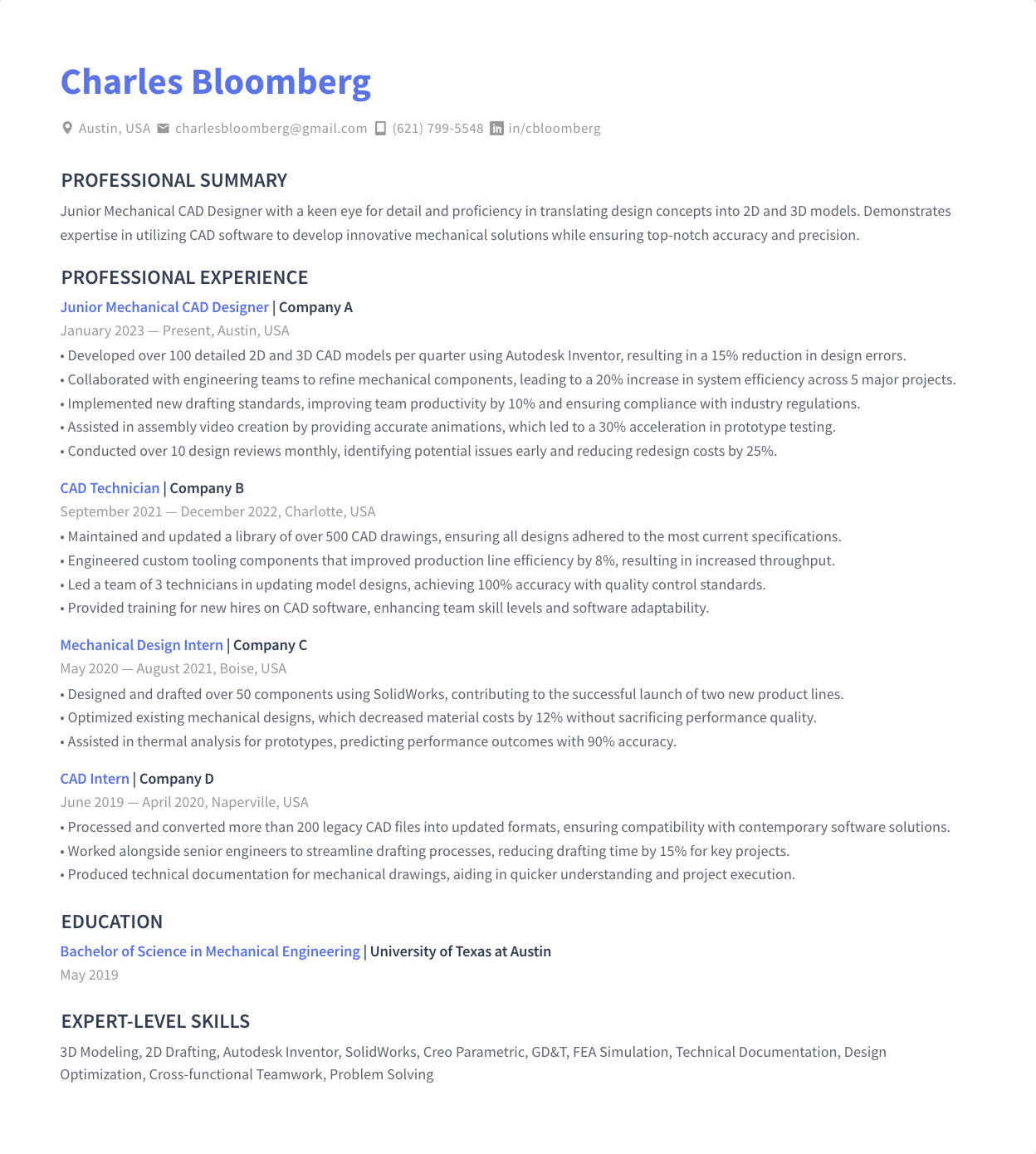
Junior Mechanical CAD Designer
A Junior Mechanical CAD Designer resume should lean into your education, internships, and any hands-on coursework involving 3D modeling or drafting. Highlight specific academic projects where you created part models or assemblies, and list the CAD platforms you've trained on. Emphasize eagerness to learn, attention to detail, and your understanding of GD&T fundamentals and basic manufacturing processes.
Mid-Level Mechanical CAD Designer
At the mid-level, your resume should demonstrate a solid track record of producing production-ready drawings and 3D models. Focus on the types of products or systems you've designed — from sheet metal enclosures to machined components. Show that you can work independently, manage revision control, and collaborate effectively with engineers, manufacturing teams, and vendors. Quantify your output and turnaround times when possible.
Senior Mechanical CAD Designer
A Senior Mechanical CAD Designer resume should showcase leadership in design projects, mentoring of junior designers, and ownership of complex assemblies or full product designs. Highlight your role in design reviews, your ability to establish CAD standards and best practices, and your experience managing large assemblies with hundreds of components. Include examples of cost reductions or design improvements you drove.
Mechanical CAD Drafter
For a Mechanical CAD Drafter, emphasize your precision in creating detailed 2D production drawings, including proper dimensioning, tolerances, and adherence to ASME Y14.5 standards. Highlight experience converting engineering sketches or redlines into formal drawings, maintaining drawing databases, and working closely with manufacturing to resolve drawing discrepancies. Proficiency in AutoCAD or similar 2D drafting tools should be front and center.
SolidWorks CAD Designer
A SolidWorks-focused resume should highlight deep expertise in the SolidWorks ecosystem — including part and assembly modeling, drawing creation, sheet metal design, weldments, and simulation tools like SolidWorks Simulation or Flow Simulation. Mention any CSWP or CSWE certifications. Showcase projects where your SolidWorks skills directly contributed to successful product development, prototyping, or manufacturing outcomes.
AutoCAD Mechanical Designer
Your AutoCAD Mechanical Designer resume should emphasize proficiency in AutoCAD and AutoCAD Mechanical, including use of standard parts libraries, layer management, and automated dimensioning tools. Highlight experience producing detailed mechanical drawings for fabrication, plant layouts, or piping systems. Show your ability to work within established drawing standards and templates, and mention any experience integrating with Inventor or other Autodesk products.
3D CAD Designer
A 3D CAD Designer resume should focus on your ability to create accurate, fully parametric 3D models and assemblies across one or more platforms. Emphasize experience with surfacing, top-down design, and design-for-manufacturing principles. Highlight work involving prototyping — whether 3D printing, CNC, or injection molding — and show how your 3D models translated smoothly into physical products. Include any rendering or visualization skills.
Mechanical Design Engineer
For a Mechanical Design Engineer resume, balance your CAD skills with engineering analysis and design decision-making. Highlight experience performing material selection, FEA, thermal analysis, or tolerance stack-ups alongside your modeling work. Show that you own the design from concept through release — including design reviews, ECOs, and vendor coordination. Certifications like PE or FE and relevant engineering degrees carry significant weight here.
CAD Technician
A CAD Technician resume should spotlight your reliability in producing and maintaining accurate technical drawings and models under direction from engineers or senior designers. Emphasize your organizational skills — managing file structures, BOMs, and revision histories within PDM/PLM systems. Highlight your versatility across multiple CAD platforms and your ability to quickly turn around drawing requests while maintaining high accuracy standards.
How to Write a Mechanical CAD Designer Resume
Short answer:
Focus on the design work you've actually done — the parts, assemblies, and drawings you produced — and the CAD tools and standards you used to do it. Create a professional header with your name and contact details. Right below, write a 2–3 sentence resume summary highlighting your strongest design accomplishments and core software expertise. Describe your work history in reverse-chronological order, emphasizing specific design outputs and measurable results. Then, cover your education (including certifications), list your key technical and soft skills, and add extra sections like a design portfolio or professional development.
Include all the necessary sections in the correct order
Here's the correct order of sections for most Mechanical CAD Designer resumes:
- Header with contact information
- Resume summary or objective
- Work experience
- Education
- Skills
- Certifications
Depending on your current career situation, you can also throw in some additional sections. For instance:
- Design portfolio (especially if you've done contract or freelance work)
- Notable projects
- Professional development and training
- Professional associations
- Volunteer experience
Include everything that shows you're capable of doing what the job requires. Make every section count. If it doesn't clearly highlight your design skills or technical knowledge, it doesn't belong on your resume.
If you have less than five years of relevant experience, keep your resume 1-page long. For more experienced CAD designers, a two-page resume is fine.
More details here: What Sections to Include on Your Resume?
Now, I'll give you a high-level overview of how to write each section, going from top to bottom. Well… almost. The only exception is the resume summary section. While it comes right after your contact info, it's actually easier to write it last. More on that in a sec.
Create a professional resume header
- Start with your name and contact information. Include the basics: your full name, phone number, professional email address, location, and LinkedIn profile. A link to your online design portfolio or personal website can also add significant credibility.
- Right below your name, clearly state your professional title (e.g., Senior Mechanical CAD Designer or SolidWorks CAD Designer). This immediately tells the recruiter what role you're targeting.
For more information, see: How to Create a Resume Header
Describe your work history
- Use reverse-chronological order. List your positions starting with the current or the most recent one.
- In each entry, include your job title, company name, location, and dates of employment.
- Below each position, write 3–7 bullet points — the more recent the position, the more bullet points you should include. Describe your responsibilities and, more importantly, your accomplishments.
- Use action verbs and quantify your achievements (e.g., "Designed and detailed 150+ production drawings for a hydraulic valve assembly, reducing shop floor RFIs by 40%").
- Mention the specific CAD software, file management systems, and design standards you worked with. This builds credibility and helps you pass ATS scans.
Learn more about the best practices of this section with our detailed guide on how to describe your work experience on a resume.
List your degrees and detail professional learning
- In the education section, list your highest degree first, including the degree type, major, and institution. Common backgrounds include Mechanical Engineering, Mechanical Engineering Technology, Industrial Design, or Drafting Technology.
- If you have relevant work experience, include only the name of your school and the degree you got. If you're an entry-level candidate, you can add more detail — list relevant coursework like Machine Design, Engineering Graphics, or Manufacturing Processes, as well as academic projects.
- If you have CAD certifications (e.g., CSWP, CSWE, Autodesk Certified Professional), either include them in an "Education and Certifications" section, or create a separate "Certifications" section and place it right below.
For an in-depth guide on how to describe your education on a resume, see: How to List Education on a Resume
List your most relevant skills in the skills section
- Include a mix of CAD software proficiencies, technical design skills, and relevant engineering knowledge that you are proficient in.
- Add in some soft skills such as attention to detail, collaboration, and time management. These demonstrate your ability to function effectively in a team-based design environment.
- You can use two separate subsections, one for technical skills, one for soft skills, or just list all the skills under one heading.
- Match your skills to the description of the job you're applying for. Don't just dump every CAD tool you've ever opened, but highlight the platforms and competencies where your expertise aligns with the job ad.
Need some inspiration to get started? Here are some good skills to feature on your Mechanical CAD Designer resume.
CAD software skills:
- SolidWorks
- AutoCAD / AutoCAD Mechanical
- CATIA
- Creo (Pro/ENGINEER)
- Autodesk Inventor
- Siemens NX
- Fusion 360
- KeyShot (rendering)
- SolidWorks PDM / Windchill / Teamcenter (PLM/PDM)
- ANSYS / SolidWorks Simulation (FEA)
Technical design skills:
- GD&T (Geometric Dimensioning & Tolerancing)
- ASME Y14.5 Drawing Standards
- Sheet Metal Design
- Weldment Design
- Tolerance Stack-Up Analysis
- Design for Manufacturing (DFM)
- Design for Assembly (DFA)
- BOM Creation and Management
- Engineering Change Order (ECO) Processes
- 3D Printing / Rapid Prototyping
Key soft skills for Mechanical CAD Designers:
- Attention to Detail
- Problem-Solving
- Collaboration
- Time Management
- Communication
- Adaptability
- Self-Motivation
- Critical Thinking
- Organizational Skills
- Willingness to Learn
For a full-blown guide on listing skills on a resume, visit: How to Put Skills on a Resume
Use additional sections as further proof of your fit
Additional sections add depth to your resume and back up your claimed expertise. Good examples of extra sections to add to a Mechanical CAD Designer resume are:
- Design portfolio. A resume section dedicated to significant projects you've contributed to — specifying the product, your role, the CAD tools used, and the outcome — can provide concrete examples of your design capabilities.
- Professional associations. Membership in organizations like ASME or SME signals your commitment to the mechanical design profession.
- Professional development. List relevant training courses, workshops, or vendor certifications you've completed. Ongoing learning in CAD tools and manufacturing methods is highly valued.
- Notable projects. If you've worked on products that shipped, equipment that was built, or systems that went into production, call them out. Name the industry, the scale, and your specific contribution.
Highlight the most relevant information in a resume summary
Once you're done writing your Mechanical CAD Designer resume, give it a full read. Pick the most relevant information and compile it into a summary paragraph. Place it right under the resume header.
- Be brief and to-the-point. In 3–4 sentences, sum up your career highlights, core software expertise, and what you bring to the table. Consider this your chance to answer, "Why should you hire me?" Tailor this section to match the employer's needs outlined in the job description.
- Use value-oriented language. Focus on how you can add value to the potential employer, mentioning specific design outputs, industries you've worked in, or efficiency improvements you've driven.
Once you've completed the core sections of your resume, you can use Rezi AI Resume Summary Generator to automatically create a powerful summary, tailored to the job you're applying for. All you need to do is add the position and skills you want to highlight. The AI writer will do the rest.
More information here: How to Write a Job-Winning Resume Summary (with Examples)
For finishing touches, make sure your resume looks professional
- Use a clean and tidy resume format. Ensure your resume is easily readable, with a professional font, consistent formatting, and clear section headings. Avoid overloading it with dense text or fancy design elements that could distract from the content and confuse resume screening software.
- Aim for a balance between detail and conciseness. If you're a junior candidate, keep your resume to a single page. Experienced CAD designers can extend their resumes to two pages, but still need to make sure every word conveys value.
Learn more about proper resume formatting here: How to Format a Resume & What Standard Resume Format to Use
What Makes Mechanical CAD Designer Resumes Different
In short: the emphasis on tangible design output and technical precision.
This is where a lot of CAD designers stumble. Listing software names isn't enough. Hiring managers need to see what you designed, how complex it was, and whether your work actually made it to production without issues. That's how they assess whether you'll deliver on their projects.
Your resume needs to show what you built, not just what you know
Unlike many other roles where general responsibilities suffice, Mechanical CAD Designer resumes need to describe specific design outputs — the types of parts, assemblies, and drawings you created, the industries they served, and the manufacturing methods involved.
What it means for you:
- Describe the products, components, or systems you designed. Were they machined parts? Sheet metal enclosures? Plastic injection-molded housings? Welded structural frames? The more specific you are, the better hiring managers can evaluate your fit.
- Mention the scale and complexity of your assemblies — a 15-part fixture is very different from a 500-component industrial machine, and recruiters know the difference.
Software proficiency needs context
Every Mechanical CAD Designer resume lists software. But the ones that stand out explain how they used it. Saying "SolidWorks" is table stakes. Saying you used SolidWorks to design parametric sheet metal enclosures with integrated weldments, then managed revisions through SolidWorks PDM — that tells a story.
What it means for you:
- Don't just list CAD tools in your skills section and call it a day. Weave them into your work experience bullet points with context — what you modeled, which modules or features you used, and what the result was.
- If you've used PDM/PLM systems (like Windchill, Teamcenter, or SolidWorks PDM), mention it. Data management is a critical but often overlooked skill that sets experienced designers apart.
Standards and manufacturing knowledge matter more than you think
Mechanical CAD Designers sit at the intersection of engineering and manufacturing. Your resume should reflect that you understand not just how to model a part, but how it will be made, inspected, and assembled.
What it means for you:
- Highlight your knowledge of GD&T (ASME Y14.5), drawing standards, and tolerancing practices. These are non-negotiable for most employers.
- Mention DFM/DFA experience. If you've collaborated with machinists, toolmakers, or vendors to optimize designs for manufacturability, say so. This demonstrates you think beyond the screen.
Precision and error rates are your version of "project outcomes"
While project managers tout budget savings and timeline adherence, your metrics are different — but equally powerful. Think: reduction in drawing errors, decrease in engineering change orders, faster design turnaround, or first-pass yield improvements.
What it means for you:
- Quantify wherever you can. "Produced 200+ detail and assembly drawings with a 98% first-pass approval rate" is far more compelling than "Created mechanical drawings."
- If your designs reduced manufacturing costs, eliminated rework, or accelerated project timelines, these are gold-standard resume bullet points. Use them.
Bonus Resources for Mechanical CAD Designers
This isn't going to be a game-changer if you need a resume today. But —
I want you to treat your career holistically. These resources will help you sharpen your CAD and mechanical design skills, earn credentials that strengthen future resumes, and keep you plugged into what's happening in the field.
Professional associations and networks
American Society of Mechanical Engineers (ASME)
ASME is the go-to professional organization for mechanical engineers and designers. It offers networking events, technical conferences, professional development resources, and publishes the widely-used ASME Y14.5 GD&T standard that governs mechanical drawings worldwide.
SME (Society of Manufacturing Engineers)
SME focuses on the manufacturing side of engineering and design. It's an excellent resource for CAD designers who want to deepen their understanding of manufacturing processes, attend industry events like RAPID + TCT, and connect with professionals across the manufacturing sector.
American Design Drafting Association (ADDA)
ADDA is specifically focused on drafting and design professionals. It offers certification programs (like the Certified Drafter credential), educational resources, and a community of practitioners dedicated to excellence in technical drawing and design documentation.
Online learning platforms
Coursera & edX
Both platforms offer courses in mechanical engineering, CAD modeling, and manufacturing — many from top universities like MIT and Georgia Tech. Look for courses on SolidWorks, engineering design, and FEA fundamentals to round out your skill set.
LinkedIn Learning
LinkedIn Learning provides hundreds of CAD-specific tutorials covering SolidWorks, AutoCAD, CATIA, Creo, and more — from beginner walkthroughs to advanced modeling techniques. It's an efficient way to pick up a new tool or refresh skills you haven't used recently.
MySolidWorks
Dassault Systèmes' official learning platform offers SolidWorks training, certification preparation, and a community forum. If SolidWorks is your primary tool, this is the best place to prepare for CSWP and CSWE exams and stay current with new features.
Publications and communities
Machine Design
An industry publication covering mechanical design, CAD technology, materials, and manufacturing trends. It's a solid resource for staying informed about the tools, techniques, and innovations shaping the mechanical design field.
Engineering Clicks
A community and resource hub for mechanical engineers and designers, featuring articles, forums, and CAD tool discussions. It's a good place to learn from peers and explore practical design challenges.
GrabCAD
GrabCAD is a community of engineers and designers sharing CAD models, tutorials, and design challenges. It's both a learning resource and a place to showcase your work — having a GrabCAD profile with quality models can serve as a supplementary portfolio.
Certification programs
SolidWorks Certifications (CSWA, CSWP, CSWE)
Dassault Systèmes offers tiered certification exams that validate your SolidWorks proficiency. The Certified SolidWorks Professional (CSWP) is widely recognized by employers and can meaningfully strengthen your resume.
Autodesk Certified Professional
Autodesk offers certifications for AutoCAD, Inventor, and Fusion 360. These credentials verify your ability to use Autodesk tools at a professional level and are particularly valuable if you work in industries that standardize on the Autodesk ecosystem.
Summary
Here's what you need to know about writing a Mechanical CAD Designer resume:
- Structure your resume with essential sections in this order: Header, Resume Summary or Objective, Work Experience, Education, Skills, and Certifications. Add extra sections like a Design Portfolio or Notable Projects when relevant.
- Include a professional header with your name, contact information, professional title, and a link to your portfolio if you have one.
- Describe your work history in reverse-chronological order, focusing on specific design outputs — the parts, assemblies, and drawings you created — with quantifiable results.
- In the education section, list your highest degree first. Include CAD certifications either in the education section or under a separate heading.
- Highlight a mix of CAD software proficiencies, technical design knowledge (GD&T, DFM, standards), and relevant soft skills, tailoring them to the job description.
- Go beyond listing software names — provide context for how you used each tool and what you produced with it.
- Use additional sections to further showcase your expertise, such as design portfolios, professional associations, or continuing education.
- Once done writing the resume, compile the key information into a brief, value-oriented resume summary at the top.
- Make your resume professional in appearance. Keep it to one page if you have less than five years of experience; two pages are fine for seasoned designers.
- Demonstrate your understanding of manufacturing processes and drawing standards — this is what separates a great CAD designer from someone who just knows the software.
Thanks for reading! Got any questions? Feel free to reach out to me on LinkedIn. (Or check out the FAQs first, maybe your question is answered there.)
FAQ
Should I include every CAD tool I've ever used on my resume?
No. Focus on the tools you're genuinely proficient in and that are relevant to the job you're applying for. Listing a dozen CAD programs might look impressive at first glance, but if an interviewer asks you to demonstrate skills in a tool you barely used five years ago, it'll backfire. Stick to the platforms you can confidently work in on day one, and note your proficiency level if it helps clarify.
How important are CAD certifications like CSWP or Autodesk Certified Professional?
They're not mandatory, but they can give you a real edge — especially if you're competing against candidates with similar experience levels. Certifications provide third-party validation of your skills and signal to employers that you take your craft seriously. They're particularly valuable for junior designers who may not yet have extensive work experience to point to.
I've worked on projects I can't disclose due to NDAs. How do I handle that?
You can still describe the work in general terms without revealing proprietary details. Focus on the type of design work (e.g., "designed precision machined components for aerospace applications"), the tools used, the scale of the project, and the outcomes achieved. You don't need to name the client or the specific product to demonstrate your capabilities.
Should I include a design portfolio with my resume?
Absolutely, if you have one. A portfolio of screenshots, renderings, or sample drawings (with any proprietary information removed) can be extremely persuasive. Link to it in your resume header. Even a simple PDF or personal website with 5–10 strong examples of your work can set you apart from candidates who submit only a resume.
I'm transitioning from pure drafting into a CAD design role. How should I position myself?
Emphasize the design thinking you've already applied in your drafting work — instances where you suggested design improvements, caught interference issues, or collaborated with engineers to optimize parts. Highlight any 3D modeling experience, even from personal projects or training. If you've taken courses in mechanical design, DFM, or FEA, call those out prominently to show you're building toward a design role deliberately.
How technical should my resume language be?
Be specific and technical enough to demonstrate real expertise — mention GD&T, specific material callouts, manufacturing methods, and assembly complexities. But remember that HR recruiters or ATS systems may be the first to review your resume before it reaches a hiring engineer. Use industry-standard terminology (which will pass ATS filters) and keep your bullet points clear enough that a non-engineer can understand the impact of your work.
What's the biggest mistake Mechanical CAD Designers make on their resumes?
Treating their resume like a feature list for CAD software. Listing "SolidWorks, AutoCAD, CATIA" without any context about what you designed, how complex it was, or what the result was tells the employer almost nothing. Always pair your tools with your outputs and outcomes. "Created 3D models" is vague. "Designed and detailed a 200-part industrial pump assembly in SolidWorks, supporting a product launch that generated $1.2M in first-year revenue" — that gets interviews.

Upload or drop your resume to get started
Upload your resume to get started
Score my resume
Contents
Resume Formats & Examples
ATS-Friendly resume formats that land jobs
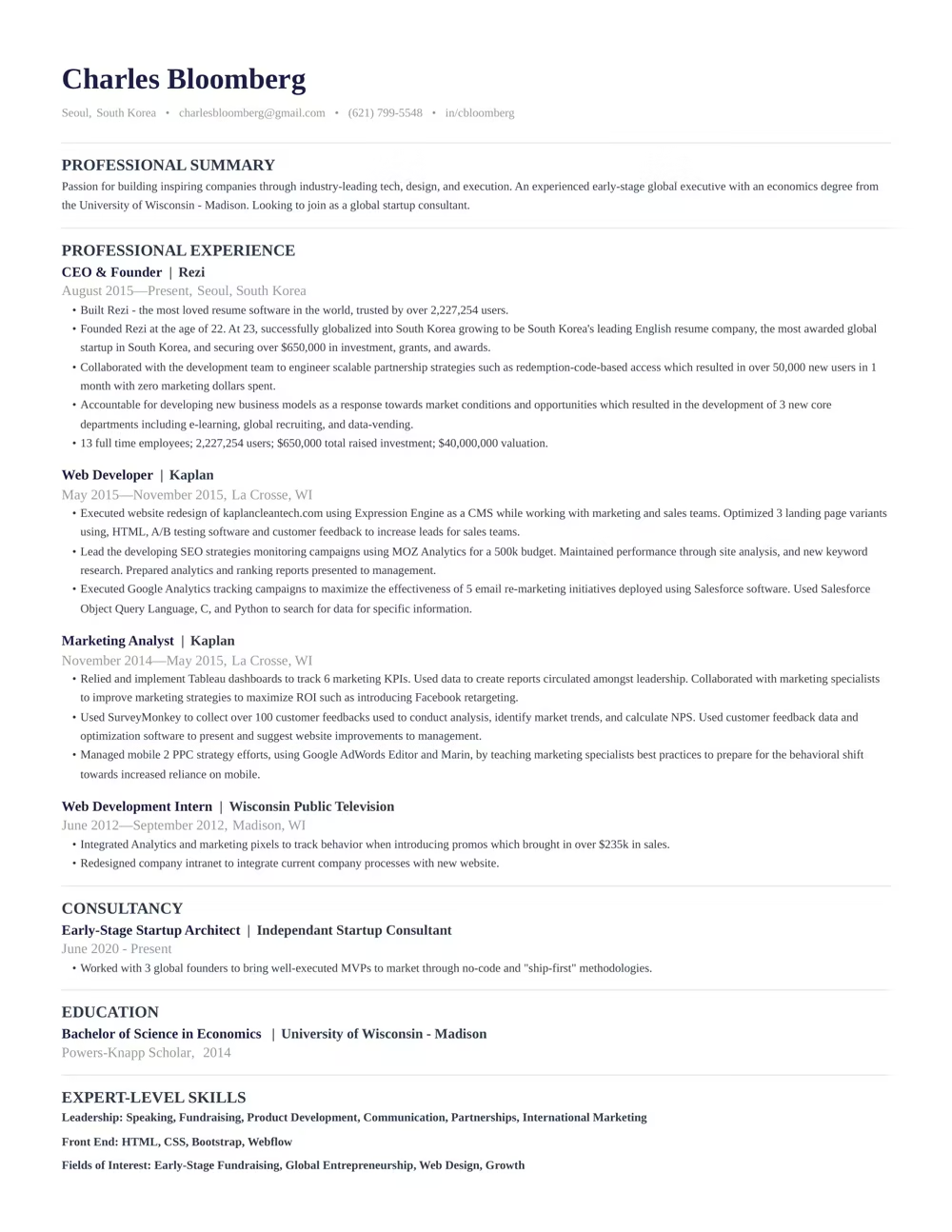
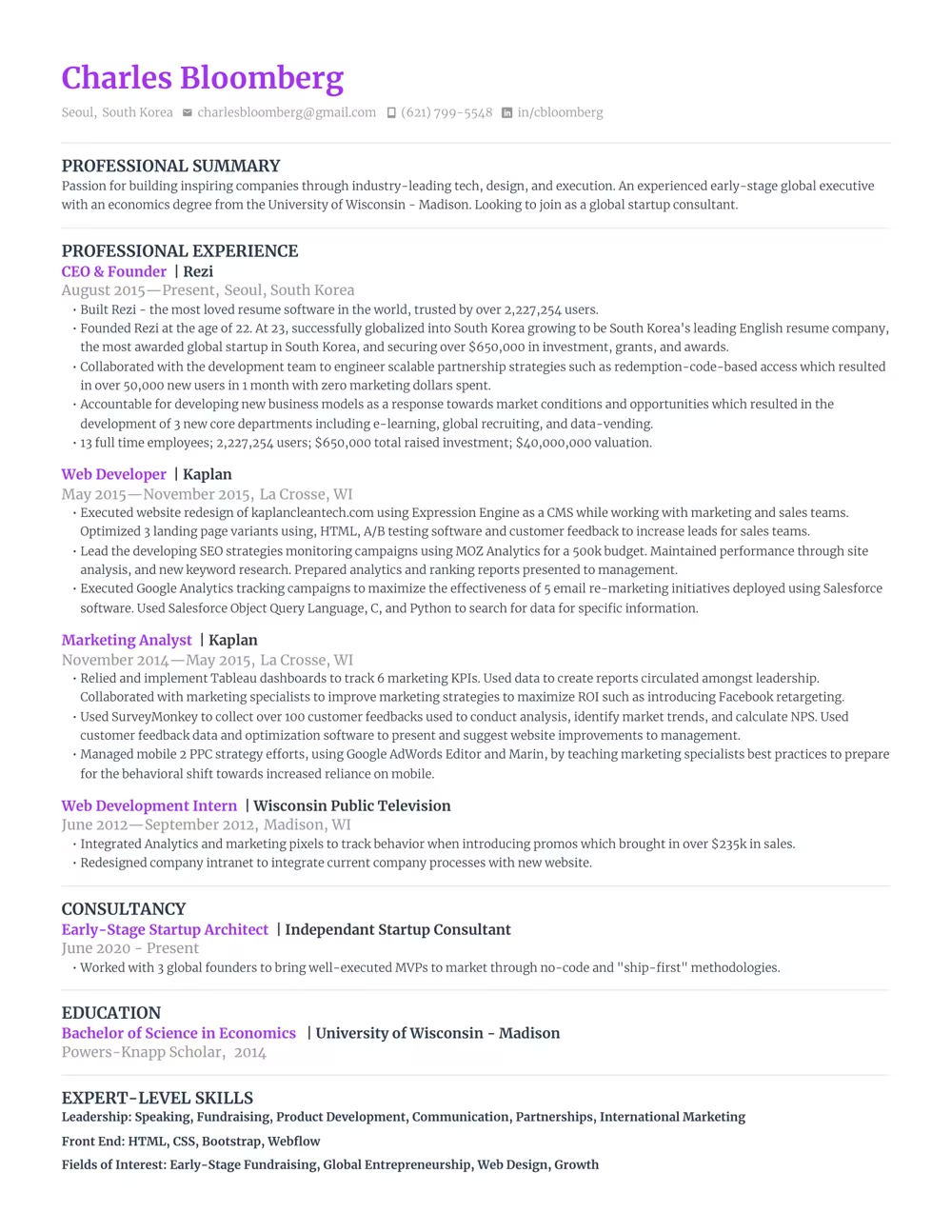
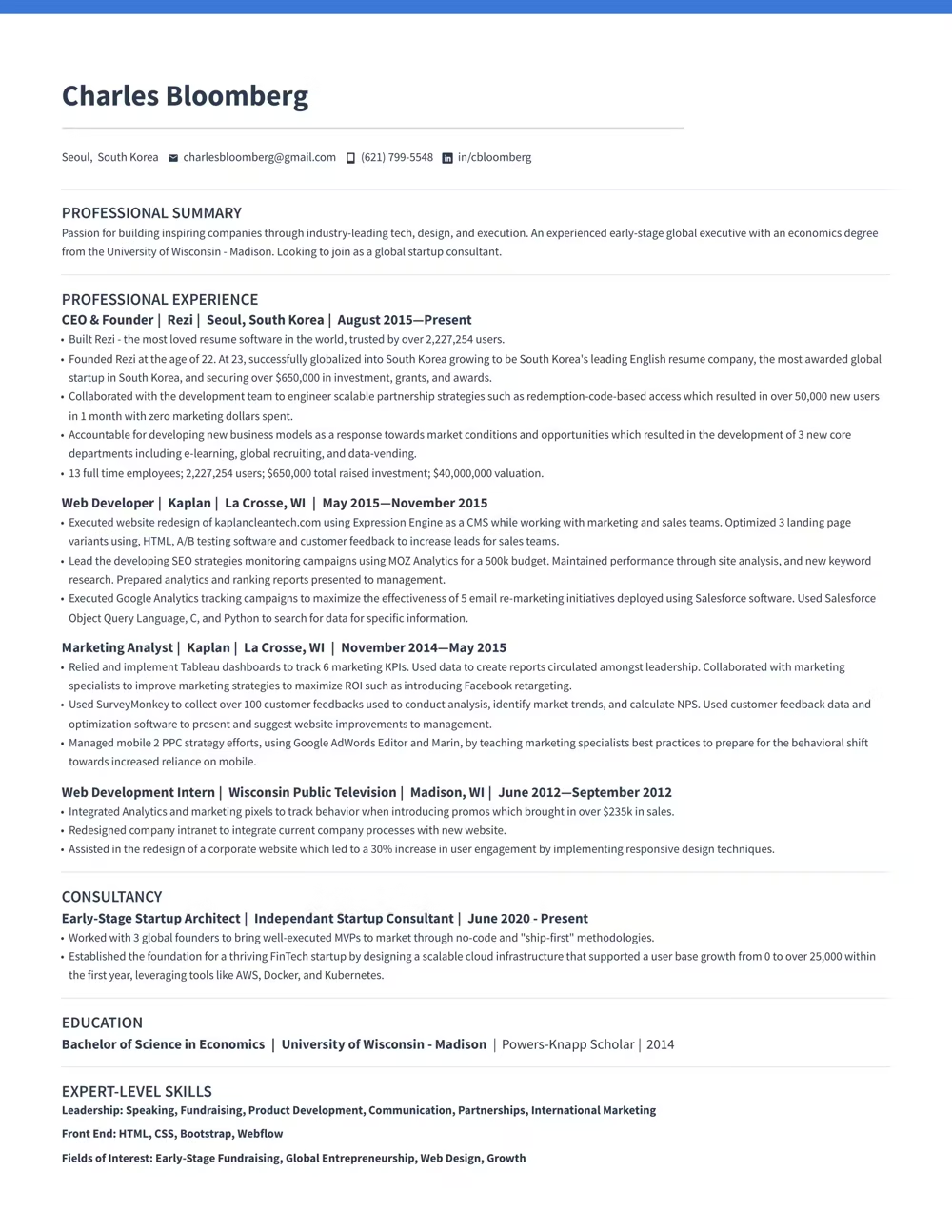
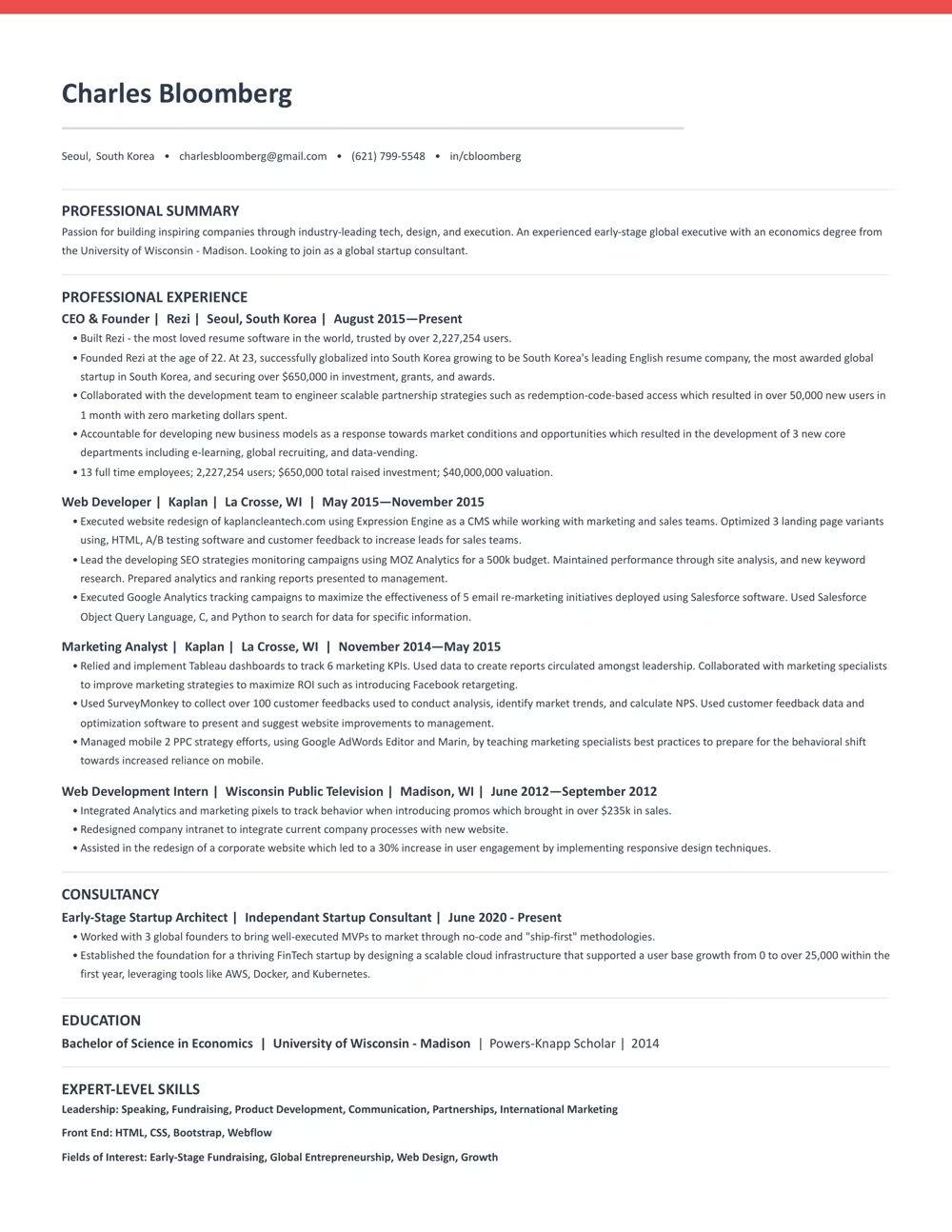
Use a template that guides you. Our ATS-compliant designs are trusted by over 4 million job seekers.


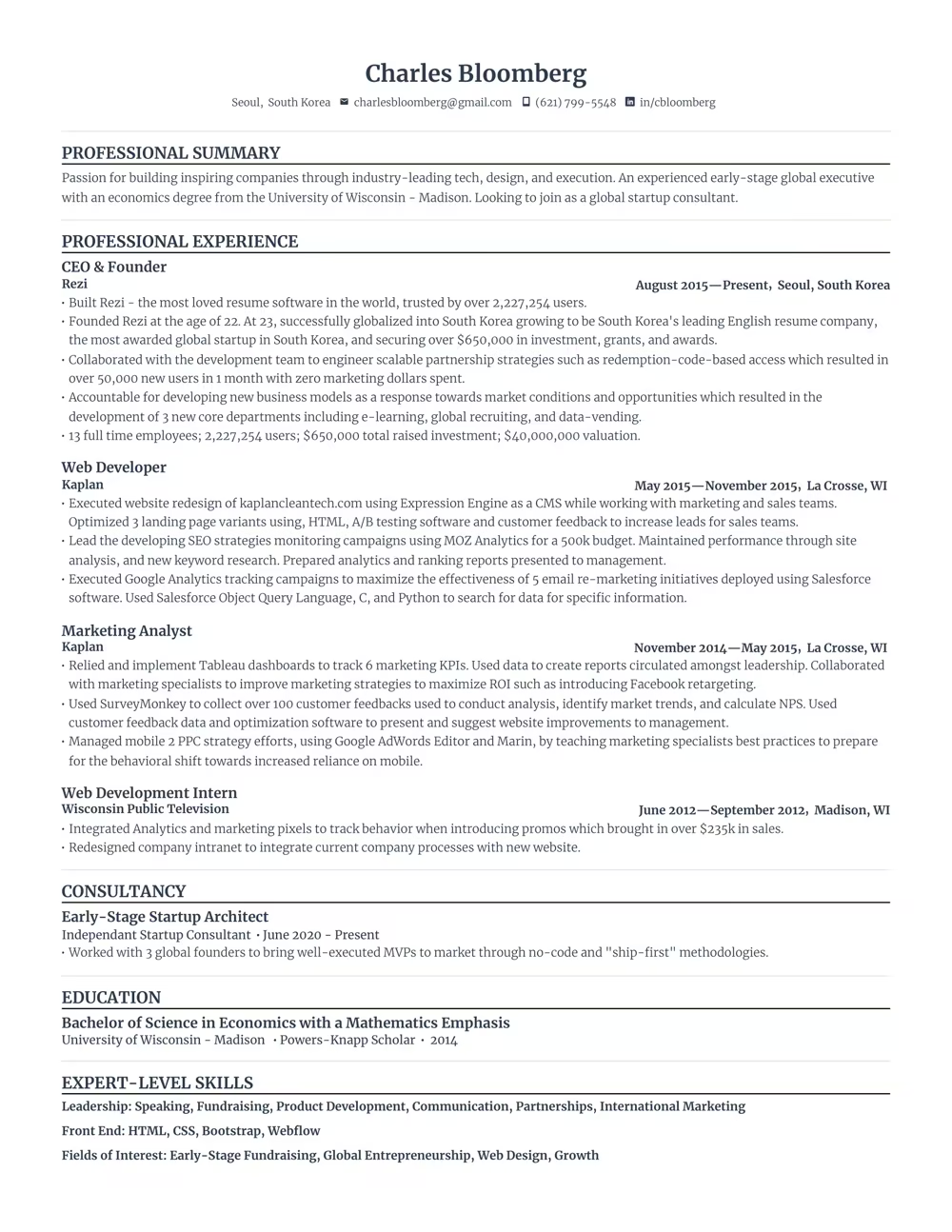

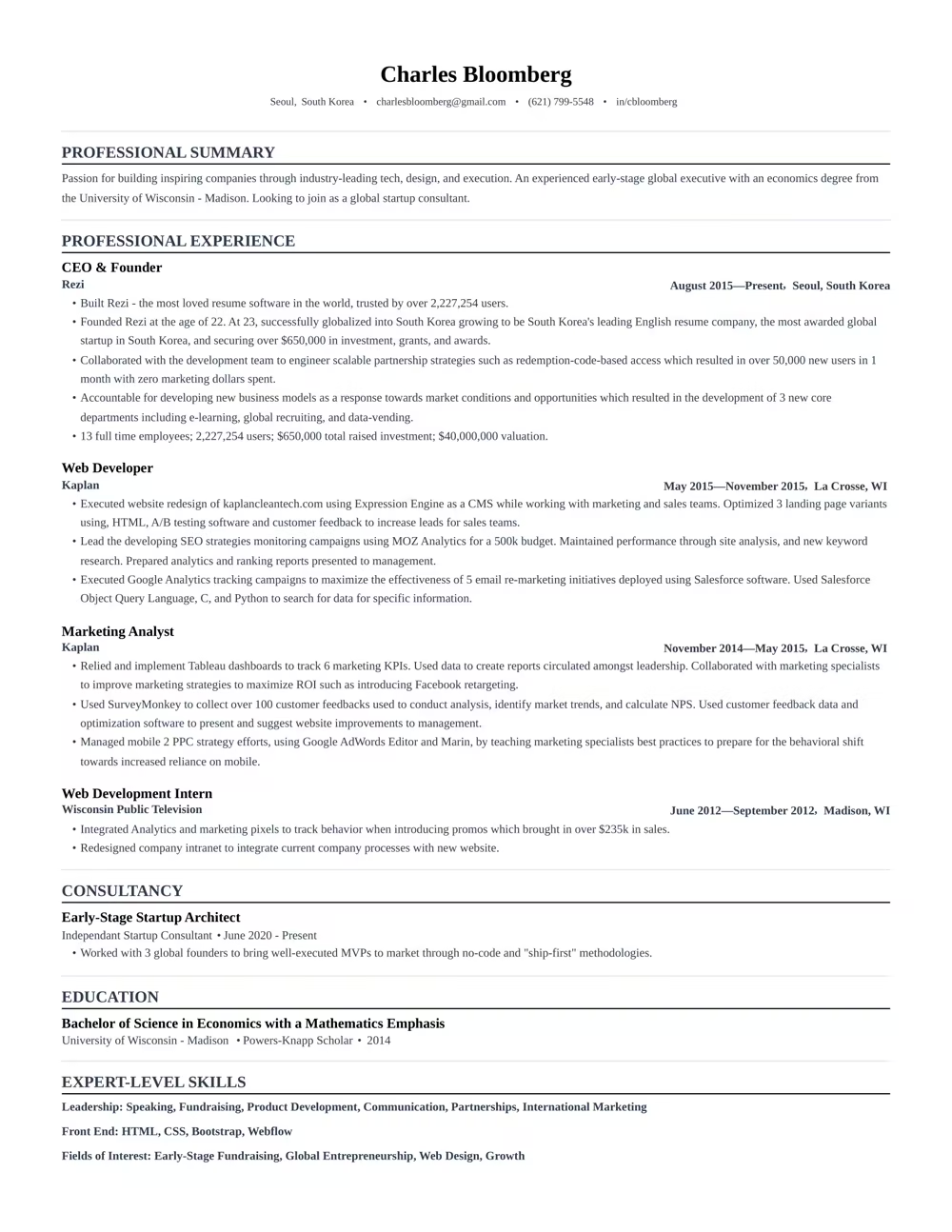
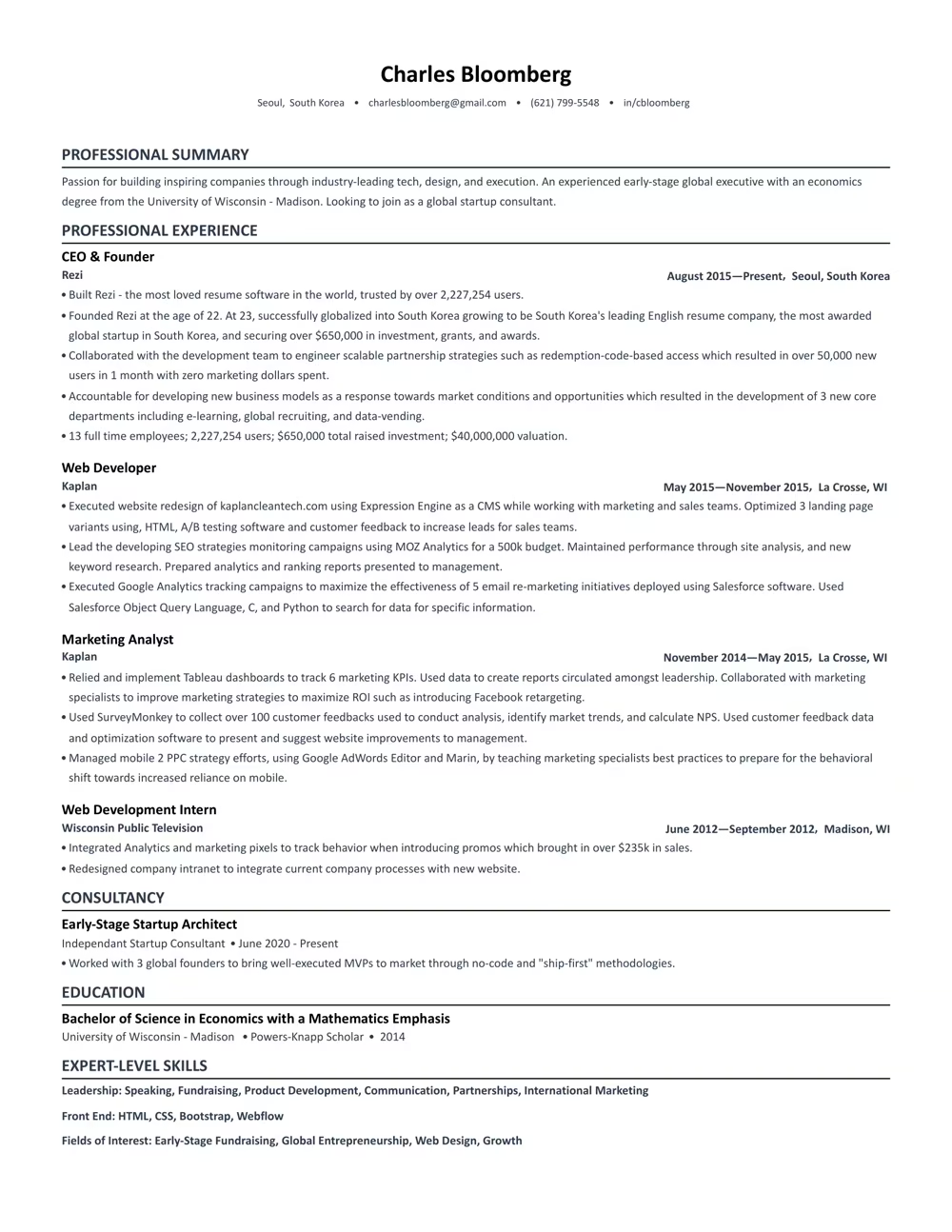
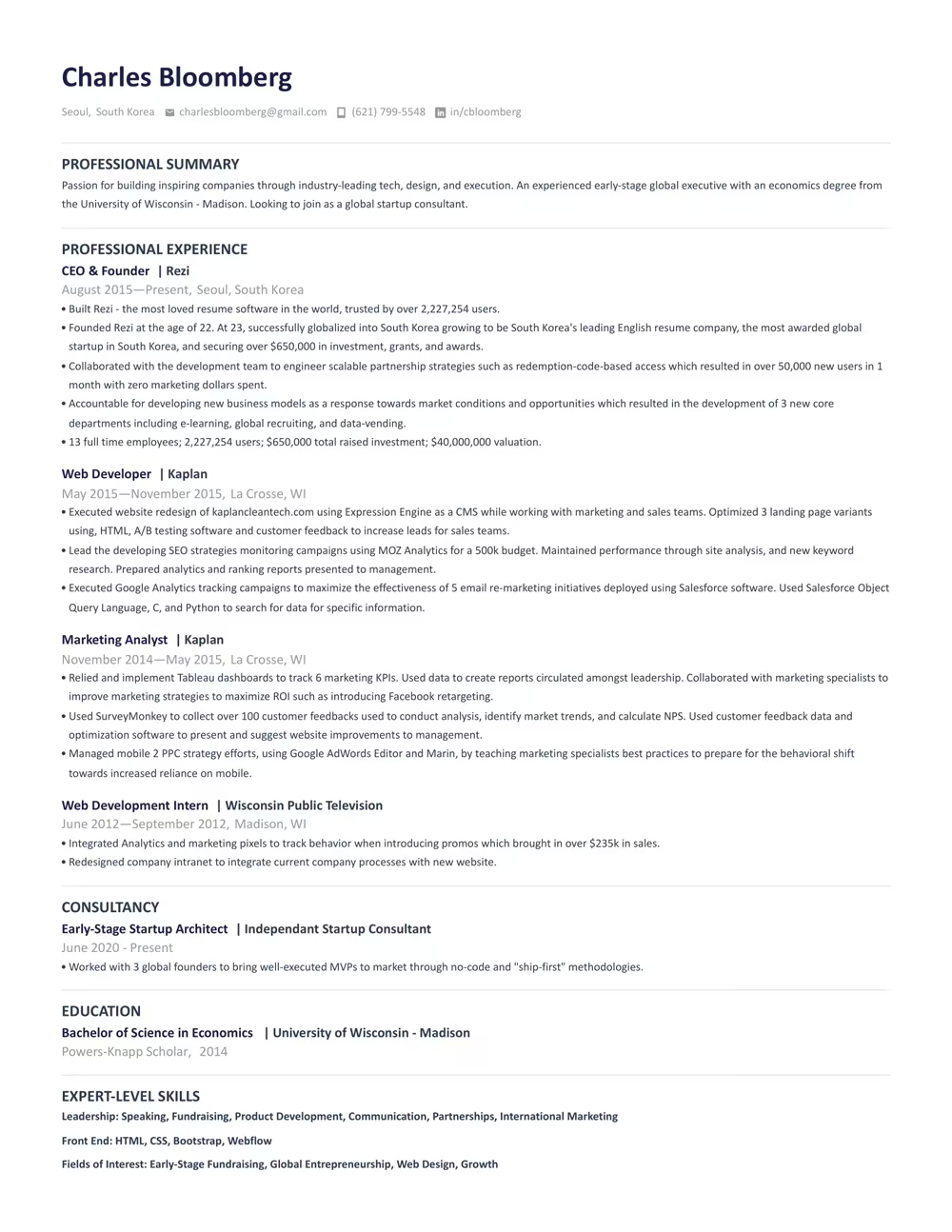

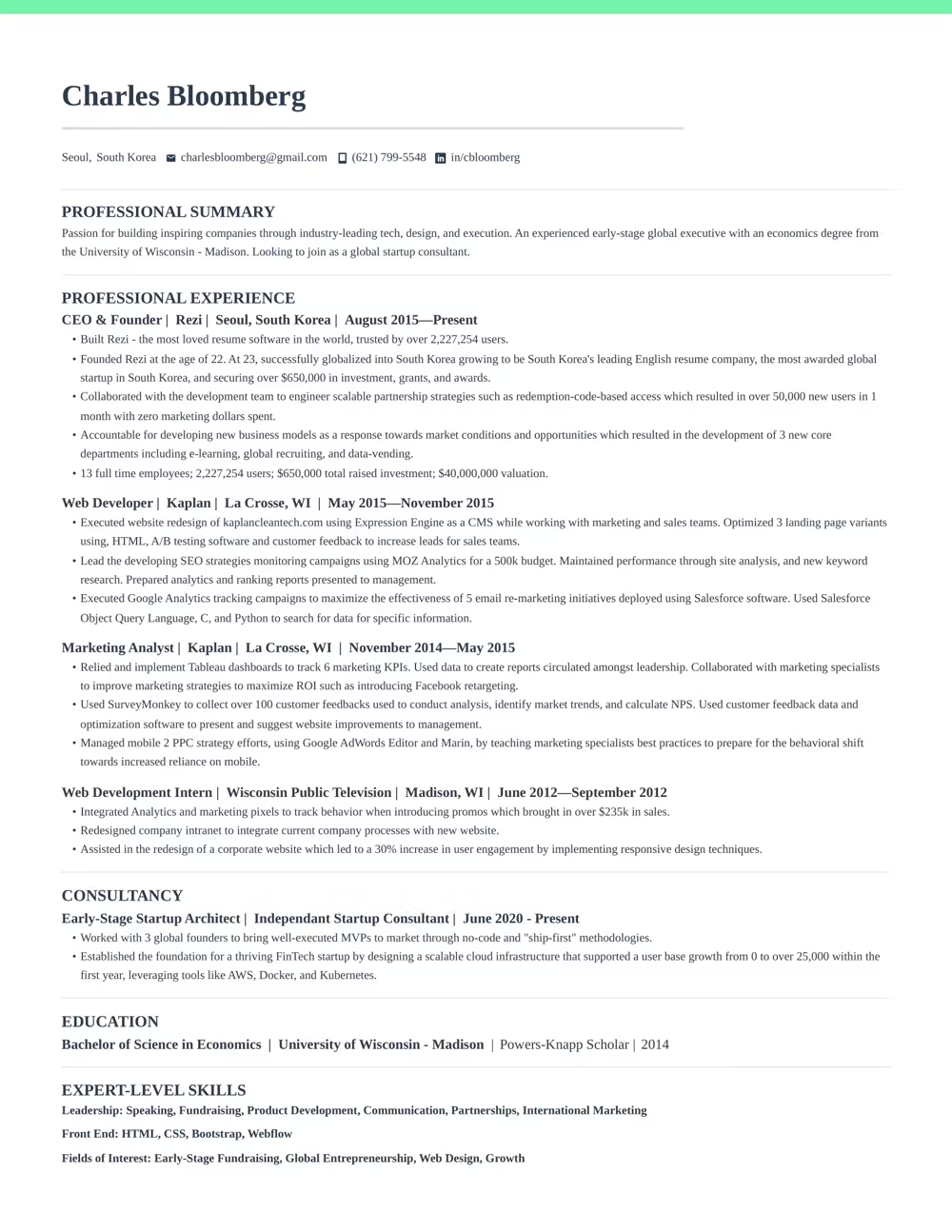
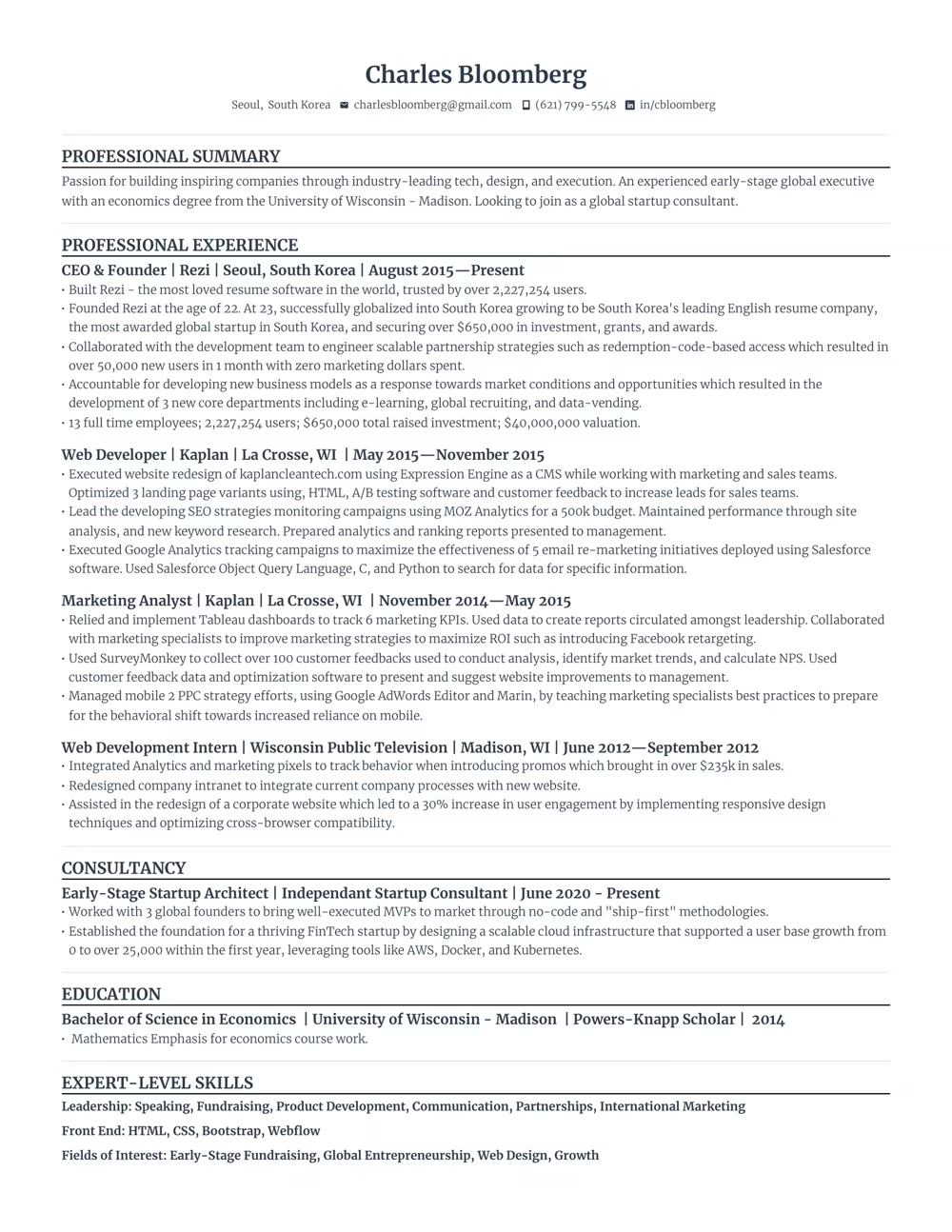
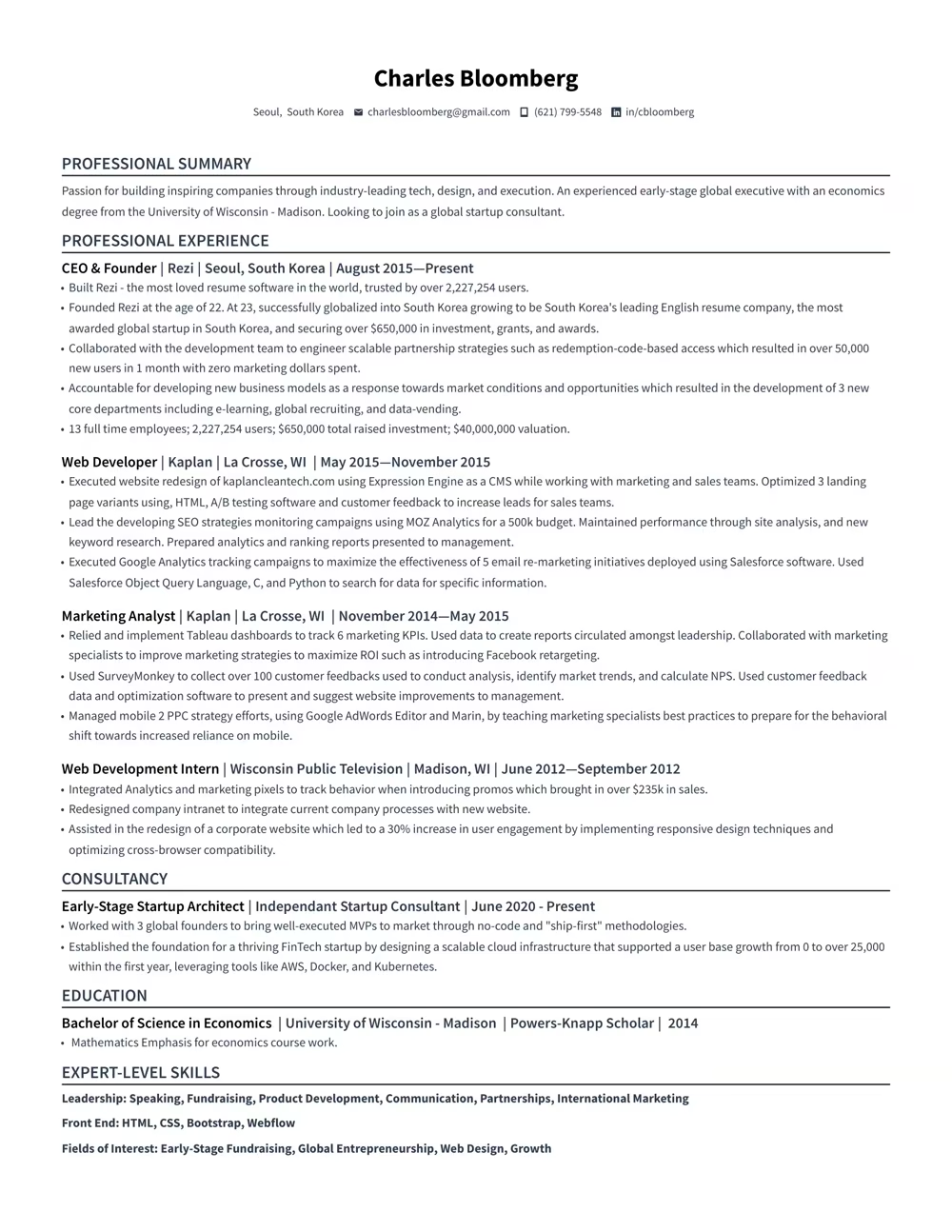
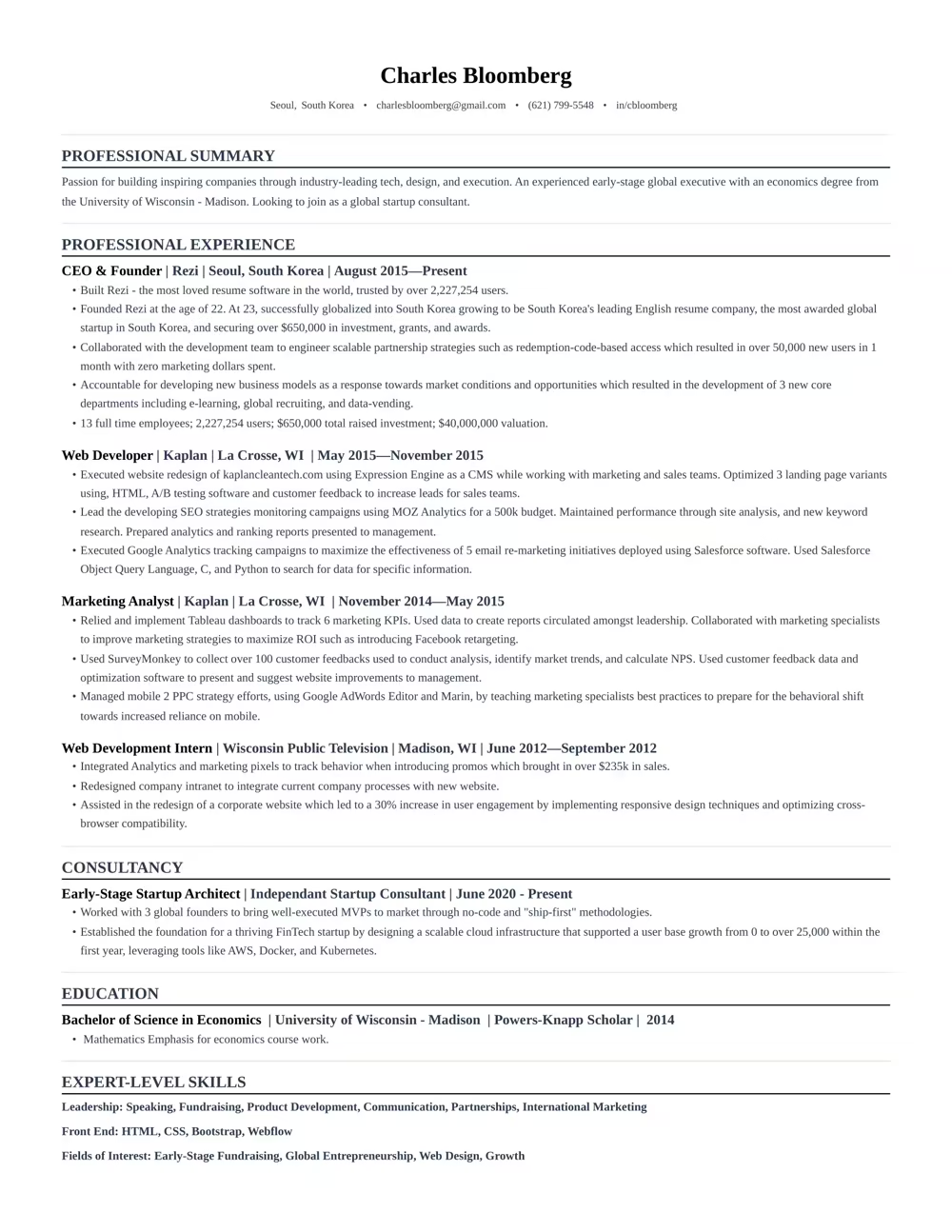
“Rezi is an awesome AI-based resume builder that includes templates to help you design a resume that is sure to check the boxes when it comes to applicant tracking systems. This is a great jumping off point to kickstart a new resume.”

Ashley Stahl
Career Contributor
62.18%
Interview Rate
4,510,834
Total Users
8.23 / 10
Avg. User Review
Wall of Love
Over 4 million users trust Rezi

Resume Building felt like pulling teeth – until I found Rezi.
Davis Allen
Software Developer

I was blown away by Rezi. It streamlined everything...
Celine Watko

I needed a resume tool as smart as my work.
Yosra Naceur
Data Scientist
“A great tool that is very helpful. I found the Rezi system easy to use and very helpful as I was working on getting my resume in shape for job applications.”

Dakota Rubin
United States
Written via

“This is actually one of the first reviews I’ve ever written for a business, and that alone says a lot. I highly recommend Rezi to anyone who’s job searching, it makes the entire process so much easier.”

Yazan Alkhatib
United States
Written via
“Reduced my time per application from 1-2 hours down to 15 minutes.”
Kixxx
Experience with Rezi
“I love how simple and convenient it is to use and been coming back to update it every time I need a fresh resume.”

Zara Wazir
U.A.E.
Written via
Frequently Asked Questions
Your questions, answered.
An AI resume maker helps you build a resume perfectly fit for the job you want. Top-notch AI resume builders are designed to speak the language hiring managers are looking for, increasing your chances of standing out in the crowd. It aligns your skills and experience with the job description effectively.
To get the most out of an AI resume builder, either start from scratch or upload your current resume. Fill in as much detail as possible about your career and skills, and upload the job description you’re targeting. This personalization allows the AI to build a unique and tailored resume that’s bound to catch potential employers' attention.
AI-generated resumes can seem similar if you're not giving personalized inputs or if you're using basic prompts. Provide specific details about your work experience and target the job you’re eyeing. Use specialized AI tools instead of general chatbots to avoid robotic-sounding resumes and to ensure individual creativity.
Employers might think you used AI, but that’s rarely an issue. What they really care about is getting a well-written resume that showcases your skills and experiences accurately. A top-notch resume tailored to their needs will speak volumes more than worrying about AI involvement.
Yes, using AI to optimize your current resume is highly effective. You just need to upload your resume, share details about your career goals and the job you want, and let the AI refine everything to elevate your resume's impact and ATS compatibility.
Rezi uses a tool called the AI Keyword Targeting. This feature scans the job description to identify crucial keywords and naturally incorporates them into your resume, giving it the right focus without keyword stuffing.
The Free plan is $0/month and allows you to create one resume, use limited AI tools (such as Keyword Targeting and Analysis), and download up to three PDFs. You can also create unlimited cover and resignation letters. No card is required to begin.
The Pro plan is $29/month and provides unlimited access to all features, including unlimited resumes, full AI capabilities, unlimited downloads, and one free monthly expert resume review (resumes are reviewed by a person).
The Lifetime plan is a $149 one-time payment. It grants permanent access to all the features of the Pro plan (unlimited resumes, full AI tools, and unlimited downloads), but it does not include the free monthly expert review (which can be purchased for an extra fee).
Rezi offers a 100% money-back guarantee on all paid plans (Pro and Lifetime). If you are unsatisfied, you can request a full refund within 30 days of your purchase.
Yes, you can easily upgrade or downgrade your plan at any time through your Rezi Account Billing dashboard. Prorated credits will apply when switching.
An AI resume maker helps you build a resume perfectly fit for the job you want. Top-notch AI resume builders are designed to speak the language hiring managers are looking for, increasing your chances of standing out in the crowd. It aligns your skills and experience with the job description effectively.
Yes, Rezi Enterprise.

