




Design Resumes
9+ Mobile UX Designer Resume Examples & Tips for 2026
Customize any of these resumes in minutes using our free AI-powered resume builder.
“Rezi is super upfront and continues to improve over time. I've recommended Rezi to several of my friends and colleagues. I just love this product so much.”

Ricky M.
Software Engineer
“Rezi is super upfront and continues to improve over time. I've recommended Rezi to several of my friends and colleagues. I just love this product so much.”
Ricky M.
Software Engineer
Helping users land jobs at 1,000+ companies such as














Here's something that might sting a little: most Mobile UX Designer resumes I've reviewed look like they were written by someone who's never actually designed for a 5-inch screen. They're cluttered with vague mentions of "user-centered design" and generic tool lists, but completely miss the thing that matters most — showing how your design decisions improved real mobile experiences for real users.
A strong Mobile UX Designer resume needs to tell the story of how you think through mobile-specific constraints: touch targets, screen real estate, gesture navigation, performance on spotty connections, and the hundred other details that separate a great mobile experience from a frustrating one. It should connect your research and design process to measurable outcomes like engagement, retention, and task completion rates.
And this is exactly what you'll learn from this article. Inside, you'll find:
- Examples of 9+ Mobile UX Designer resumes, covering different specializations and seniority levels.
- Insider tips about what really matters to recruiters hiring for mobile design roles.
- A step-by-step guide for building a Mobile UX Designer resume that actually lands interviews.
Sample Mobile UX Designer Resumes
Take a look at some top-notch sample resumes for Mobile UX Designers across different specializations. Find one that matches your profile and use it as a reference point (or feel free to steal it — just make sure to adjust the wording to reflect your own career journey).
Junior Mobile UX Designer
A Junior Mobile UX Designer resume should emphasize your educational background, relevant coursework, and any internship or bootcamp projects involving mobile app design. Highlight your understanding of mobile design patterns, familiarity with prototyping tools like Figma or Sketch, and any usability testing you've participated in. Showcase enthusiasm for mobile platforms and link to a portfolio demonstrating your mobile-focused design thinking, even if the projects are academic or personal.
Mid-Level Mobile UX Designer
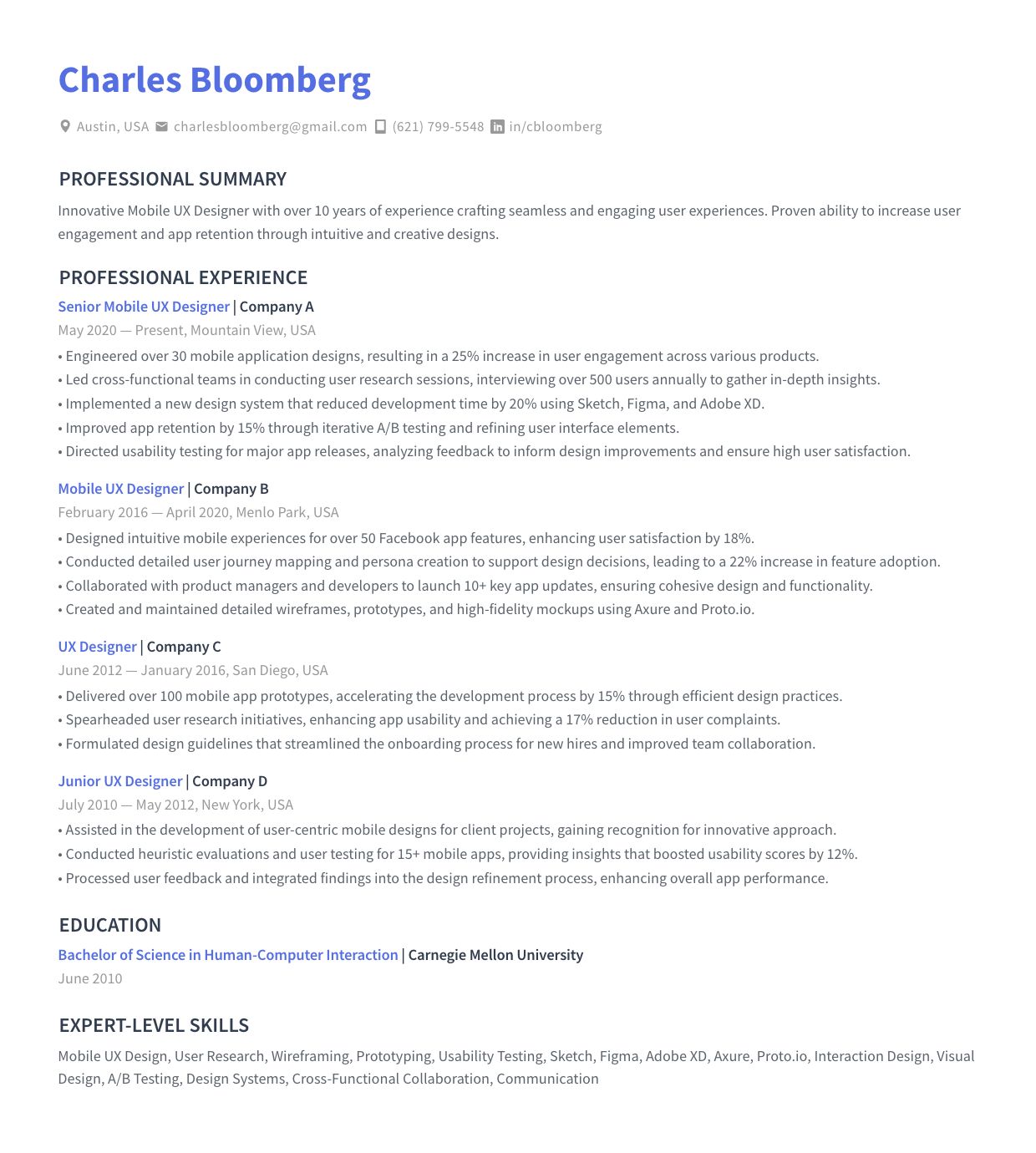
For a Mid-Level Mobile UX Designer, your resume should demonstrate a solid track record of shipping mobile products. Highlight your ability to conduct user research, create wireframes and prototypes, and collaborate with developers to ensure design fidelity on iOS and Android. Quantify your impact — improved task completion rates, reduced drop-off, or increased user satisfaction scores. Show that you own the end-to-end mobile UX process confidently.
Senior Mobile UX Designer
A Senior Mobile UX Designer resume should demonstrate leadership in shaping mobile design strategy across products. Emphasize your experience mentoring junior designers, establishing design systems for mobile, and driving cross-functional alignment between product, engineering, and research teams. Showcase complex projects with measurable business impact, your expertise in accessibility and platform-specific guidelines, and your ability to advocate for user needs at the executive level.
Mobile UI/UX Designer
A Mobile UI/UX Designer resume should highlight your dual strength in both visual design and user experience for mobile platforms. Showcase your ability to create pixel-perfect interfaces while grounding every visual decision in research and usability principles. Emphasize your proficiency with design systems, component libraries, and platform-specific design guidelines for iOS and Android. Include metrics showing how your designs improved both aesthetics and usability.
Mobile Product Designer
For a Mobile Product Designer, your resume should reflect end-to-end product thinking beyond just screens. Highlight your involvement in product strategy, feature prioritization, and how you balanced user needs with business goals. Show experience working within agile product teams, running design sprints, and using data to validate design decisions. Demonstrate that you think holistically about the mobile product lifecycle, from discovery through iteration and optimization.
Mobile Interaction Designer
A Mobile Interaction Designer resume should spotlight your expertise in motion, gestures, micro-interactions, and navigation patterns specific to mobile. Highlight your ability to prototype complex interactions using tools like ProtoPie, Principle, or After Effects. Show how your interaction design work reduced user errors, improved onboarding flows, or made complex tasks feel effortless on small screens. Platform-specific gesture and animation knowledge is a strong differentiator here.
Mobile Experience Designer
For a Mobile Experience Designer, emphasize your ability to design cohesive experiences that span the entire user journey on mobile — including onboarding, notifications, offline states, and cross-device continuity. Highlight your research skills, service design thinking, and ability to map complex user journeys. Show how you've improved end-to-end experiences rather than individual screens, and include metrics around retention, engagement, or Net Promoter Score improvements.
App UX Designer
An App UX Designer resume should focus on your experience designing native or hybrid mobile applications. Highlight your knowledge of platform conventions for iOS and Android, your proficiency in conducting app-specific usability studies, and your collaboration with mobile developers. Showcase shipped apps with strong user ratings or download numbers. Include details about how you handled app-specific challenges like permissions flows, push notification strategy, and app store optimization.
Mobile Interface Designer
A Mobile Interface Designer resume should emphasize your expertise in crafting intuitive, accessible, and visually consistent mobile interfaces. Highlight your work with design systems, responsive layouts, and component-based design. Show proficiency in tools like Figma and your understanding of mobile typography, touch-friendly spacing, and accessibility standards like WCAG. Demonstrate how your interface design decisions directly improved usability metrics or reduced development friction.
How to Write a Mobile UX Designer Resume
Short answer:
Focus on your design process, mobile-specific expertise, and the measurable impact of your work. Create a professional header with your name, contact details, and a portfolio link. Right below, write a 2–3 sentence resume summary highlighting your strongest mobile UX accomplishments. Describe your work history in reverse-chronological order, emphasizing shipped mobile products and the research and design methods used. Then, cover your education including relevant certifications, list key skills, and add extra sections such as your portfolio, case studies, or conference talks.
Include all the necessary sections in the correct order
Here's the correct order of sections for most Mobile UX Designer resumes:
- Header with contact information and portfolio link
- Resume summary or objective
- Work experience
- Education
- Skills
- Certifications
Depending on your current career situation, you can also throw in some additional sections. For instance:
- Portfolio / case studies (this is critical for design roles — more on that below)
- Side projects or freelance work
- Conference talks or workshops
- Publications or blog posts
- Professional associations
Include everything that shows you're capable of doing what the job requires. Make every section count. If it doesn't clearly highlight your mobile design skills, it doesn't belong on your resume.
If you have less than five years of relevant experience, keep your resume 1-page long. For more senior mobile UX designers, a two-page resume is fine.
More details here: What Sections to Include on Your Resume?
Now, I'll give you a high-level overview of how to write each section, going from top to bottom. Well… almost. The only exception is the resume summary section. While it comes right after your contact info, it's actually easier to write it last. More on that in a sec.
Create a professional resume header
- Start with your name and contact information. Include the basics: your full name, phone number, professional email address, location, and LinkedIn profile. For Mobile UX Designers, a link to your portfolio is non-negotiable — this is the single most important URL on your entire resume.
- Right below your name, clearly state your professional title (e.g., Senior Mobile UX Designer). This sets expectations and immediately signals your specialization to recruiters.
For more information, see: How to Create a Resume Header
Describe your work history
- Use reverse-chronological order. List your positions starting with the current or the most recent one.
- In each entry, include your job title, company name, location, and dates of employment.
- Below each position, write 3–7 bullet points — the more recent the position, the more bullet points you should include. Describe your responsibilities and, more importantly, your design outcomes.
- Use action verbs and quantify your achievements (e.g., "Redesigned the mobile checkout flow, reducing cart abandonment by 23% across iOS and Android apps").
- If specific design methods or frameworks were pivotal in your roles (e.g., design sprints, Jobs-to-Be-Done, A/B testing), weave these details into your descriptions. This will also help you pass ATS scans.
Learn more about the best practices of this section with our detailed guide on how to describe your work experience on a resume.
List your degrees and detail professional learning
- In the education section, list your highest degree first, including the degree type, major, and institution. Degrees in HCI, Interaction Design, Graphic Design, Psychology, or Computer Science are all relevant.
- If you have some relevant work experience, include only the name of your school and the degree you got. If you're an entry-level candidate, you can add more detail — list relevant coursework in mobile design, human-computer interaction, or cognitive psychology, plus academic projects.
- If you have UX certifications (e.g., Google UX Design Certificate, Nielsen Norman Group UX Certification), either include them in an "Education and Certifications" section, or create a separate "Certifications" section and place it right below.
For an in-depth guide on how to describe your education on a resume, see: How to List Education on a Resume
List your most relevant skills in the skills section
- Include a mix of design tools, UX research methods, and platform-specific knowledge that you are proficient in.
- Add in some soft skills such as empathy, communication, and cross-functional collaboration. These are essential for designers who need to advocate for users while working within product teams.
- You can use two separate subsections, one for hard skills, one for soft skills, or just list all the skills under one heading.
- Match your skills to the description of the job you're applying for. I'm not saying you should just dump every UX buzzword (especially if you don't really have the skill), but highlight those areas of expertise where your knowledge overlaps with the job ad.
Need some inspiration to get started? Here are some good skills to feature on your Mobile UX Designer resume.
Design tools for Mobile UX Designer resumes:
- Figma
- Sketch
- Adobe XD
- InVision
- ProtoPie
- Principle
- Framer
- Zeplin
- Miro / FigJam
- After Effects (for motion/interaction prototyping)
UX research and methodology skills:
- Usability testing (moderated and unmoderated)
- User interviews and contextual inquiry
- A/B testing and multivariate testing
- Wireframing and low-fidelity prototyping
- High-fidelity prototyping
- Information architecture
- User journey mapping
- Design sprints
- iOS Human Interface Guidelines
- Android Material Design Guidelines
- Accessibility (WCAG) compliance
- Design systems creation and maintenance
Key soft skills for Mobile UX Designers:
- Empathy
- Communication
- Cross-functional collaboration
- Storytelling and design presentation
- Critical thinking
- Attention to detail
- Adaptability
- Feedback receptiveness
- Problem-solving
- Advocacy for users
For a full-blown guide on listing skills on a resume, visit: How to Put Skills on a Resume
Use additional sections as further proof of your fit
Additional sections add depth to your resume and back up your claimed expertise. Good examples of extra sections to add to a Mobile UX Designer resume are:
- Portfolio / case studies. This is arguably the most important "extra" section for any design role. Include a direct link to your portfolio and, if space allows, briefly describe 2–3 standout case studies with results. For more detail, see how to add projects on a resume.
- Side projects and apps. Personal apps or design experiments — especially published ones — demonstrate initiative and passion for mobile design beyond your day job.
- Conference talks and workshops. If you've spoken at events like Config, UX London, or local meetups, list them. It signals thought leadership and deep expertise.
- Publications. If you've written for UX Collective, Smashing Magazine, or your own design blog, include those. Design writing showcases your ability to articulate complex ideas clearly.
Highlight the most relevant information in a resume summary
Once you're done writing your Mobile UX Designer resume, give it a full read. Pick the most relevant information and compile it into a summary paragraph. Place it right under the resume header.
- Be brief and to-the-point. In 3–4 sentences, sum up your career highlights, core competencies, and what you bring to the table. Consider this your chance to answer, "Why should you hire me?" Tailor this section to match the employer's needs outlined in the job description.
- Use value-oriented language. Focus on how you can add value to the potential employer, mentioning specific outcomes — like improved app ratings, increased mobile engagement, or successful feature launches — that demonstrate your impact.
Once you've completed the core sections of your resume, you can use Rezi AI Resume Summary Generator to automatically create a powerful summary, tailored to the job you're applying for. All you need to do is add the position and skills you want to highlight. The AI writer will do the rest.
More information here: How to Write a Job-Winning Resume Summary (with Examples)
For finishing touches, make sure your resume looks professional
- Use a clean and tidy resume format. As a UX designer, your resume is itself a design artifact — recruiters will notice if it's poorly structured. Ensure clear hierarchy, consistent formatting, and readable typography. Avoid overloading it with flashy visuals that could confuse resume screening software.
- Aim for a balance between detail and conciseness. If you're a junior candidate, keep your resume to a single page. Experienced Mobile UX Designers can extend to two pages, but still need to make sure every word conveys value.
Learn more about proper resume formatting here: How to Format a Resume & What Standard Resume Format to Use
What Makes Mobile UX Designer Resumes Different
In short: the emphasis on process, platform expertise, and visual proof of your work.
This is also what many Mobile UX Designers get wrong on their resumes. Hiring managers aren't just looking at what you built — they want to see how you think. A list of apps you worked on doesn't tell them much. The story of how you identified a usability problem, explored solutions, tested with real users, and measured improvement? That's what gets you the interview.
Your portfolio does the heavy lifting — but your resume gets you there
Here's the uncomfortable truth: many hiring managers won't even open your portfolio unless your resume passes the initial screen. Your resume needs to be compelling enough on its own to earn that click.
What it means for you:
- Don't rely on your portfolio to communicate everything. Your resume should tell a standalone story of impact and expertise. Think of it as the "trailer" that makes someone want to see the full film.
- Include a clear, clickable portfolio link in your header. If specific case studies are particularly relevant to the job, mention them briefly in your work experience bullets.
Focus on mobile-specific expertise
Mobile UX is not just "regular UX but smaller." Hiring managers want to see that you understand the unique constraints and opportunities of mobile platforms.
What it means for you:
- Call out mobile-specific skills explicitly: designing for touch, handling varying screen sizes, working within iOS and Android platform guidelines, designing for offline states, optimizing for performance on mobile networks.
- Mention which platforms you've designed for and whether you've shipped native, hybrid, or responsive mobile experiences. This specificity instantly differentiates you from generalist UX designers.
Focus on design process, not just deliverables
Hiring teams want designers who can think, not just push pixels. Your resume should communicate how you approach problems.
What this means for you:
- Describe the methods you used: user interviews, usability testing, A/B experiments, journey mapping, design sprints. Don't just list them in skills — show how they shaped real project outcomes in your work experience bullets.
- Highlight how you collaborated with researchers, product managers, and engineers. Mobile UX design is deeply collaborative, and teams want proof you can operate within that ecosystem.
Quantify the impact of your design work
Many designers shy away from numbers, thinking their work is "too creative" to quantify. This is a mistake — especially for mobile, where analytics are readily available.
What this means for you:
- Include metrics wherever possible: conversion rate improvements, task completion rates, app store rating increases, reduction in support tickets, user retention gains, or time-on-task decreases.
- If hard metrics aren't available, describe qualitative outcomes — positive usability test results, stakeholder approval of a new design direction, or successful design system adoption across teams.
Show growth from executor to strategic thinker
If you have significant experience, your resume should show an evolution from executing on briefs to shaping product direction.
What this means for you:
- Highlight transitions from individual contributor work to leading design initiatives, mentoring others, or establishing design processes and systems.
- Show how the scope and complexity of your mobile projects grew over time — from feature-level improvements to app-wide redesigns or multi-platform design system work.
Bonus Resources for Mobile UX Designers
This isn't going to be a game-changer if you need a resume right now. But —
I want you to treat your career holistically. These resources will help you sharpen your mobile UX skills, add substance to your future resumes, and keep you current with how the field is evolving.
Professional associations and communities
Interaction Design Foundation (IxDF)
One of the largest online design education platforms, IxDF offers affordable courses, certifications, and a global community. Their mobile design and UX research courses are particularly strong for building foundational and intermediate skills.
Nielsen Norman Group (NN/g)
The gold standard in UX research and best practices. Their articles, reports, and UX certification program are widely respected by hiring managers and will add serious credibility to your resume.
DesignX Community
A growing community for design professionals to connect, share work, and find mentorship opportunities. Great for networking and staying plugged into what other mobile designers are working on.
Online learning platforms
Coursera & edX
Both platforms offer excellent UX design courses from universities like Google, the University of Michigan, and Georgia Tech. The Google UX Design Certificate on Coursera is particularly popular and well-regarded for breaking into UX.
LinkedIn Learning
Offers numerous courses on mobile design, Figma, prototyping tools, and UX research methods. Completing courses here also adds certifications directly to your LinkedIn profile.
UX Design Institute
Offers a university credit-rated Professional Diploma in UX Design. Their curriculum is practical, project-based, and recognized by employers globally — a strong credential for your resume.
Publications and blogs
UX Collective
One of the largest design publications on Medium, covering UX research, interaction design, mobile patterns, and career development. Reading — and eventually contributing to — this publication keeps you sharp and visible.
Smashing Magazine
A long-running web and mobile design publication with practical articles on mobile usability, responsive design, accessibility, and design systems.
Apple Human Interface Guidelines & Google Material Design 3
These aren't blogs, but they're essential reading for any Mobile UX Designer. Deep familiarity with both sets of platform guidelines is expected — and referencing this knowledge on your resume signals genuine mobile expertise.
Tools and software reviews
Capterra & G2
Both websites provide extensive reviews and comparisons of design and prototyping software, helping you evaluate tools like Figma, Sketch, ProtoPie, and Maze based on features, pricing, and user feedback.
Figma Blog
Since Figma has become the dominant design tool, their blog is a valuable resource for learning new features, workflows, and best practices that can directly improve your efficiency and output as a mobile designer.
Summary
Here's what you need to know about writing a Mobile UX Designer resume:
- Structure your resume with essential sections in this order: Header (with portfolio link), Resume Summary or Objective, Work Experience, Education, Skills, and Certifications. Add extra sections like Case Studies, Side Projects, or Conference Talks when relevant.
- Include a professional header with your name, contact information, professional title, and a prominent link to your design portfolio.
- Describe your work history in reverse-chronological order, emphasizing your design process and quantifiable outcomes — not just the screens you delivered.
- In the education section, list your highest degree at the top. List UX certifications either in the education section or under a separate heading.
- Highlight a mix of design tools, UX research methods, platform-specific knowledge, and soft skills, tailoring them to the job description.
- Call out mobile-specific expertise explicitly — platform guidelines, touch interaction design, mobile performance considerations — to differentiate yourself from generalist UX designers.
- Use additional sections to showcase your portfolio, published writing, or speaking engagements.
- Once done writing the resume, compile the key information into a brief, value-oriented resume summary at the top.
- Remember: your resume is a design artifact. Make it clean, well-structured, and scannable. As a UX designer, poor formatting will hurt you more than most.
Thanks for reading! Got any questions? Feel free to reach out to me on LinkedIn. (Or check out the FAQs first — maybe your question is answered there.)
FAQ
Do I need a portfolio link on my Mobile UX Designer resume?
Absolutely, yes. For design roles, a portfolio is essentially mandatory. Place a clear, clickable link in your resume header. If you're submitting a PDF, make sure the link is hyperlinked and easy to find. Many recruiters will skip your resume entirely if there's no portfolio link — no matter how strong your experience section is.
What if I've done UX work that wasn't specifically mobile?
Include it, but frame it through a mobile lens where possible. If you designed a responsive web experience, mention the mobile breakpoints and touch considerations. If you conducted usability research on desktop products, highlight any transferable research skills. Supplement with personal mobile design projects or case studies to demonstrate platform-specific knowledge.
Should I include screenshots or visuals on my resume?
Generally, no. While it's tempting as a designer, embedded images can break ATS parsing and make your resume harder to scan. Keep your resume text-based and clean, and let your portfolio carry the visual storytelling. The one exception: if you're submitting a PDF directly to a hiring manager (not through an ATS), a small, tasteful visual element might work — but err on the side of restraint.
How technical should I get when describing my work with developers?
Show that you speak the language without turning your resume into a technical spec. Mention that you created developer handoff documentation in Zeplin or Figma, participated in sprint planning, or collaborated on implementation feasibility. Hiring managers want to see you can bridge the design-development gap, not that you can write Swift or Kotlin.
I'm transitioning from graphic design (or web design) to Mobile UX. How should I approach my resume?
Focus on transferable skills like visual hierarchy, typography, layout, and user empathy. Reframe past work in UX terms — if you redesigned a website, describe the user research and testing that informed your decisions. Complete a mobile-focused UX certification (like the Google UX Design Certificate) and build 2–3 mobile case studies for your portfolio. Position yourself as someone who brings strong visual fundamentals with a growing UX toolkit.
How many case studies should I reference on my resume?
You don't need to list every project. Mention 2–3 of your strongest, most relevant case studies within your work experience bullets or in a dedicated projects section. Focus on the ones that best demonstrate your end-to-end mobile design process and measurable impact. Your portfolio is where the full story lives — your resume just needs to spark enough interest to get someone to click.
Is it worth listing app store ratings or download numbers?
If you can directly connect your design work to improved app store ratings, download increases, or user review sentiment, absolutely include it. Something like "Contributed to a redesign that improved App Store rating from 3.2 to 4.6 stars" is extremely compelling. Just make sure the claim is honest and attributable to your work, not to a marketing campaign that launched simultaneously.

Upload or drop your resume to get started
Upload your resume to get started
Score my resume
Contents

Resume Formats & Examples
ATS-Friendly resume formats that land jobs
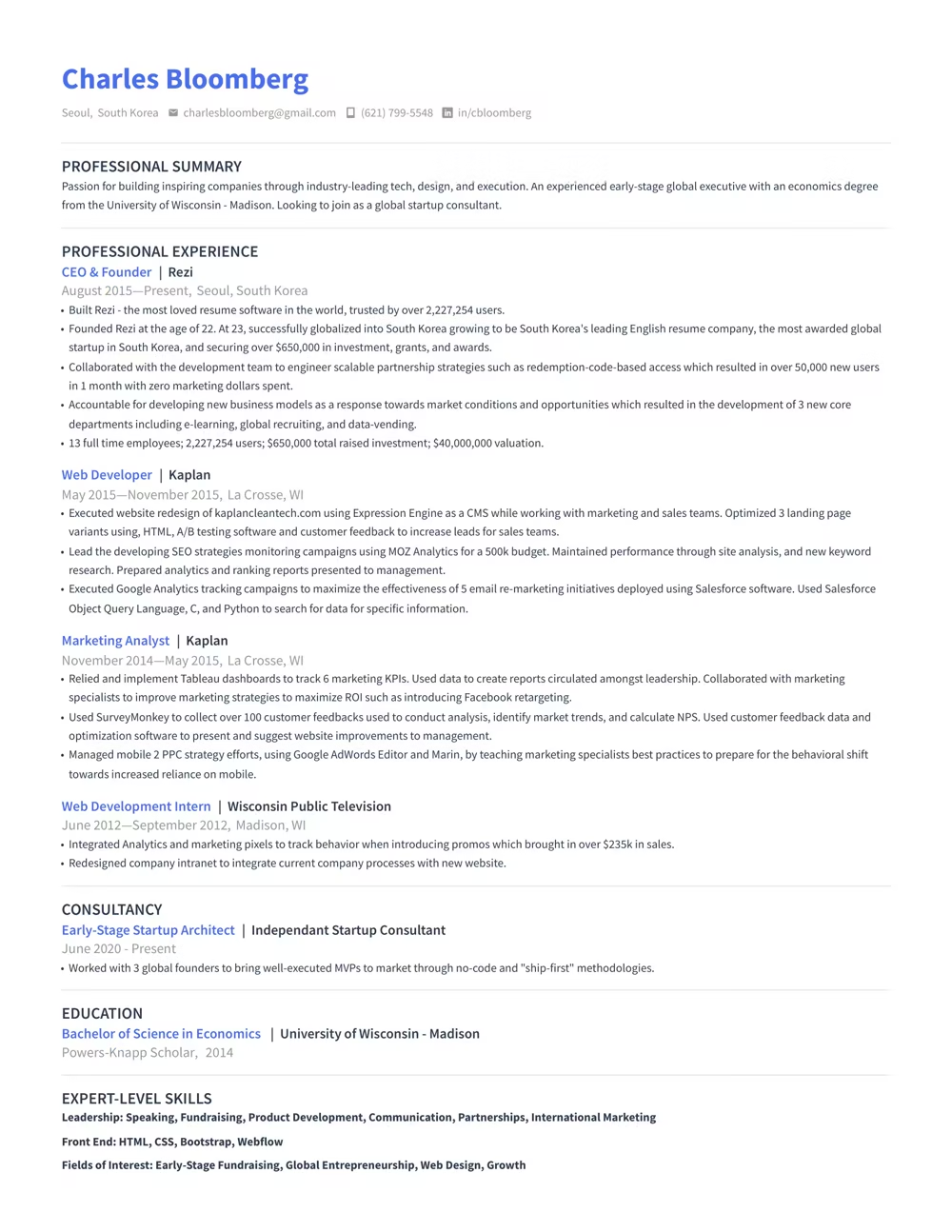
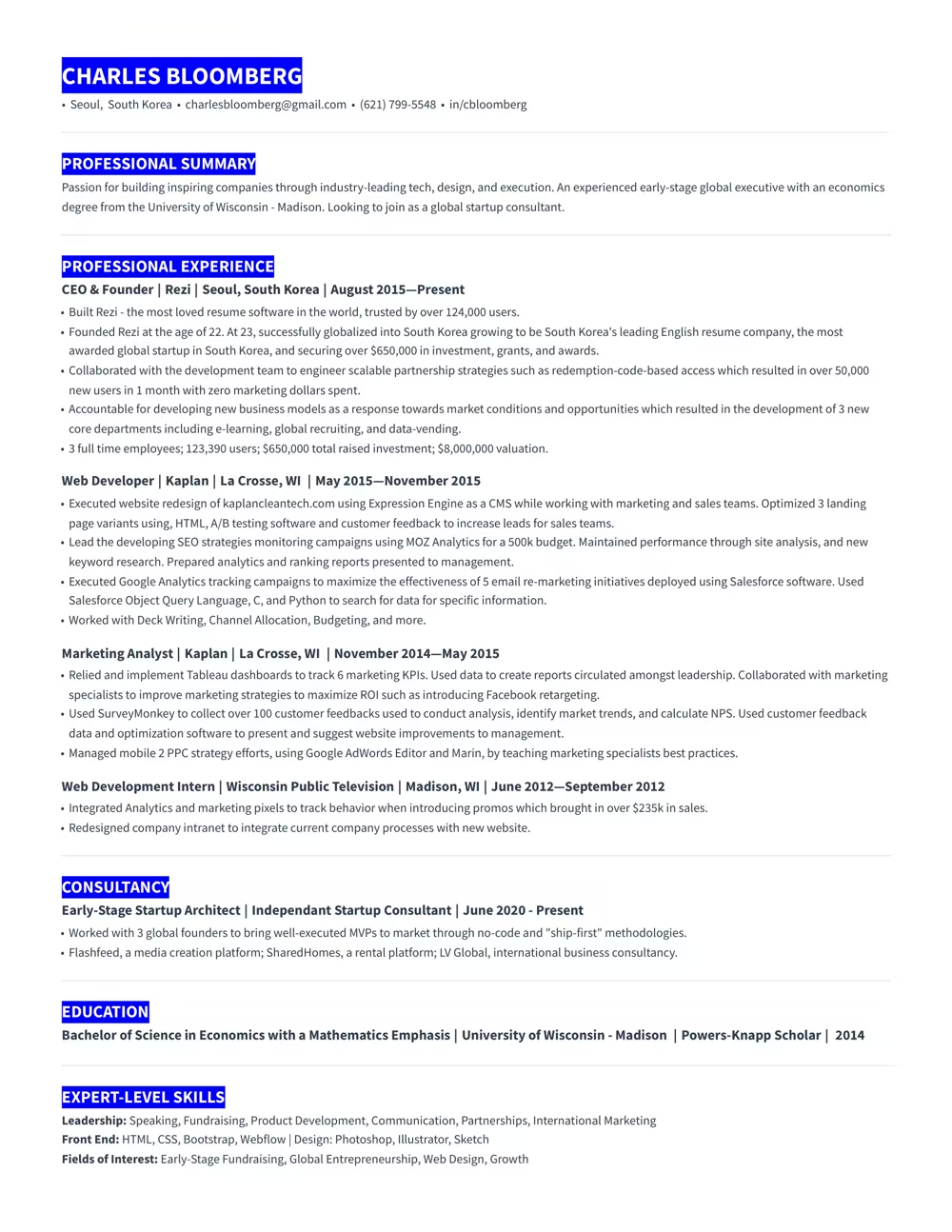
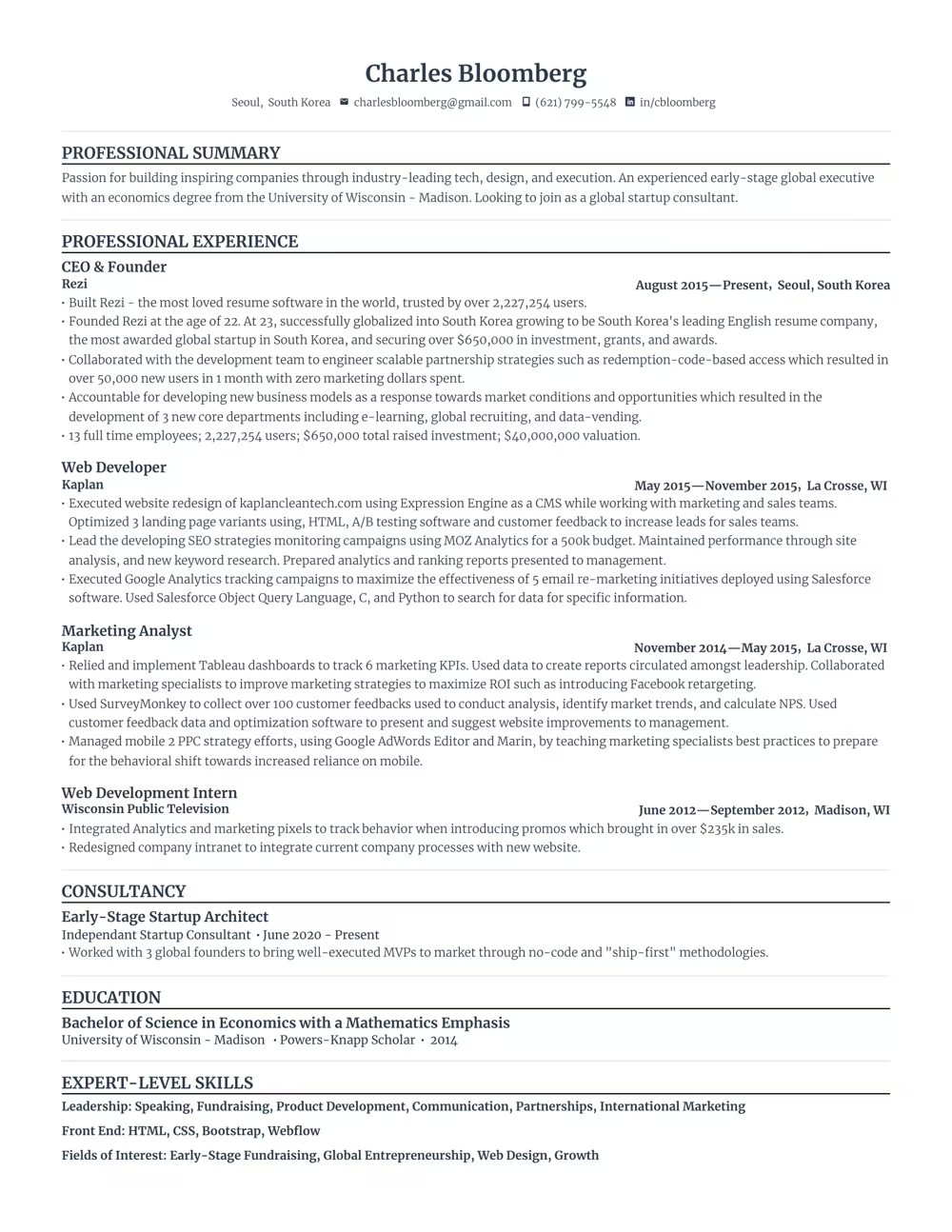
Use a template that guides you. Our ATS-compliant designs are trusted by over 4 million job seekers.



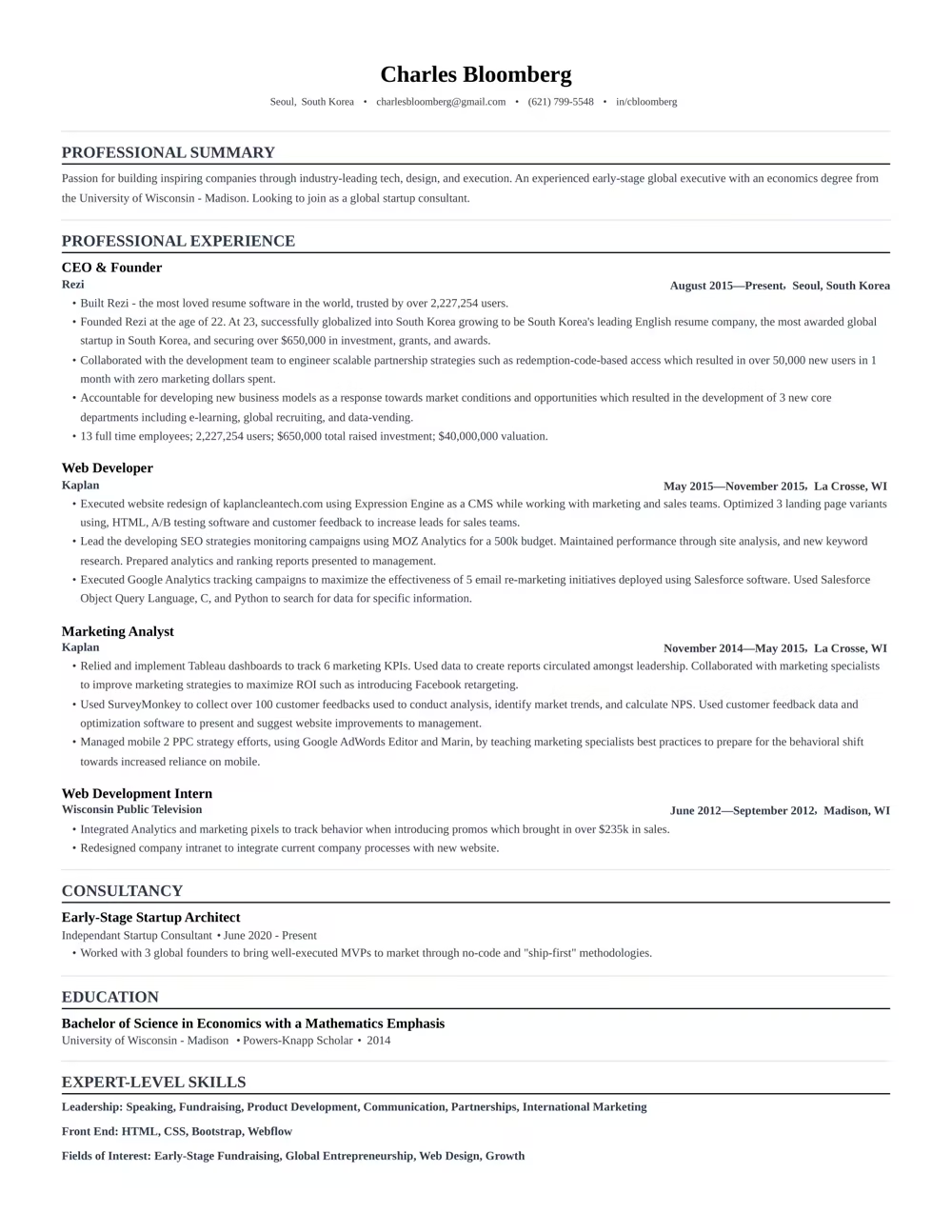
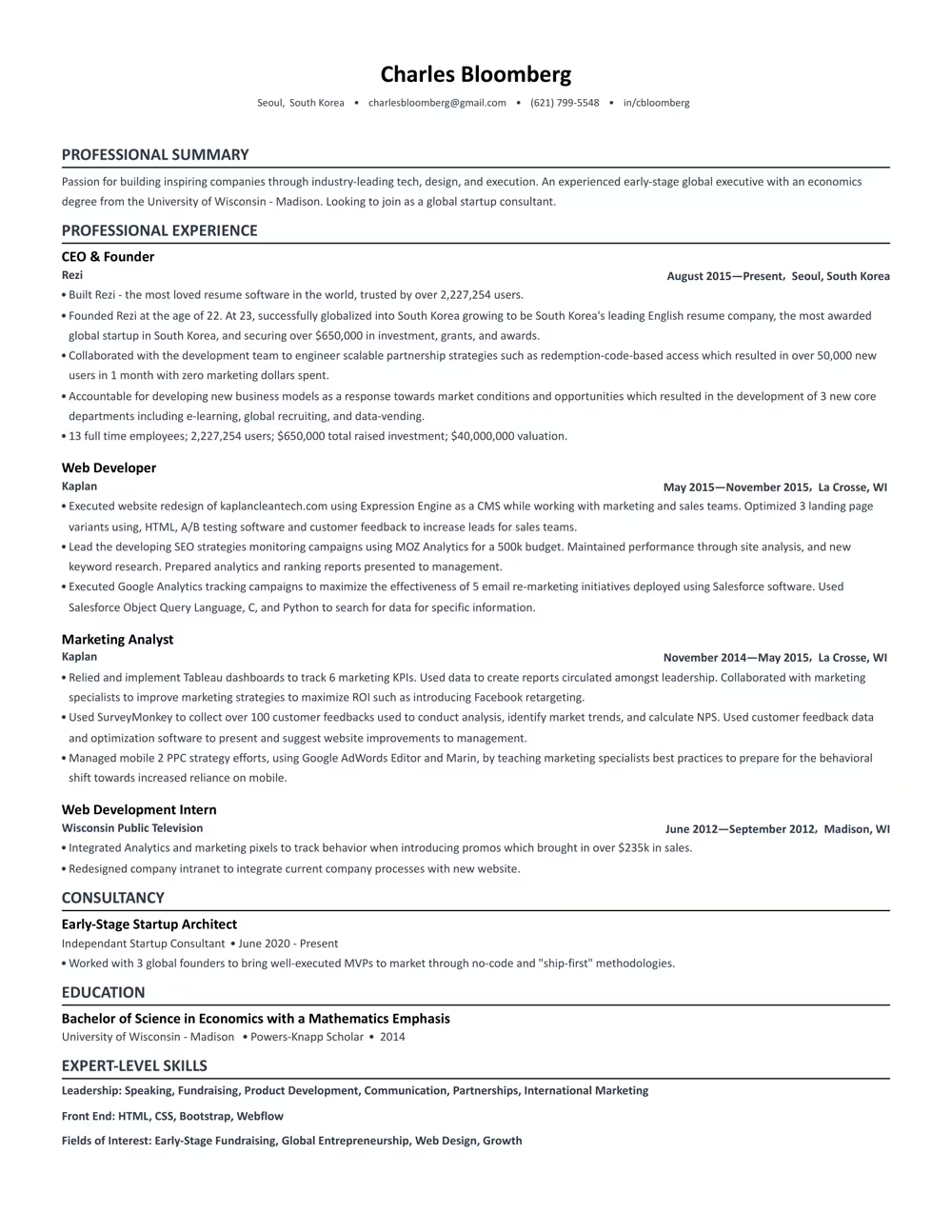
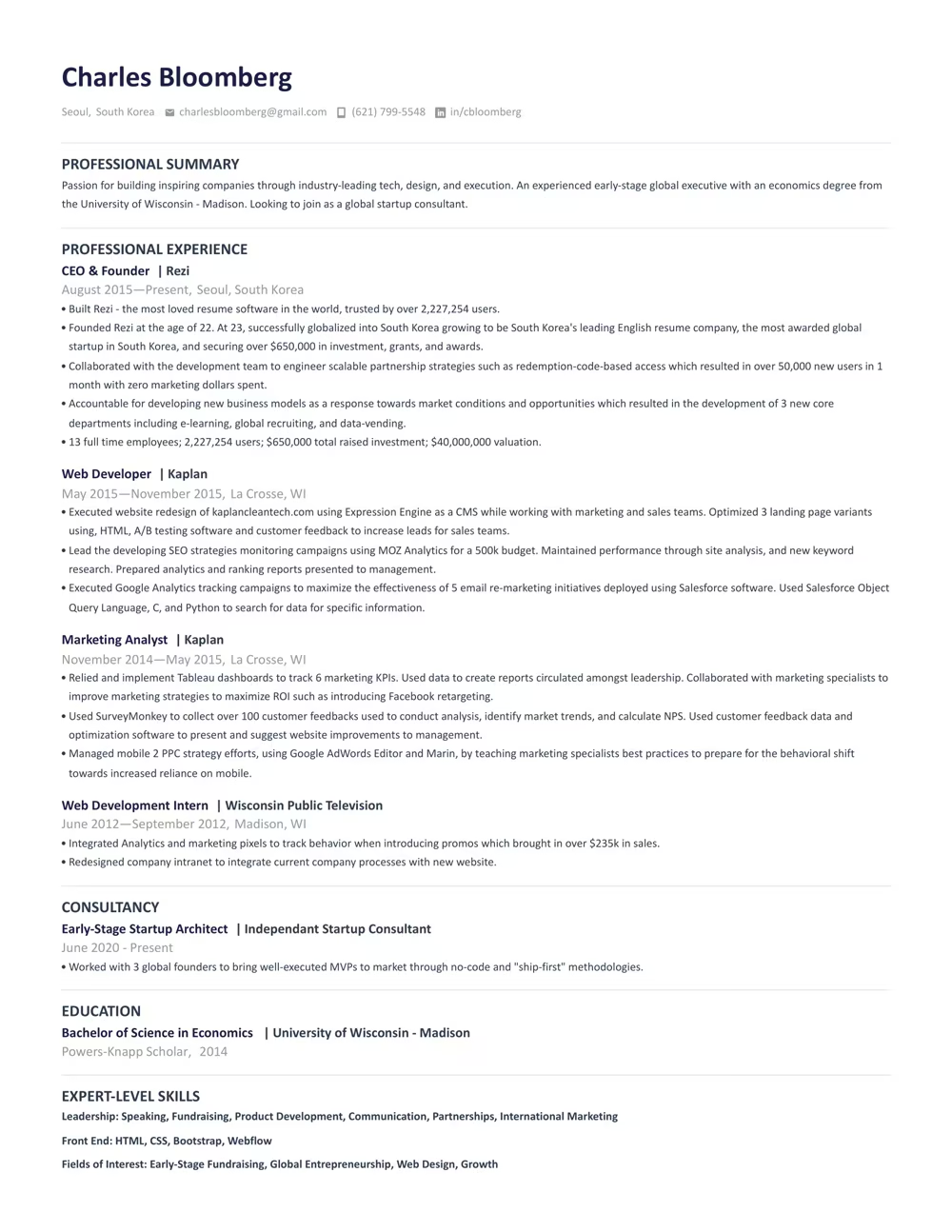
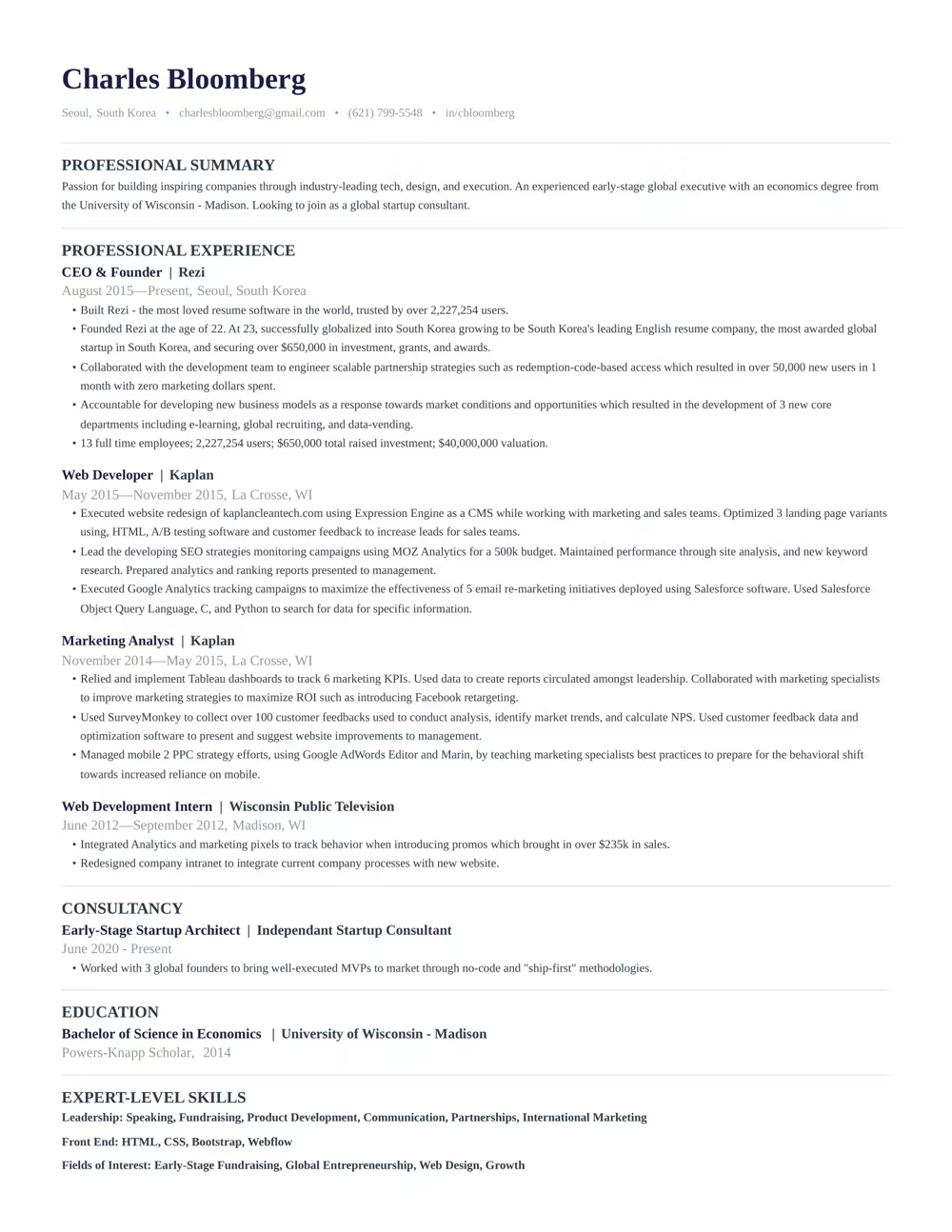

“Rezi is an awesome AI-based resume builder that includes templates to help you design a resume that is sure to check the boxes when it comes to applicant tracking systems. This is a great jumping off point to kickstart a new resume.”

Ashley Stahl
Career Contributor
62.18%
Interview Rate
4,510,834
Total Users
8.23 / 10
Avg. User Review
Wall of Love
Over 4 million users trust Rezi

Resume Building felt like pulling teeth – until I found Rezi.
Davis Allen
Software Developer

I was blown away by Rezi. It streamlined everything...
Celine Watko

I needed a resume tool as smart as my work.
Yosra Naceur
Data Scientist
“A great tool that is very helpful. I found the Rezi system easy to use and very helpful as I was working on getting my resume in shape for job applications.”

Dakota Rubin
United States
Written via

“This is actually one of the first reviews I’ve ever written for a business, and that alone says a lot. I highly recommend Rezi to anyone who’s job searching, it makes the entire process so much easier.”

Yazan Alkhatib
United States
Written via
“Reduced my time per application from 1-2 hours down to 15 minutes.”
Kixxx
Experience with Rezi
“I love how simple and convenient it is to use and been coming back to update it every time I need a fresh resume.”

Zara Wazir
U.A.E.
Written via
Frequently Asked Questions
Your questions, answered.
An AI resume maker helps you build a resume perfectly fit for the job you want. Top-notch AI resume builders are designed to speak the language hiring managers are looking for, increasing your chances of standing out in the crowd. It aligns your skills and experience with the job description effectively.
To get the most out of an AI resume builder, either start from scratch or upload your current resume. Fill in as much detail as possible about your career and skills, and upload the job description you’re targeting. This personalization allows the AI to build a unique and tailored resume that’s bound to catch potential employers' attention.
AI-generated resumes can seem similar if you're not giving personalized inputs or if you're using basic prompts. Provide specific details about your work experience and target the job you’re eyeing. Use specialized AI tools instead of general chatbots to avoid robotic-sounding resumes and to ensure individual creativity.
Employers might think you used AI, but that’s rarely an issue. What they really care about is getting a well-written resume that showcases your skills and experiences accurately. A top-notch resume tailored to their needs will speak volumes more than worrying about AI involvement.
Yes, using AI to optimize your current resume is highly effective. You just need to upload your resume, share details about your career goals and the job you want, and let the AI refine everything to elevate your resume's impact and ATS compatibility.
Rezi uses a tool called the AI Keyword Targeting. This feature scans the job description to identify crucial keywords and naturally incorporates them into your resume, giving it the right focus without keyword stuffing.
The Free plan is $0/month and allows you to create one resume, use limited AI tools (such as Keyword Targeting and Analysis), and download up to three PDFs. You can also create unlimited cover and resignation letters. No card is required to begin.
The Pro plan is $29/month and provides unlimited access to all features, including unlimited resumes, full AI capabilities, unlimited downloads, and one free monthly expert resume review (resumes are reviewed by a person).
The Lifetime plan is a $149 one-time payment. It grants permanent access to all the features of the Pro plan (unlimited resumes, full AI tools, and unlimited downloads), but it does not include the free monthly expert review (which can be purchased for an extra fee).
Rezi offers a 100% money-back guarantee on all paid plans (Pro and Lifetime). If you are unsatisfied, you can request a full refund within 30 days of your purchase.
Yes, you can easily upgrade or downgrade your plan at any time through your Rezi Account Billing dashboard. Prorated credits will apply when switching.
An AI resume maker helps you build a resume perfectly fit for the job you want. Top-notch AI resume builders are designed to speak the language hiring managers are looking for, increasing your chances of standing out in the crowd. It aligns your skills and experience with the job description effectively.
Yes, Rezi Enterprise.

