Resume
How to Fit a Resume on One Page? [Quick Answer]
To fit your resume on one page, focus on relevance and formatting. Remove older or less relevant experiences, keep bullet points concise, use a clean layout with optimized spacing, and adjust margins and font size (within reason). Prioritize what best matches the job you’re applying for — quality over quantity always wins.


Published on
October 22, 2025
Updated on
October 22, 2025
You'd be shocked how many resumes I've managed to cut from 2 or 3 pages to a single one. It's not a must, but most hiring managers prefer one-page resumes (particularly for entry-level and mid-level candidates) because they’re easier to scan quickly. If your resume currently spills onto a second page, there are several strategies to condense it effectively without losing key information.
1. Focus on relevance
The most important rule for fitting your resume on one page is relevance. You don’t have to list everything you’ve ever done — just the experiences that matter most for the job you’re targeting.
- Remove outdated jobs (generally anything over 10–15 years old).
- Cut unrelated positions, especially if they don’t contribute transferable skills.
- Summarize older experience with a single line, e.g., “Additional roles in customer service and retail, 2010–2013.”
Your resume is like a marketing document. Every line should sell you for the specific role you’re pursuing.
2. Tighten your bullet points
Most resumes get too long because of overly detailed bullet points.
- Limit each job to 3–5 concise bullets that highlight achievements, not just responsibilities.
- Remove filler phrases like “responsible for” or “duties included.”
- Start each bullet with a strong action verb and quantify results whenever possible.
For example:
❌ “Responsible for managing social media campaigns and posting content.”
✅ “Managed social media campaigns that increased engagement by 25% in six months.”
3. Adjust layout and spacing intelligently
You don’t have to sacrifice readability to save space. A few design tweaks can make a big difference:
- Use 10–12 pt font for body text and 14–16 pt for section headers.
- Set margins between 0.5” and 1” — anything smaller can look cramped.
- Reduce spacing between bullet points and sections slightly (but keep it readable).
- Choose a compact, professional font like Calibri, Lato, or Helvetica Neue.
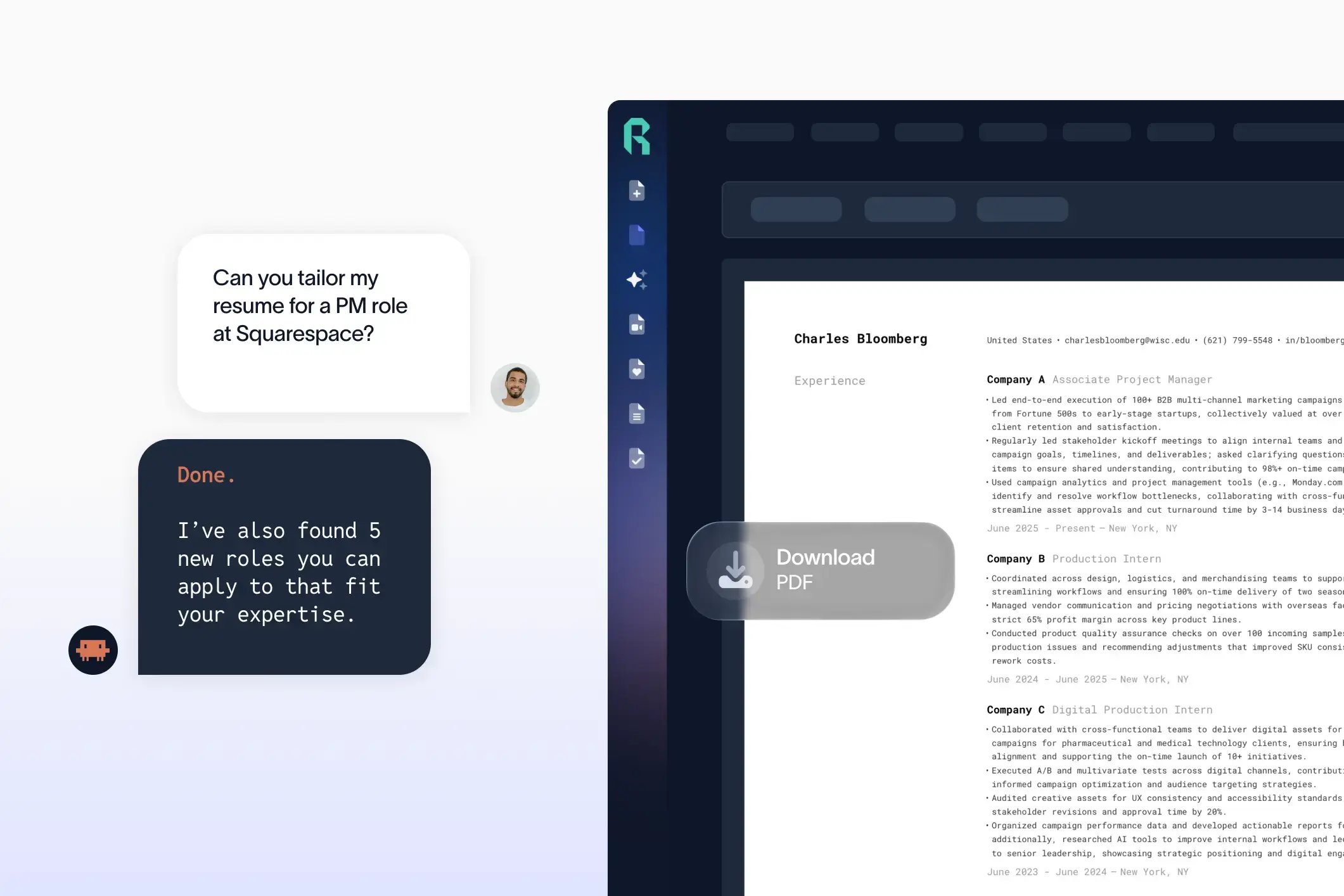
If you’re using Rezi or another AI resume builder, these spacing and layout optimizations are handled automatically — one reason many job seekers use AI tools to ensure a polished, single-page design.
4. Remove unnecessary sections
Certain sections aren’t always necessary. Consider trimming or merging the following:
- Objective statements — replace them with a concise professional summary or skip entirely.
- References available upon request — not needed anymore.
- High school education — omit if you have college or higher education.
- Old certifications or coursework — only keep those relevant to your target job.
5. Consolidate similar experience
If you’ve held multiple roles in the same company or in similar positions, group them together under one header. For example:
ABC Company | Various Roles (2015–2022)
Marketing Specialist (2019–2022): [Achievements here]
Marketing Coordinator (2015–2019): [Achievements here]
6. Don’t cram text
It’s tempting to shrink your font or crush everything into tight spaces, but that often backfires. Recruiters won’t read walls of text. Instead, prioritize what matters most: your recent and most relevant accomplishments. If your resume still feels overcrowded after optimizing, it might genuinely deserve two pages — especially for senior-level professionals with 10+ years of experience.
7. Create a “master resume”
Keep one long version of your resume with every detail of your career. Then, before each job application, make a targeted one-page version focused on that specific role. This approach makes tailoring easier and ensures you’re not starting from scratch each time.
Final tip:
If you’re struggling to cut content manually, try pasting your resume into an AI resume builder. Of course, I'd love you to go with Rezi, but most builders will help you as well. Ask the tool of your choosing to “shorten my resume to one page while keeping it targeted for [specific job title].” The AI will optimize wording, remove redundancies, and balance layout automatically — a big help if you’re editing in Word or Google Docs.

Upload or drop your resume to get started
Upload your resume to get started
Score my resume

Michael Tomaszewski, CPRW, is a resume and career advice expert with 9+ years of experience in the hiring industry. He has helped millions of readers and dozens of one-on-one clients create resumes and cover letters that *finally* do their talents and accomplishments justice.