Resume
How to Reformat a Resume Efficiently for Better Client Submittals
To reformat a resume efficiently, use an AI resume tool that allows you to automatically fix formatting issues. An “auto-adjust” function makes it easy.

Published on
September 1, 2025
Updated on
September 1, 2025
The fastest way to reformat a resume is to use an AI tool that automatically fixes layout issues—Rezi Enterprise is one such example. Otherwise, reformat manually by adjusting margins, removing decorative elements, tidying up spacing, reordering sections, and fixing alignment or bullet point inconsistencies. Lastly, add your agency branding if needed.
I’ve heard from many recruiters how easy it is to underestimate the time resume reformatting can take.
Too often, resumes come in with poor formatting which makes them unusable for client submittals even when the candidate is qualified.
I’ve even seen some recruiters spend 20–30 minutes just reformatting a single resume. Multiply that across a week’s worth of submissions, and it quickly adds up, slowing down placement speed and draining team focus.
Every resume your agency submits should look like it came from a professional recruiter. That means presenting the candidate’s value clearly and making sure it’s clean, consistent, and ATS-friendly.
That’s why we put this guide together. It walks you through the steps to reformat resumes and tools that can actually streamline your workflow.
Should You Ignore Candidates With a Poorly Formatted Resume?
You shouldn’t necessarily ignore candidates with a poorly formatted resume, but context is important.
From what we’ve seen working with recruitment and staffing organizations, if the candidate doesn’t meet your baseline requirements, a poorly formatted resume can be a valid reason to move on. It reflects on attention to detail and effort.
However, formatting alone shouldn’t always be a dealbreaker.
If the candidate’s resume content shows they meet your key requirements and criteria, it’s still worth guiding them to revise it or using tools to clean it up. You can make this process efficient by defining exactly when to reject a candidate, when to request revisions, and when and how to assist.
Relevant guides:
- Common Resume Mistakes Among Students & Fresh Grads
- How to Build the Best College Career Service
- How to Format a Resume
- The Best Resume File Formats
How to Reformat a Resume
Here’s how to reformat a resume efficiently:
- Use AI to auto-adjust the resume format for ATS compatibility.
- Fix margins, font, visuals, and spacing.
- Reorder sections logically.
- Sort out alignment issues and inconsistent bullet points.
- Add your agency branding if needed.
Most resume reformatting issues tend to fall into two categories: visual clutter and structural inconsistency. Visual clutter includes things like overly designed layouts and tight margins, whereas structural inconsistencies refers to disorganized sections or key details buried.
Reformatting a resume is more about removing friction, not making a resume “pretty.” A well-formatted resume helps clients process key information faster.
1. Use AI to auto-adjust the resume format for ATS compatibility
The fastest way to reformat a resume without sinking time into manually adjusting margins, layouts, or spacing is to use an AI tool trained on best resume practices.
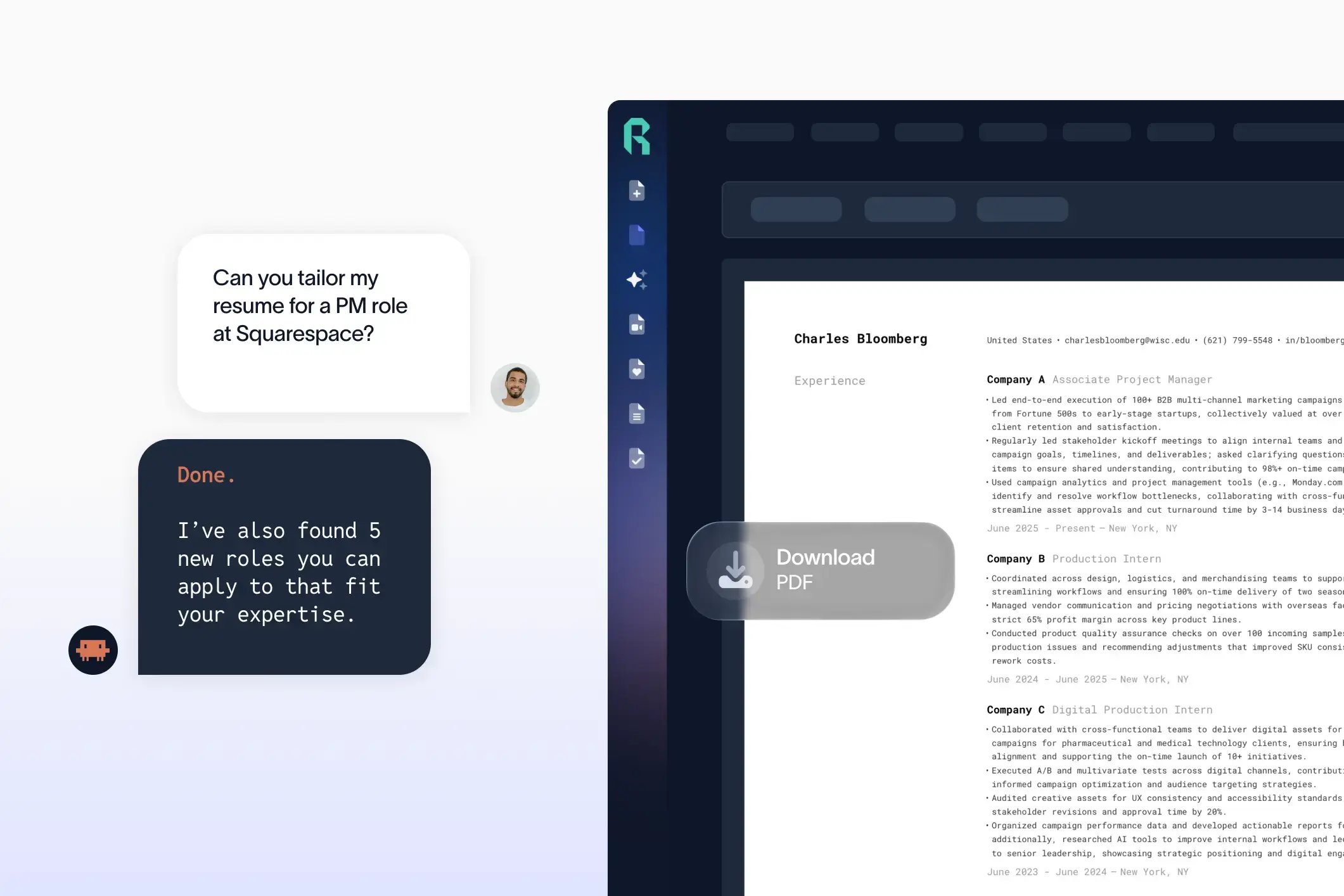
With Rezi white label, for example, you can fix your candidates’ resume formats by simply clicking the “Auto-Adjust” button. This automatically cleans up spacing, alignment, font, and structural layout issues.

Alternatively, you can give your candidates direct access to the same white labeled AI resume builder. That way, you’re more likely to receive resumes that don’t need reformatting in the first place since they’ll be working from clean, professional templates and have access to the same auto-adjust feature themselves.
2. Fix margins, font, visuals, and spacing
Formatting issues like inconsistent font sizes, cramped margins, and clunky visuals all create unnecessary friction.
Here’s what to fix:
- Margins: Set standard 0.5"–1" margins to avoid overcrowding or awkward white space.
- Line spacing: Stick to 1.5–2.0 for headings and sections, and single or 1.15 line spacing for the main resume content.
- Font: Use clean, professional resume fonts like Arial, Calibri, or Helvetica. Avoid mixing font styles or sizes.
- Visuals: Remove logos, profile pictures, and decorative elements that don’t add value or may confuse ATS systems.
3. Reorder sections logically
Reordering sections is usually the quickest way to improve clarity and client readability. A well-structured resume makes it easier for clients to evaluate a candidate at a glance.
Here are the essentials:
- Name and contact info at the top. This should be clean, current, and easy to find.
- Follow with a professional summary or headline if relevant.
- Then list work experience in reverse-chronological order, starting with the most recent roles first.
- Next, add education, and any additional sections such as certifications and projects.
- Lastly, finish with skills.
Showcase the most important and relevant information quickly. Don’t bury it halfway down the page.
4. Sort out alignment issues and inconsistent bullet points
Misaligned text, inconsistent bullet points, and random spacing can make resumes harder to scan.
Here’s what to look out for:
- Left alignment across all sections for consistency.
- Uniform bullet points (don’t mix dashes, asterisks, or symbols).
- Even spacing between sections and lines.
- Job titles, companies, and dates should follow the same structure throughout.
5. Add your agency branding if needed
If needed, add your agency branding to make it clear that the candidate was submitted through you and not a random job board or third party.
Still, keep it clean and professional. Add your agency’s name in the header or footer, using consistent font styles. Avoid large logos that distract from the resume content or flashy headers that might trigger readability issues.
Best Tools for Resume Reformatting
Here are some of the most notable options:
- Rezi Enterprise: An AI resume platform used by over 3M+ job seekers. We partner with staffing agencies and recruiting platforms through our white label service, giving your team and candidates the tools to build and optimize resumes in seconds. This helps reduce manual resume prep while ensuring consistency across client submittals.
- CVFormatter: Known for handling tricky formats like table-heavy PDFs and image-based resumes. It helps standardize resumes into professional templates with customizable branding.
- RemakeCV: This platform makes it straightforward to process resumes. It’s also effective for resumes that contain cut-off paragraphs, invisible tables, or inconsistent structures.
- Allsorter: Resume formatting tool designed to help recruiters quickly clean up resumes. It’s also effective for data-driven agencies.
- Daxtra Reformatter: Part of the Daxtra suite, this tool allows recruiters to format resumes at scale. It supports custom branding, section reordering, and consistent formatting.
Naturally, we’re biased, but we’d choose Rezi Enterprise because we’ve trained our AI resume platform based on the top industry practices and standards. Plus, we help our partners scale revenue by offering a 70% commission on all transactions in your deployment.
Summary
Let’s recap how to reformat a resume efficiently for better client submittals:
- Use AI to auto-adjust the resume format for ATS compatibility.
- Fix margins, fonts, visuals, and spacing to reduce clutter and improve readability.
- Reorder sections logically so the most relevant information is seen first.
- Clean up alignment issues and inconsistent bullet points.
- Add agency branding if needed, but keep it subtle and professional.
Good formatting means making resumes easy to scan, professionally presented, and client-ready.
If you’re looking for a platform that helps you immediately spot bad resumes in the pipeline and win more placements, you can schedule a demo for Rezi Enterprise today.
FAQs
What’s the fastest way to reformat a candidate’s resume without doing it manually?
Use a resume platform like Rezi Enterprise that has the capability to auto-adjust formatting for ATS compatibility. These tools clean up layout, spacing, fonts, and structure automatically, removing the need for manual edits. You can also standardize formatting using agency-approved templates to streamline workflows across your team.
How do we handle resumes that come in with incompatible files?
If a resume comes in as an uneditable format like a heavily designed PDF or image-based file, first, decide if it’s worth pursuing. If the candidate doesn’t meet your baseline criteria, it may be more efficient to reject the resume or request a resubmission. But if they seem like a potential fit, you can use a tool like Rezi Enterprise to convert and reformat the resume into an ATS-friendly version quickly. However, it’s best to set expectations upfront with your candidates to avoid this friction altogether.
How do we train junior recruiters to reformat resumes properly?
Create a resume formatting SOP or checklist that outlines your standards for layout, fonts, spacing, and ATS compliance. Use a shared library of pre-approved templates and record short Loom walkthroughs to show the exact process. Over time, combine this with automation to reduce dependency on manual edits.

Upload or drop your resume to get started
Upload your resume to get started
Score my resume

Astley Cervania is a career writer and editor who has been sharing resume and job search insights for 5+ years. He shapes the direction of the Rezi blog, providing practical answers for important career-related questions and helping hundreds of thousands of people navigate the job market and build resumes that land interviews.