Resume
Fact Checked

How to Use AI to Write a Resume: Best Resume Builder Tools

Learn how to use AI to write a resume with the best AI resume builders. Save time, personalize your resume, and improve your chances of landing interviews.

Written by:
Lauren Bedford
Edited by:

Using AI to write a resume starts with entering your background details, such as work experience, skills, and education, either from scratch or by uploading an existing resume. AI can then structure your resume content and suggest more personalized bullet points based on your input. Many tools let you paste in a job description, so AI can tailor your resume to match the role, with relevant keywords and qualifications for better ATS compatibility. Just remember: AI gets you a strong first draft, but you’ll still need to review and refine it so that it accurately reflects your experience.

AI technology is raising standards across the board. 

Need to apply to multiple jobs in one day? AI can help with that. Want to create a resume from scratch, or improve an existing one so it gets past hiring filters? There are AI resume builders for that, too. 

But here’s what I always preach to job seekers:

AI should speed up the entire process and enhance your resume, not completely replace your voice. 

Recruiters still want to hear your story, not a robotic, ChatGPT-sounding application. 

When you know how to use AI to write a resume, you’ll get a resume that’s not only professional, but one that’s personal and actually sounds like you.

In this guide, we’ll cover the step-by-step process for writing a resume in minimal time by using the right AI tools and whether using an AI resume builder is worth it. 

Can AI Write Your Resume?

Yes, AI can absolutely write your resume and save you plenty of time, but it can’t do all the work. 

While AI tools like ChatGPT help you write a resume, they usually need specific input to capture the nuanced details of your work history. That’s why human oversight is still essential.

Although general AI writing tools can speed things up, they aren’t always optimized for resumes. A dedicated AI resume builder is designed specifically for this task. It can provide personalized suggestions based on your role and generate content that aligns with top resume writing standards.

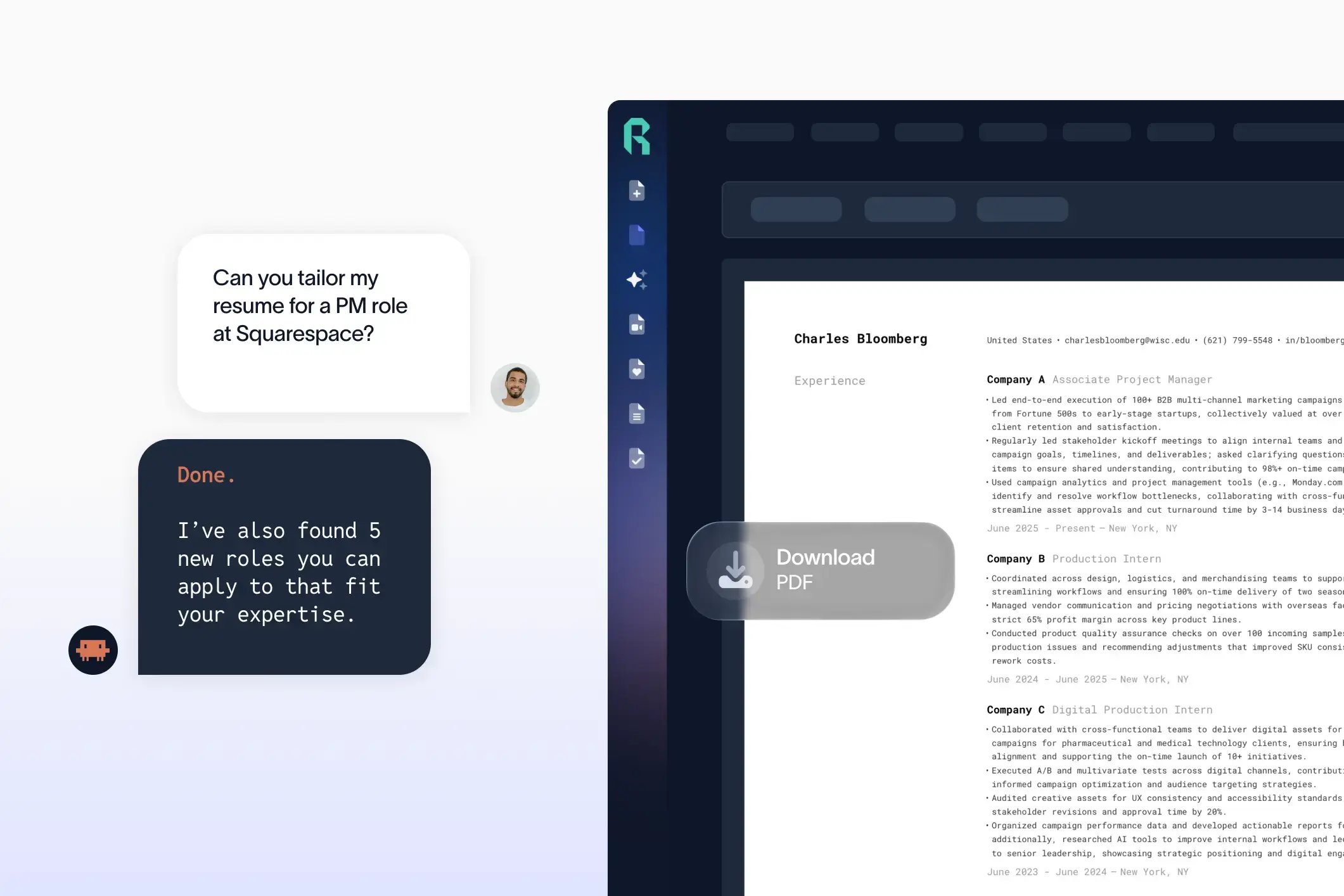
With Rezi AI Resume Builder, for example, you can submit your professional details, and it automatically formats your resume and drafts content in return. This is a huge time-saver, especially if you’re writing your first resume or trying to speed up your job search. 

That said, AI can’t replace you

You still need to review, tweak, and add your personal touch. AI can give you a solid first draft, but it’s up to you to make it stand out with real-world results, personality, and precision.

How to Use AI to Write a Resume Online

Here’s how to create a resume with AI: 

  • Begin from scratch, upload an existing resume, or pull details directly from LinkedIn. 
  • Submit your information. Enter your work history, education, and skills. The more specific and detailed, the better the AI can tailor your resume.
  • Paste in a job ad and let the AI highlight key skills and match your resume content to it for a more personalized result.
  • Get keywords and writing suggestions to make your resume sharp and compatible with hiring software.
  • Receive real-time feedback on clarity, tone, and structure to boost quality.
  • Customize the resume design. Avoid flashy colors and designs that could confuse resume-scanning software.
  • Review the final version, make any tweaks, and download it in the right file format. 

Trying new tech can be a step out of your comfort zone, especially when you’ve been doing things a certain way for years (I clung to my old phone way too long). But the best AI resume tools and builders are designed to simplify the process, and not just for the tech-savvy. 

Let’s break down the whole process. 

1. Upload a resume or start from scratch

Not everyone has the time or energy to build a resume from the ground up. A big benefit of AI resume builders is that you can create a new one or upload an existing resume. The AI can then lay the foundation by pulling your work history, education, and skills into an ATS-friendly resume format

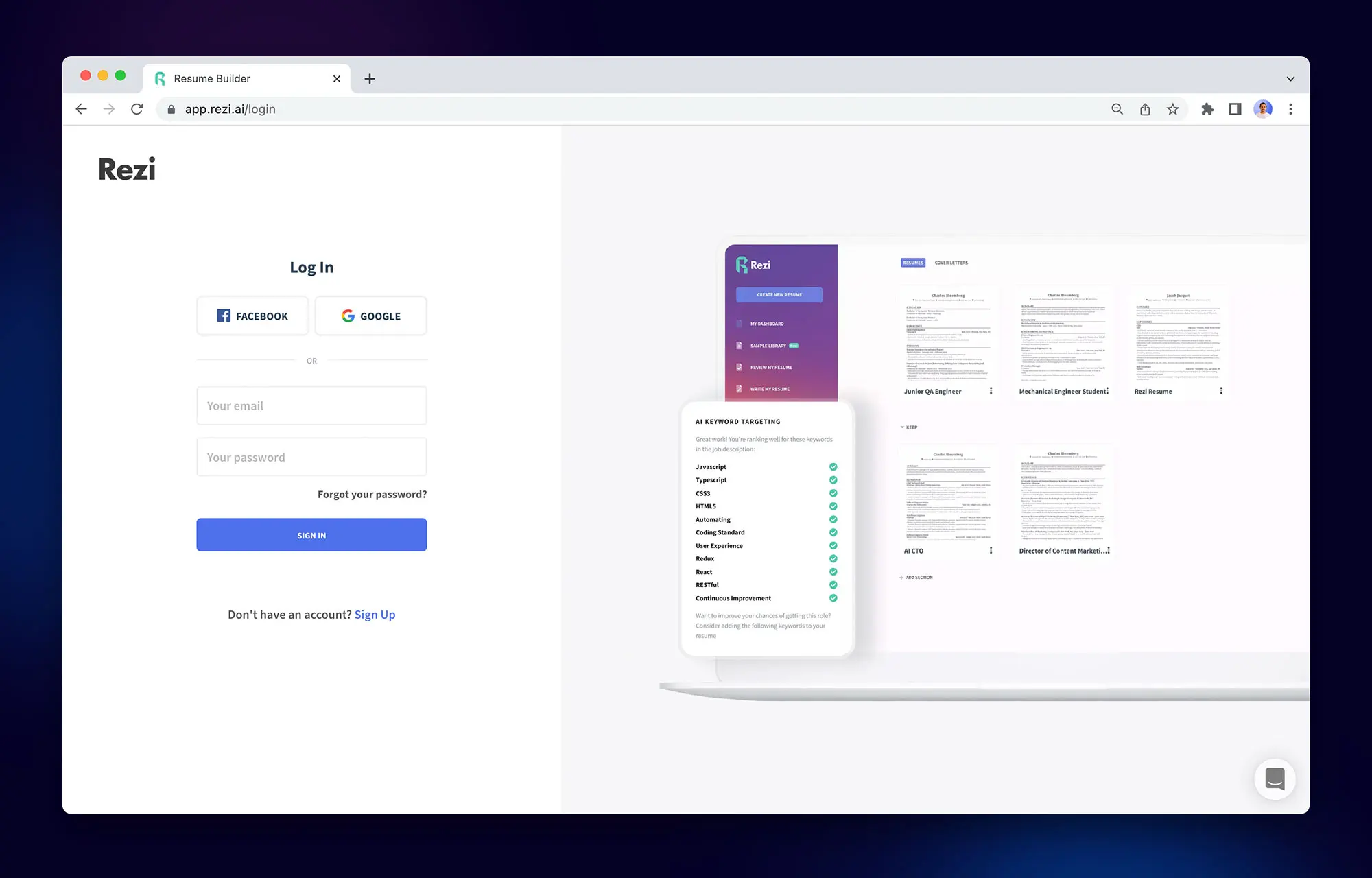
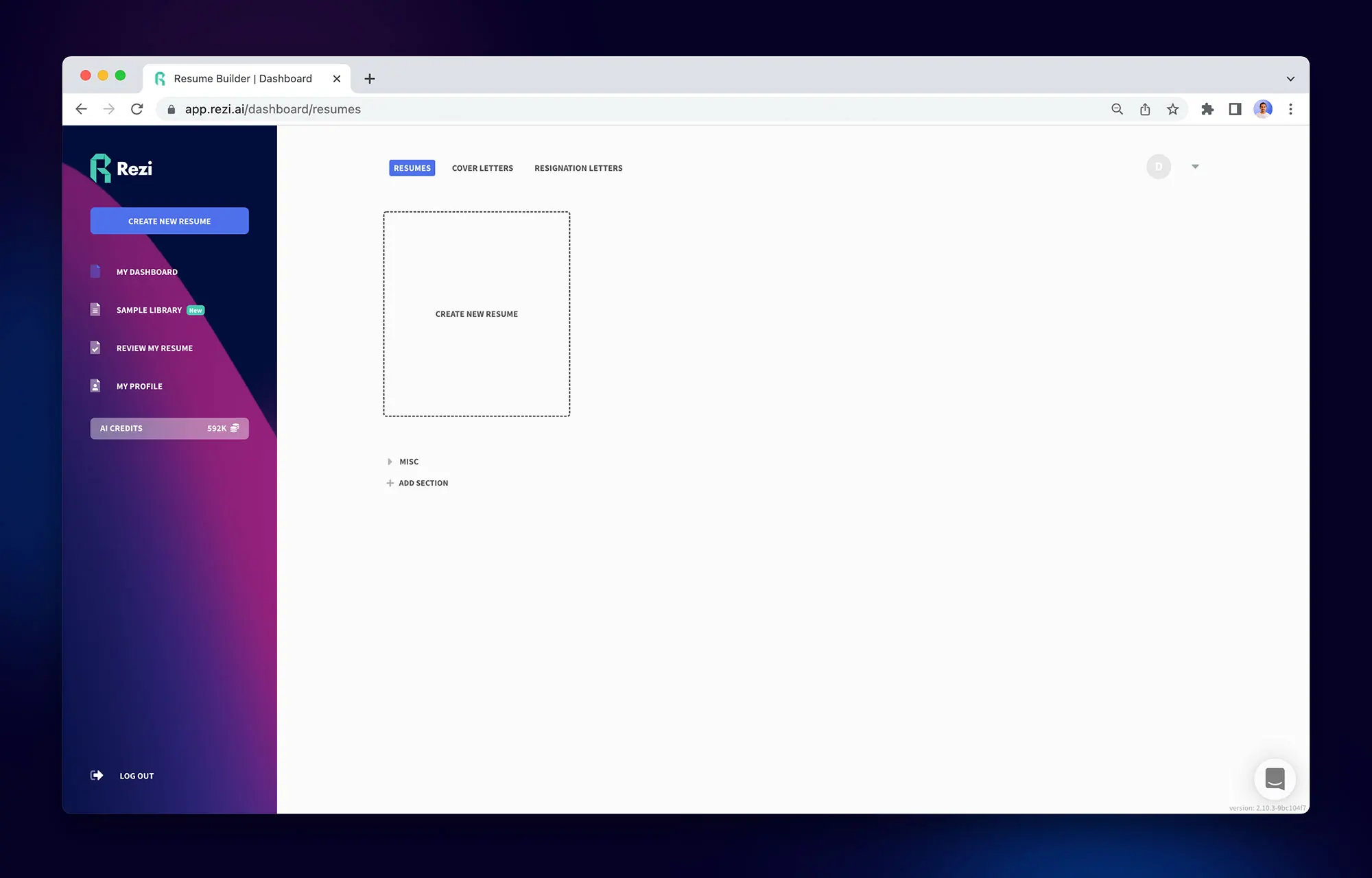
For example, Rezi gives you the option to start fresh or upload your existing resume. Most people go with the latter, with 56% of our users choosing to upload a current document. Yes, it’s faster, but Rezi also accurately transfers your information into a new format without scrambling the details.

You can also use our Chrome extension to take details straight from your LinkedIn profile. That shortcut saves you from copying and pasting every position you’ve ever had — time better spent applying for jobs. 

Import LinkedIn profile

2. Submit your information

AI can do a lot of the work, but it’s not a mind reader. 

Most AI resume builders will prompt you to enter your personal details, past job titles, education, and skills. Don’t skimp here — the more context you give, the better the AI can tailor your resume to reflect your strengths. 

It’s best to think beyond just listing generic responsibilities and focus on your unique impact. Add numbers, percentages, and results to show recruiters exactly what you can bring to the company. 

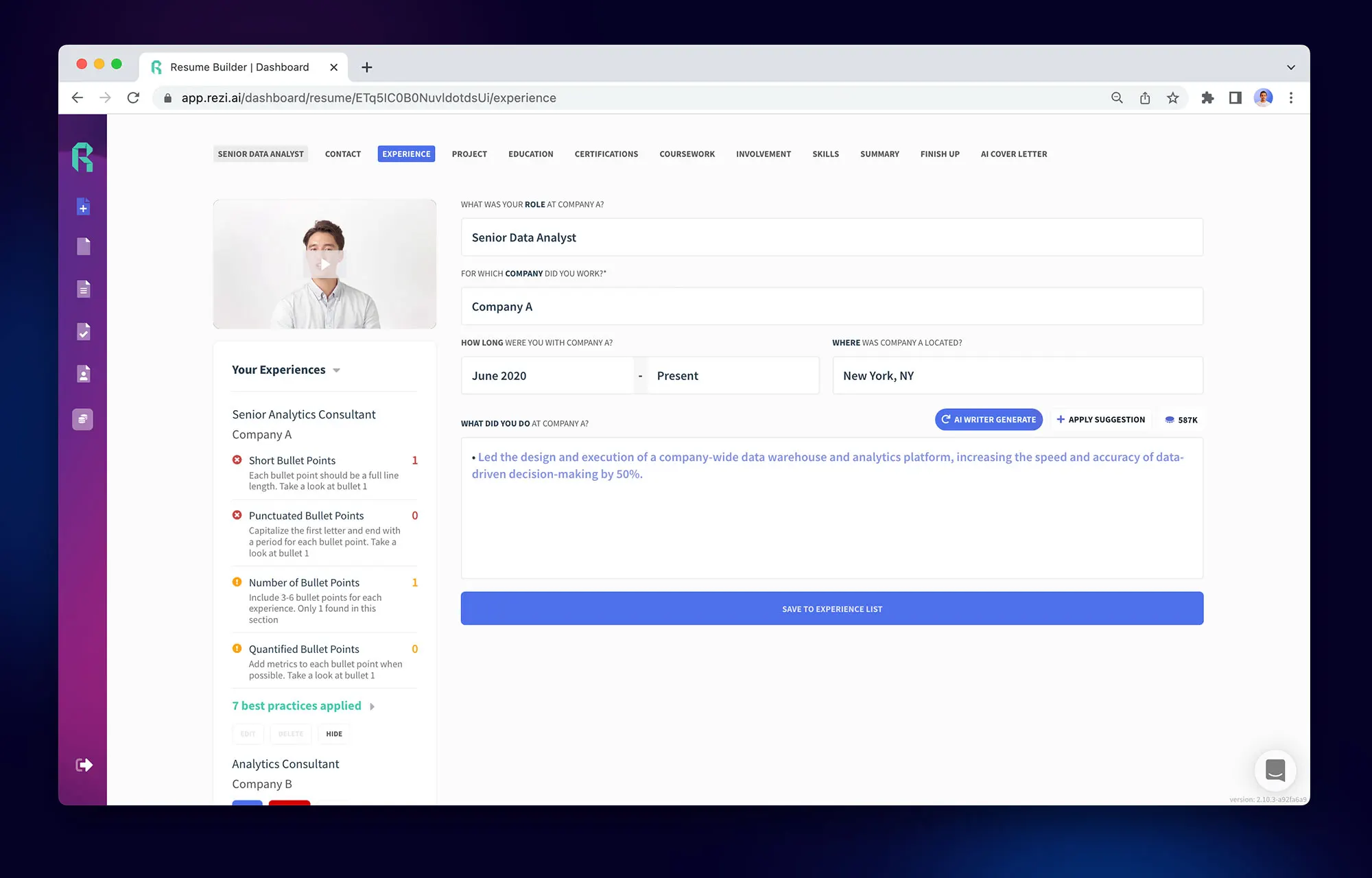
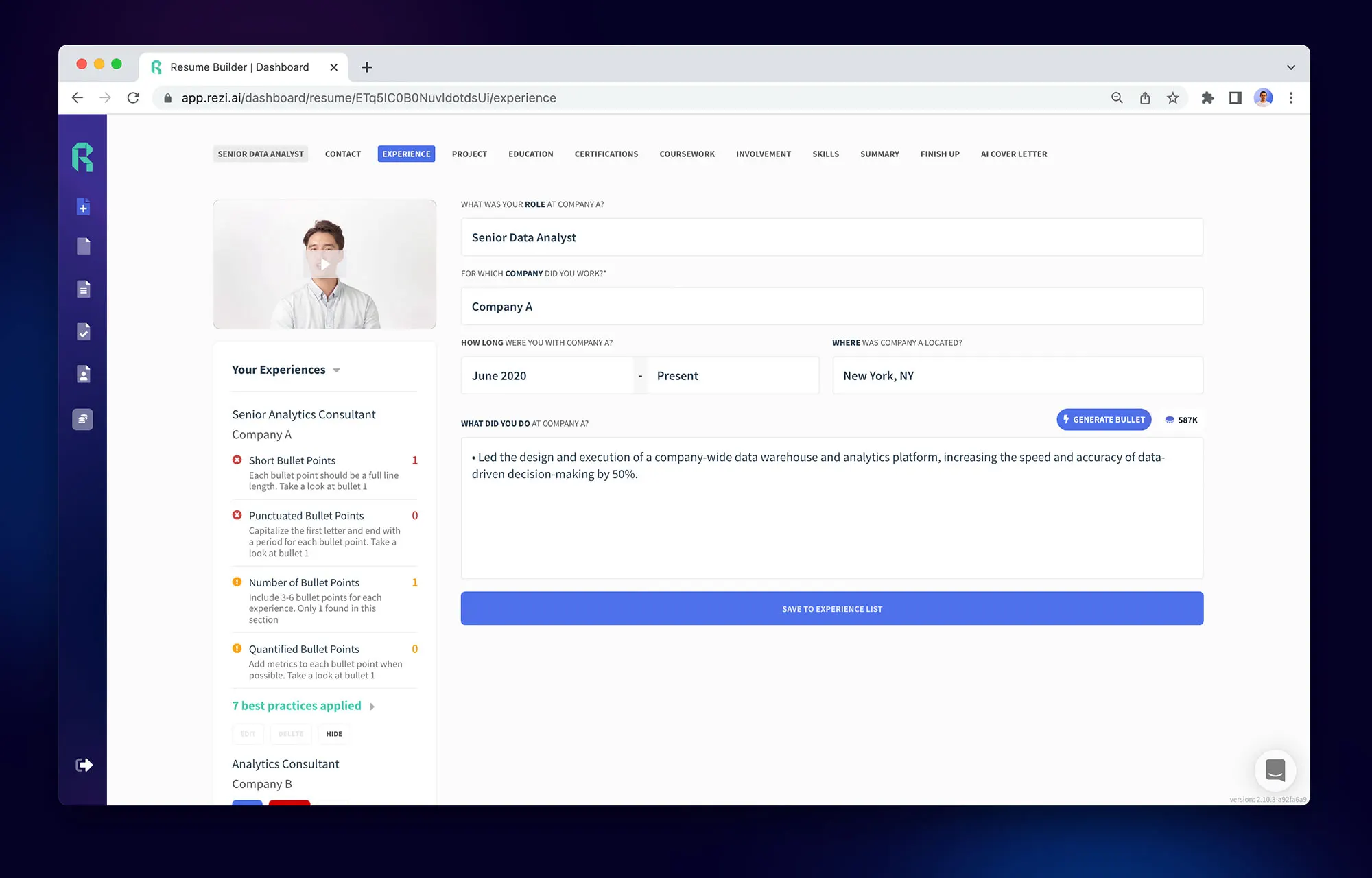
The Rezi AI Resume Builder walks you through the whole process, breaking down all the sections you should include with easy-to-follow tabs. There are fill-in-the-blank fields with examples to guide you, so you’re never left staring blankly at the screen. 

Once you’ve added the basics, you can use our AI resume writer and editor for suggestions that actually sound human.

3. Tailor your resume to the job description

Fun fact: at Rezi, we recently received 550 applications for a single job opening — two days after posting. Recruiters get a lot of interest, and if your resume gives off the impression that you didn’t even do your basic research, they’ll move on to someone who really cares. 

A decent AI resume builder will let you paste a job description and then analyze it for key skills, qualifications, and must-haves. Then, the tool aligns your resume to hit those marks, highlighting your experience in a way that mirrors the language and tone of the job post.

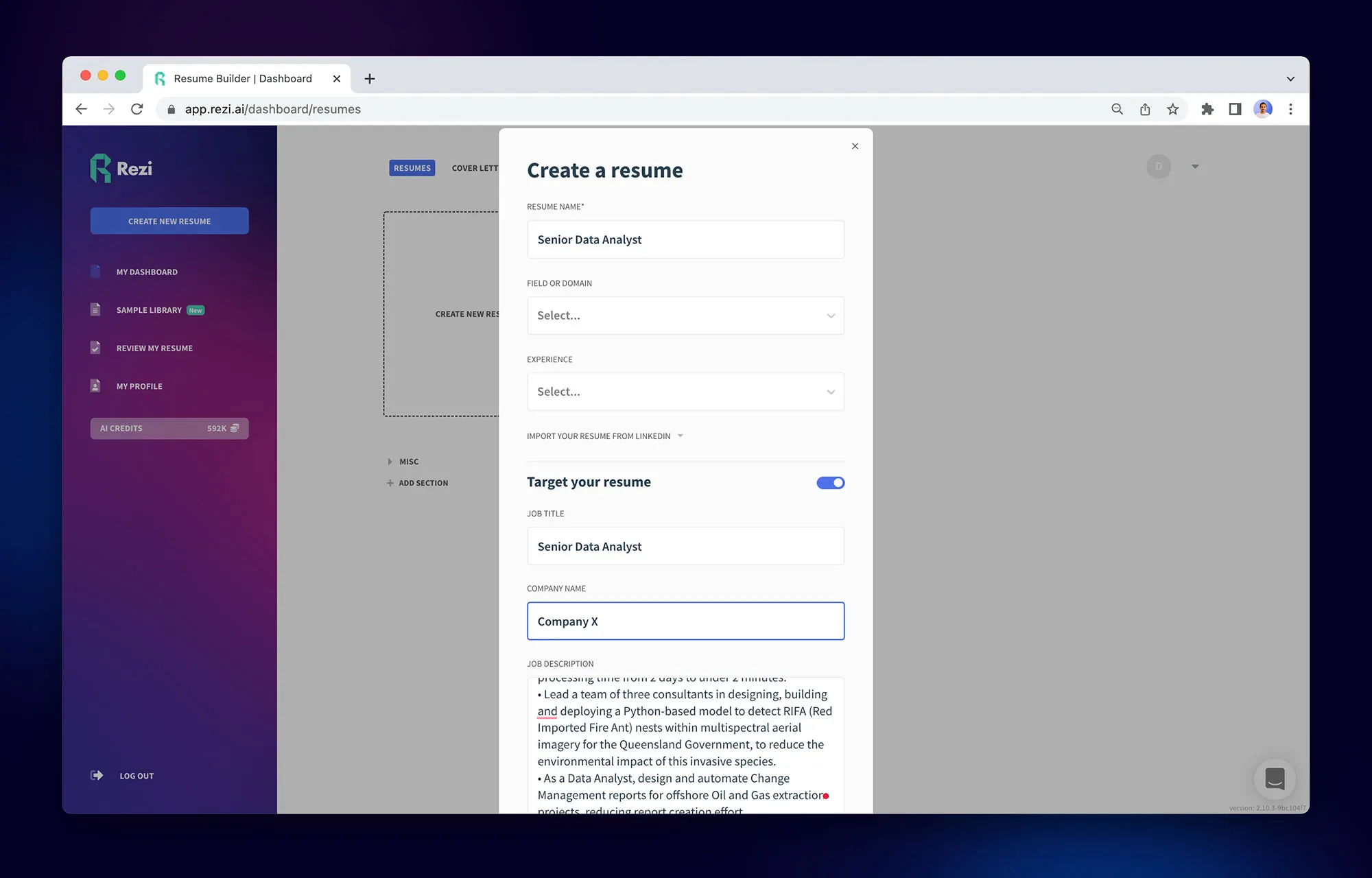
Target your resume with a job description

Our AI resume builder lets you enter the job title and company to get personalized suggestions. For example, Rezi AI Bullet Point Writer can generate resume bullet points that fit your role and match industry expectations. Even better, it’s all optimized to get through ATS scanners by recommending the right keywords.

Relevant guides: 

4. Get ATS-friendly writing suggestions

Gone are the days when recruiters manually read through each and every application; who has time for that? 

Employers use ATS to manage large volumes of job applications. It sorts, filters, and ranks resumes, helping recruiters quickly identify top candidates and speed up the hiring process.

AI resume builders are capable of making your resume readable and rankable. That involves weaving in resume keywords and using the right formatting to get the green flag from automated filters. But it’s a balance. Just don’t stuff your resume with resume buzzwords. Stay professional and authentic while still checking those technical boxes.

Rezi AI Keyword Targeting is designed exactly for this. It analyzes the job description, the company, and the job title to suggest relevant keywords. And bonus: it improves your overall Rezi Score (more on that below), which gives you a quick overview of how strong your resume is.

Ai keyword targeting on rezi

5. Receive feedback and scores

Once your resume draft is ready, use AI to get some feedback. 

If you’re using Rezi, you’ll get a resume checker that gives you real-time feedback on formatting issues, overused phrases, and whether your bullet points are well-written. It’ll catch those generic filler words, remind you to quantify your resume achievements, and ensure your tone is consistent and professional.

Rezi also goes a step further with its Rezi Score. It evaluates your resume against 23 criteria across five categories, such as content, format, and whether your resume is job-ready. You get clear insights based on what hiring managers actually care about.

rezi score

6. Customize your resume design

Clean, simple, and professional is the way to go. 

Some platforms may offer more colorful resume designs with lots of visual elements. The Canva resume templates are a good example. However, recruiters simply want to know if you’re qualified for the job. Fancy formatting can scramble your resume and even leave out key details when going through the ATS scanner. 

A solid AI resume builder will give you organized, simple templates that keep formatting consistent and, more importantly, compatible with ATS systems. When choosing a template, avoid anything flashy, such as bright colors and questionable resume fonts

Our resume templates at Rezi aren’t trying to draw you in with Pinterest-worthy designs. They’re minimal, professional, and designed specifically to work with ATS. Our layouts ensure your information is organized and easy for machines and humans to digest. 

resume adjustments on rezi

7. Review, edit, and download

An AI resume builder can get you 80–90% of the way there, but you should still read through the final product and ensure it reflects you

Maybe you want to emphasize a specific project or tweak the tone to sound more like your voice. Editing is where you take ownership and make sure the resume aligns with how you want to present yourself.

When you're happy, download it in the right file format. Most AI resume builders let you export your resume in PDF or DOCX. Rezi AI gives you both, plus a Google Drive option. If the job ad doesn’t say which format to submit, I suggest sticking with PDF. It locks in your formatting, so your resume looks exactly how you designed it, no matter what device or software the employer is using.

Is It Worth Using AI to Create a Resume?

Yes, absolutely.

I’m firmly on team AI when creating resumes. Instead of spending hours tweaking bullet points and Googling “how to get past ATS,” you can let AI do most of the work while you focus on landing interviews. Honestly, it’s a huge time-saver and removes so much guesswork.

But don’t just take my word for it. Our team at Rezi believes in getting honest feedback from our users. Here’s what they had to say about why using a resume builder is worth it: 

Save time and energy 

Writing a resume from scratch adds more time to an already time-consuming job-search process. AI tools make it way easier by pulling details from past roles, formatting everything for ATS, and helping you avoid staring at a blank screen. Most platforms are also beginner-friendly, with no tech skills required. 

Ali, a manufacturing engineer, shared one of his favorite time-saving features with the Rezi AI Resume Builder:

Personalize your resume for the job 

One of the best things about using AI is how well it can tailor your resume to specific job descriptions. Just paste the posting, and the tool can suggest language tweaks, highlight relevant skills, and ensure you’re speaking the employer’s language. 

Todd told us how Rezi’s software helped to bridge the gap between his skills and the job’s requirements:

Get useful feedback and insights

Ever wish someone would just tell you why your resume isn’t getting any love? AI resume tools can flag overused phrases, suggest stronger action verbs, and point out missing details. This valuable feedback helps you improve your current resume and future applications.

Here’s what Hope said about the benefits of getting feedback with Rezi’s analysis feature:

Improve your odds of getting an interview 

The US job market isn’t exactly great right now, and getting past ATS scanners is half the battle. AI resume builders help by aligning your resume with industry standards and using the right keywords to increase your chances of getting seen. In fact, out of Rezi’s 2.4 million users (and counting), there’s been a 62% interview rate with our resumes.

Chamo, one of our Rezi users, told us how using an AI resume builder landed him a job: 

Related articles:

What Are the Best AI Resume Builders?

The not-so-secret is out: I work for Rezi. And yes, I genuinely do believe it’s the best AI resume builder out there. That said, this isn’t a sales pitch, and it’s good to know your options — especially when a job’s on the line.

Here’s an overview of the best resume builders to speed up your job application process: 

  • Rezi: Rezi is your safest bet if you want your resume to get seen. It’s built for ATS success and guides you through everything, such as bullet points and keyword optimization. You also get feedback and scores to improve your chances. No flashy distractions, just a professional resume builder that helps you tell your story. 
  • Enhancv: Enhancv leans into style, with vibrant templates and visual flair. It’s fun for creative fields, but those design-heavy resumes might confuse ATS systems. The resume builder also has an “ATS Check” feature to help you tailor your experiences to the job description. However, there’s a big catch: no downloads unless you pay. 
  • Kickresume: Kickresume uses GPT-4 and flashy templates to make your resume stand out. It’s easy to use, includes over 20,000 pre-written phrases, and offers advanced customization. That said, some templates are just too flashy for ATS, and the best features, such as AI writing tools, sit behind a paywall.
  • Teal: Teal mixes resume building with job tracking, which is super helpful if you’re juggling multiple applications. The AI fine-tunes your content to fit each job, with keyword scans and achievement-focused edits. Just note: the designs are a little plain, and the two-column layouts could throw off ATS systems.
  • ChatGPT: ChatGPT’s not a resume builder, but it can work as a handy brainstorming tool. Give it the right prompts, and it’ll help write bullet points, summaries, and even tailor your resume to a job post. But you’ll still need to format everything yourself, or copy it into a proper builder after, so it’s not an all-in-one solution. 

Find out more about how Rezi compares to the top resume creators: 

Summary 

  • AI resume builders let you begin fresh or upload your existing resume. Many tools can scan and transfer your information into a professional format without manual copy-pasting.
  • Input your work history, education, skills, and accomplishments. The more detailed you are, the better the AI can create a tailored and impactful resume.
  • Many AI tools analyze job descriptions to pick out important keywords and qualifications. Paste the job description to match your resume to what the employer is looking for.
  • AI can suggest strong, role-specific bullet points using action verbs, measurable outcomes, and relevant skills. Keyword-optimized bullet points help your resume stand out in Applicant Tracking Systems (ATS).
  • Choose an ATS-friendly template and avoid overly designed layouts with multiple columns, graphics, or fonts that might confuse scanning software.
  • Some platforms give feedback on weak areas, overused words, or formatting issues. They may even grade your resume based on job-readiness. 
  • While AI can give you a solid first draft, you should edit and refine the tone to sound like you, not too robotic or too vague. Human touches make a difference.
  • Download your resume as a PDF or DOCX file, depending on the job requirements. PDF is safest for keeping formatting intact across different devices.
  • Use AI to easily tailor your resume for different jobs by swapping in new descriptions and updating bullet points. It’s way faster than rewriting your resume from scratch.
  • Always review the final product. AI is a powerful tool, but you know your career best, so make sure the resume truly reflects your goals and strengths.

FAQ

Is it risky to use AI to write my resume? 

Using AI to write your resume isn’t risky if you use it wisely. AI can help you format, keyword-optimize, and structure your resume. The real risk comes if you rely on AI to do everything without reviewing the content yourself. 

AI might miss nuances in your experience or create generic phrases that don’t reflect your voice. Always review and edit your AI-generated resume to ensure it accurately represents your achievements and sounds like you. Think of AI as a helpful tool to speed up the process, not a replacement for your judgment or personality.

What’s the best way to make a resume online?

The best way to make a resume online is by using a trusted resume builder that guides you step-by-step. Look for one that offers modern templates, helps with formatting, and ideally uses AI to suggest bullet points and optimize keywords. 

Rezi, for example, lets you start from scratch or upload a resume, then refines it based on your job target. Most builders also let you paste in job descriptions to tailor your resume, which boosts your chances with Applicant Tracking Systems (ATS). Just make sure you edit the final version yourself so it reflects your voice and real experience. 

How to make a professional resume?

To make a professional resume, focus on clarity, structure, and relevance. Start with your contact details, then use a reverse-chronological order to cover your summary, work experience, education, and skills. In your resume work experience section, use bullet points to highlight achievements (not just duties) and add numbers to show impact. 

Tailor everything to the job you’re applying for by mirroring keywords from the job description. Avoid flashy or colorful template designs unless you’re in a creative field. AI resume tools like Rezi can help refine your content and check it against ATS standards. Just remember to personalize it, so it sounds like you, not a robot.

What’s the best free resume builder?

Rezi is one of the best options available if you’re targeting jobs that use ATS. The free version offers the resume writer, editor, and summary generator features. You also get limited access to the Rezi Score, AI Keyword Targeting, and Real-Time Content Analysis. 

Teal is another solid pick, especially if you’re also managing a job search. For more creative fields, Kickresume has a strong visual design, though the free version is limited. Just keep in mind that some “free” builders (ahem, Enhancv) will let you create the resume but charge you to download it, so always double-check before investing your time.

How to make a resume template?

If you want to create your own resume template, keep it simple and professional. Use a readable font (like Arial or Calibri), keep sections clearly labeled, and stick to consistent formatting. 

A basic structure includes your name and contact details at the top, followed by a resume summary, work experience, education, and skills. Use bullet points to outline your professional achievements and leave plenty of white space. You can build a template in Google Docs, MS Word, or use a resume builder to generate one for you. Whatever route you take, make sure it’s ATS-friendly by avoiding graphics and complex formatting.

What’s the best CV builder?

For a strong CV builder, it depends on your needs, such as an academic CV vs. an industry document. Rezi works well across the board, especially if you need help tailoring your CV to a specific job or field. It’s great for keeping things professional, structured, and ATS-ready. Ultimately, the best CV builder helps you organize your experience clearly, lets you edit easily, and keeps your formatting consistent throughout.

Lauren Bedford

Lauren Bedford is a seasoned writer with a track record of helping thousands of readers find practical solutions over the past five years. She's tackled a range of topics, always striving to simplify complex jargon. At Rezi, Lauren aims to craft genuine and actionable content that guides readers in creating standout resumes to land their dream jobs.

Crafting content
Creative pursuits
Exploring new places
Ready to build
your resume?

Join over 3 million people who use Rezi to take control of their job search.